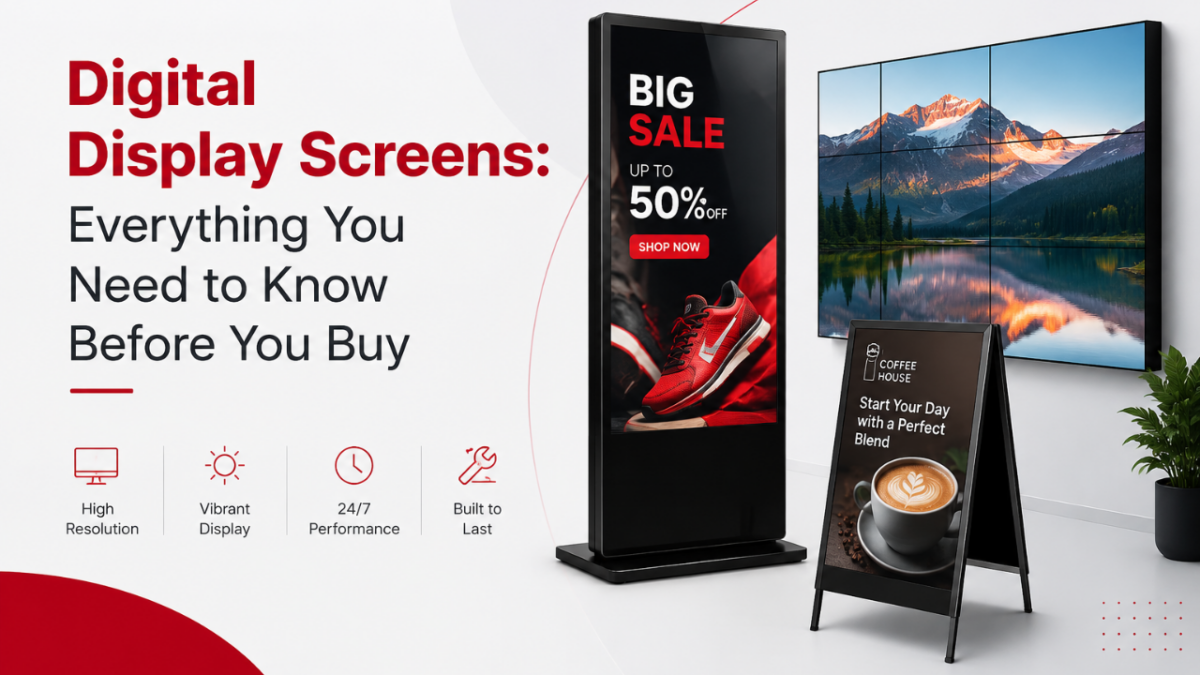
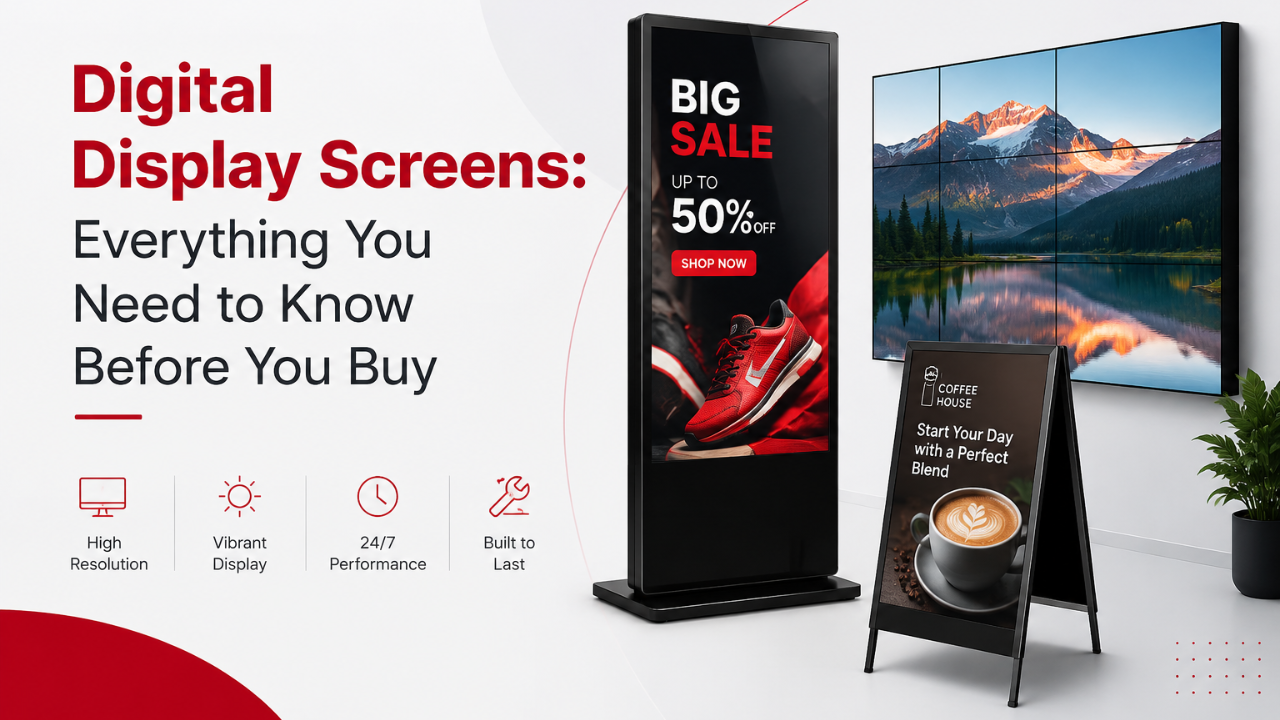
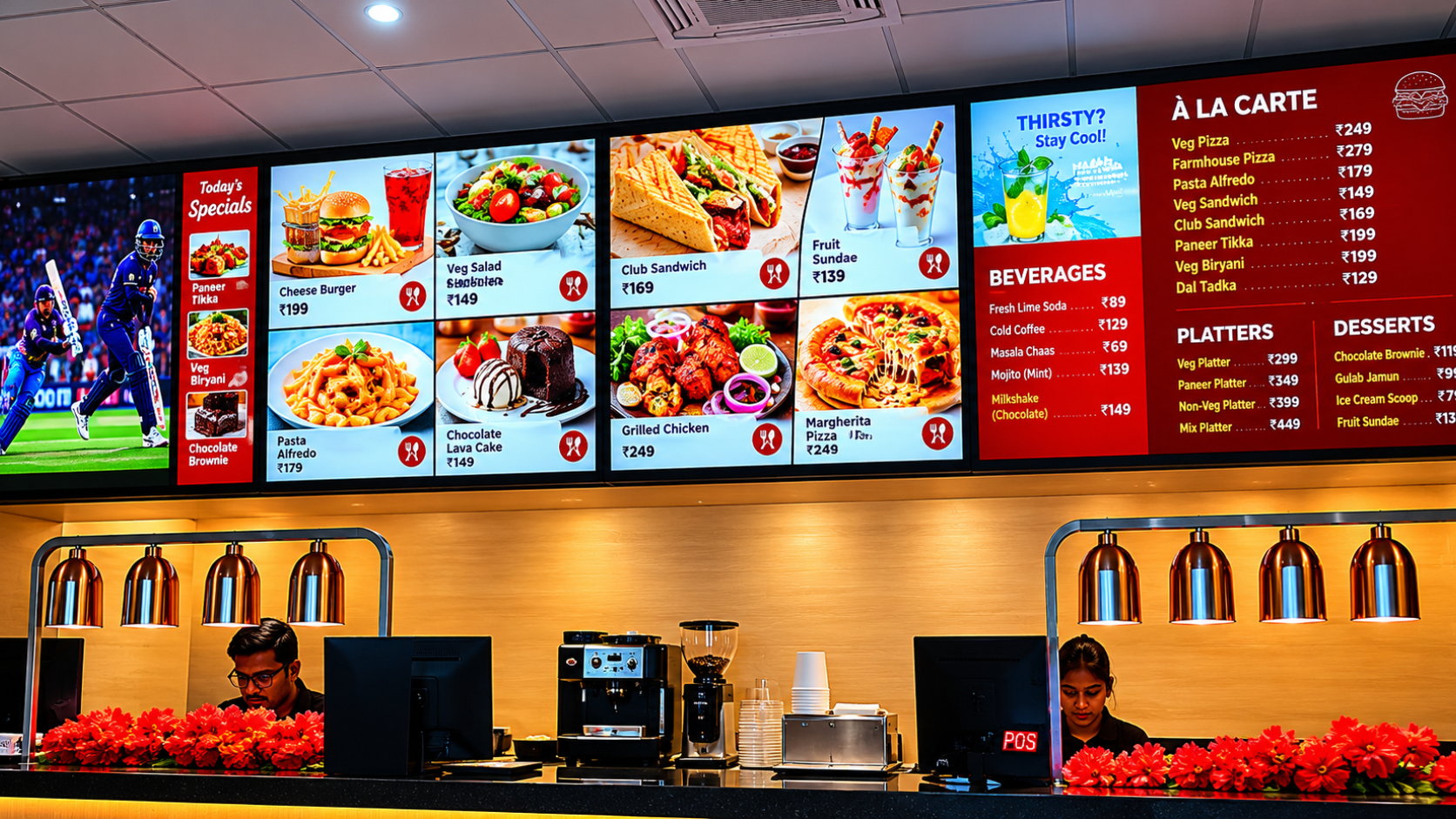
A screen is a screen, right? Not quite. When a retail store owner in Mumbai asks for a display for their shop entrance, the answer is very different from what a hospital in Hyderabad needs or what a billboard company in Delhi requires. Every space, every environment, and every budget points to a different display technology.
This guide explains every major display technology in plain language, how they compare, and which one makes sense for different business situations in India. By the end, you will know exactly what to ask for and what to avoid.
What Is Display Technology?
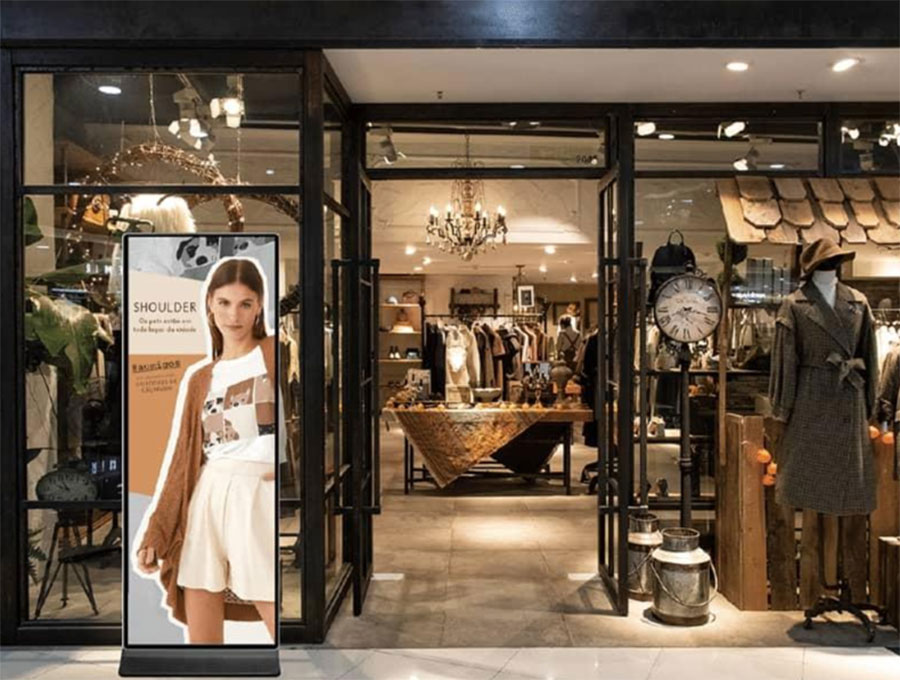
Display technology refers to the collection of methods and engineering used to generate visual output on screens. This includes everything from the 43-inch standee at a retail store entrance to the massive LED billboard on a highway to the monitor on a doctor's desk in a clinic.
Every screen uses one of a small number of core technologies to produce light and form an image. Understanding these technologies helps you make smarter decisions about which screen to buy for your business, how long it will last, and whether it will actually perform well in your specific environment.
"Intelisa's digital signage platform is display agnostic. Whether you are using an LCD screen in your office, an LED video wall in your mall, or a commercial standee at your store entrance, Intelisa manages content across all of them from one dashboard."
Intelisa Product Team
60%+
New smartphones now ship with OLED panels
$100B
Global flat panel display market in 2025
20%+
Annual DOOH growth rate in India
How Display Technology Has Changed Over the Years
Understanding where displays came from helps you appreciate why today's screens are so much better for business use. The shift has been dramatic.
Early 1900s to 1990s
CRT (Cathode Ray Tube) Displays
The original television and monitor technology. CRT screens used an electron beam to light up phosphors on a glass tube. They were heavy, thick, power-hungry, and produced a lot of heat. A 27-inch CRT weighed over 30 kilograms. These are now completely obsolete for commercial use.
Late 1990s to 2000s
Plasma Display Panels
Plasma screens used tiny gas cells to produce light and offered excellent color accuracy and wide viewing angles. They were popular for large home TVs. However, they were heavy, prone to screen burn-in, and consumed a lot of power. Plasma displays are no longer manufactured.
2000s to Present
LCD Flat Panel Displays
LCD technology changed everything. Slim, light, affordable, and energy-efficient, LCD screens became the default choice for TVs, monitors, laptops, and commercial displays worldwide. LCD remains the most widely used display technology in Indian businesses today.
2010s to Present
LED and OLED Displays
LED displays replaced fluorescent backlights with LED light sources, making screens brighter, thinner, and more durable. OLED took things further by making each pixel emit its own light, enabling perfect blacks, deeper contrast, and significantly thinner panels.
2020s and Beyond
MicroLED, QLED, and Transparent Displays
The current frontier. MicroLED combines the brightness of LED with the pixel-level control of OLED. QLED uses quantum dots to achieve wider color ranges. Transparent OLED creates see-through displays used in luxury retail and automotive applications.
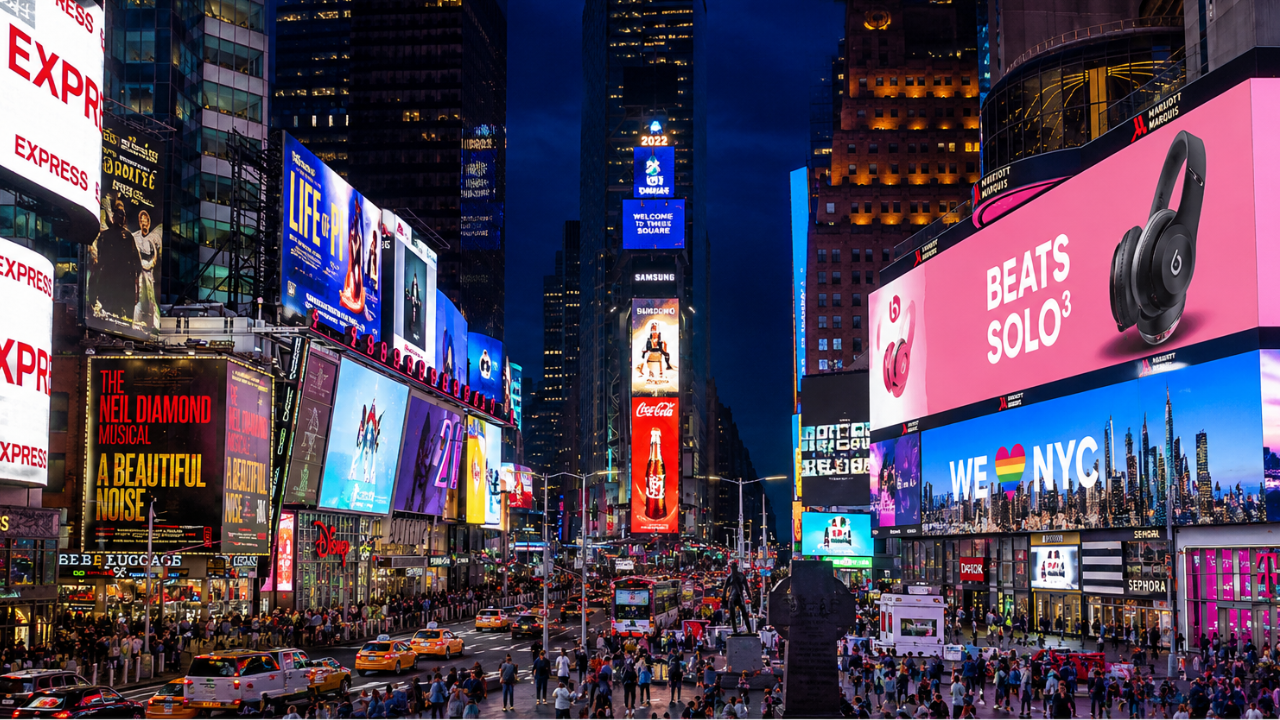
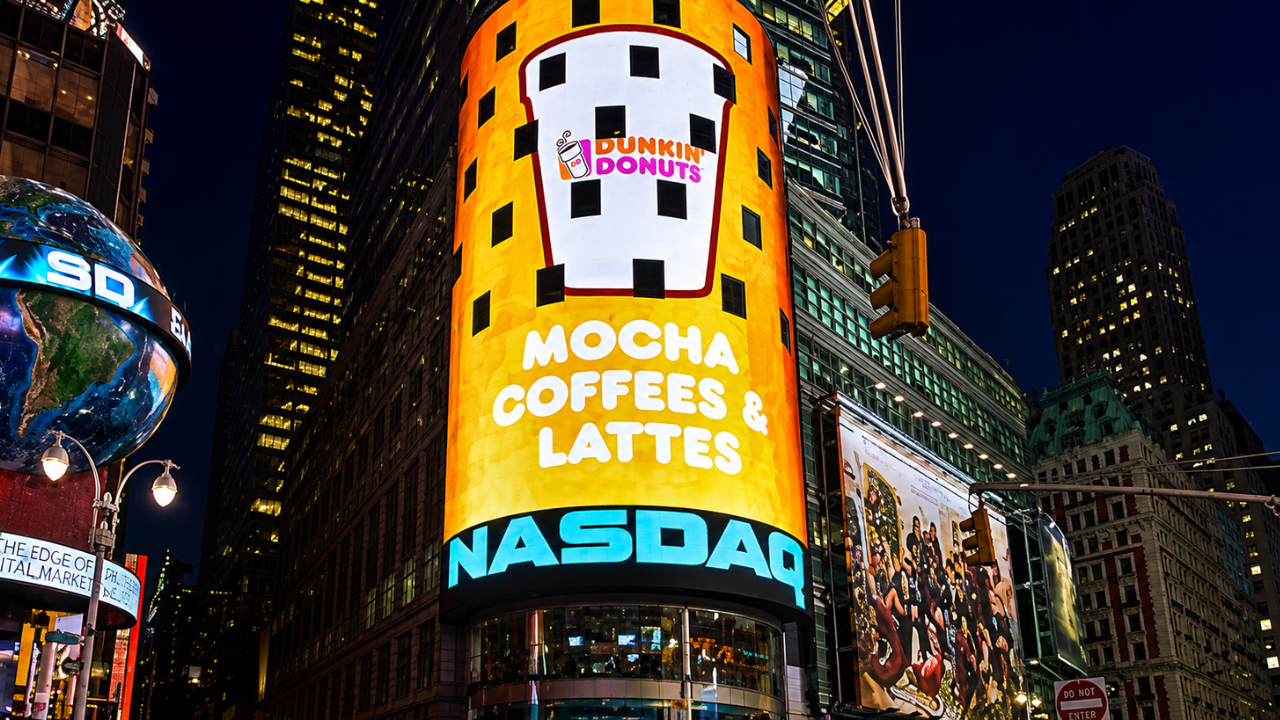
Large outdoor LED display screens at Times Square, New York - a well known example of modular LED technology
Two Fundamental Categories of Display Technology
Before diving into individual technologies, it helps to understand that all displays fall into one of two broad categories. This distinction matters a great deal for commercial use.
Self-Emissive Displays
These screens generate their own light at the pixel level. Each pixel produces its own light without needing a separate backlight. Examples include OLED, MicroLED, Plasma, and QLED. They typically deliver deeper blacks, higher contrast, and wider viewing angles. They are generally more expensive but deliver superior image quality.
Light-Inducing Displays
These screens need an external backlight or ambient light to function. Examples include LCD, TFT-LCD, IPS, VA, and E-Ink. The backlight shines through or reflects off layers that form the image. They are more affordable and well-suited for most commercial environments in India. LCD is the dominant type in this category.
Self-Emissive Display Technologies
These are the premium end of the display technology spectrum. Each pixel produces its own light, which removes the need for a separate backlight and unlocks significantly better image quality.
OLED (Organic Light Emitting Diode)
OLED is currently the most commercially successful self-emissive technology. Each pixel in an OLED screen contains organic compounds that emit light when an electric current passes through them. When a pixel needs to be black, it simply turns off. This delivers true blacks and infinite contrast ratios that no backlit display can match.
Over 60 percent of new smartphones shipped globally now use OLED panels. In commercial display applications, OLED is used in premium retail showrooms, luxury hotels, broadcast studios, and high-end corporate lobbies where the visual impact needs to be exceptional.
Key Characteristics
- True blacks with infinite contrast ratio
- Extremely thin and lightweight panels
- Wide viewing angles with no color shift
- Fast response times, ideal for video content
- Higher cost per inch compared to LCD
- Risk of image burn-in with static content displayed for long hours
MicroLED
MicroLED is the next step after OLED. Instead of organic compounds, it uses microscopic inorganic LED modules for each pixel. This gives MicroLED the pixel-level light control of OLED but with significantly higher brightness, longer lifespan, and no burn-in risk. MicroLED panels can achieve brightness levels above 1,000 nits, making them suitable for well-lit commercial environments where OLED would struggle.
MicroLED is currently used in ultra-premium applications such as Samsung's "The Wall" video installations and Apple Watch displays. As manufacturing costs come down, MicroLED will likely become the leading technology for large commercial video walls in India over the next five to seven years.
Key Characteristics
- Highest brightness among self-emissive displays
- No burn-in risk (inorganic materials)
- Very long lifespan, 100,000+ hours
- Modular construction allows any screen size or shape
- Currently expensive, suitable for premium installations
QLED (Quantum Dot LED)
QLED is technically an enhanced LCD technology rather than a true self-emissive display, though it is often marketed alongside OLED. QLED uses a layer of quantum dots, microscopic semiconductor particles, to convert blue LED backlight into more accurate red and green light. The result is a wider color gamut and higher brightness than standard LCD displays without the cost of OLED.
In commercial terms, QLED displays are excellent for retail environments with bright ambient lighting where the extra color saturation and brightness make promotional content look vibrant and attractive.
Light-Inducing Display Technologies: The LCD Family
LCD and its variants remain the backbone of commercial display installations worldwide, including India. Understanding the differences between LCD subtypes helps you choose the right panel for your specific use case.
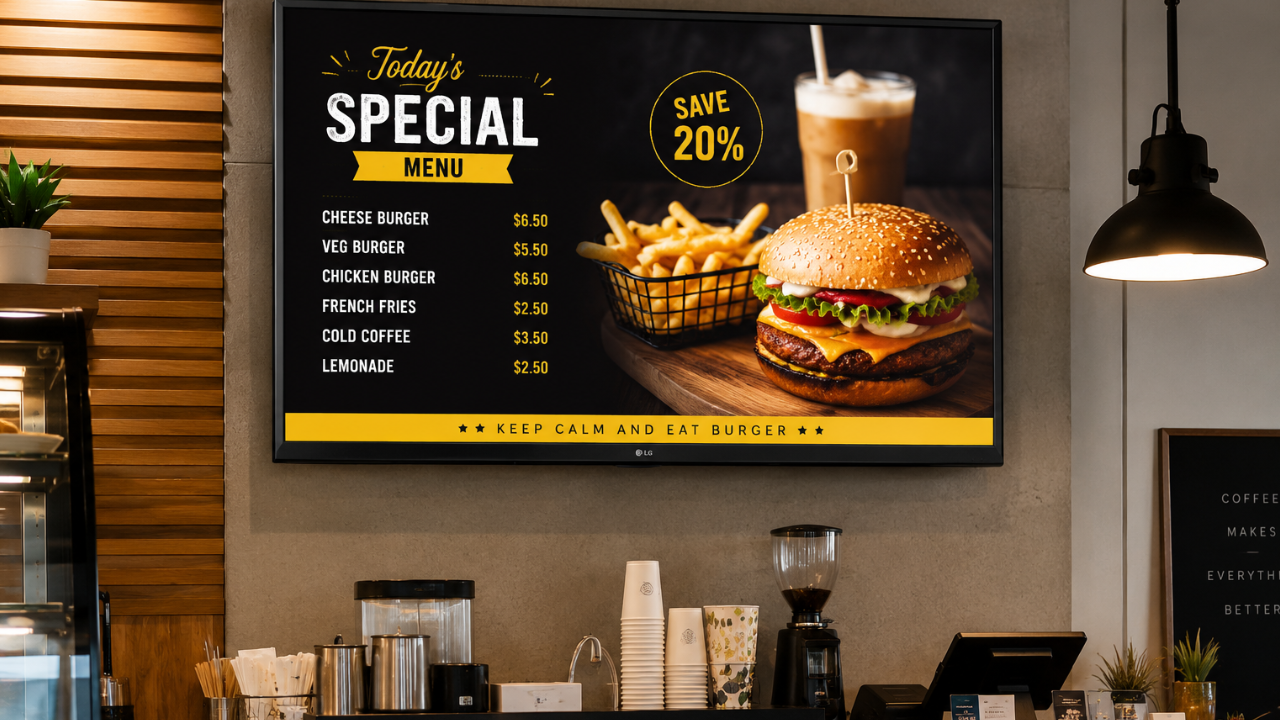
Standard television screens with LCD technology are a low-cost entry point for digital signage in smaller businesses
Standard LCD (Liquid Crystal Display)
An LCD screen uses liquid crystal cells sandwiched between two polarized glass layers. A backlight (fluorescent or LED) illuminates the panel from behind, and the liquid crystals act as tiny shutters that allow or block light to form the image. LCD is the most widely used display technology in India for commercial applications because of its affordability, reliability, and range of available sizes.
TFT-LCD (Thin-Film Transistor LCD)
TFT-LCD is an improvement on standard LCD. Each pixel is controlled by a dedicated thin-film transistor, which allows much more precise control over individual pixels. The result is sharper images, better color reproduction, and faster response times. Virtually all modern LCD screens used in commercial digital signage are TFT-LCD panels.
IPS LCD (In-Plane Switching)
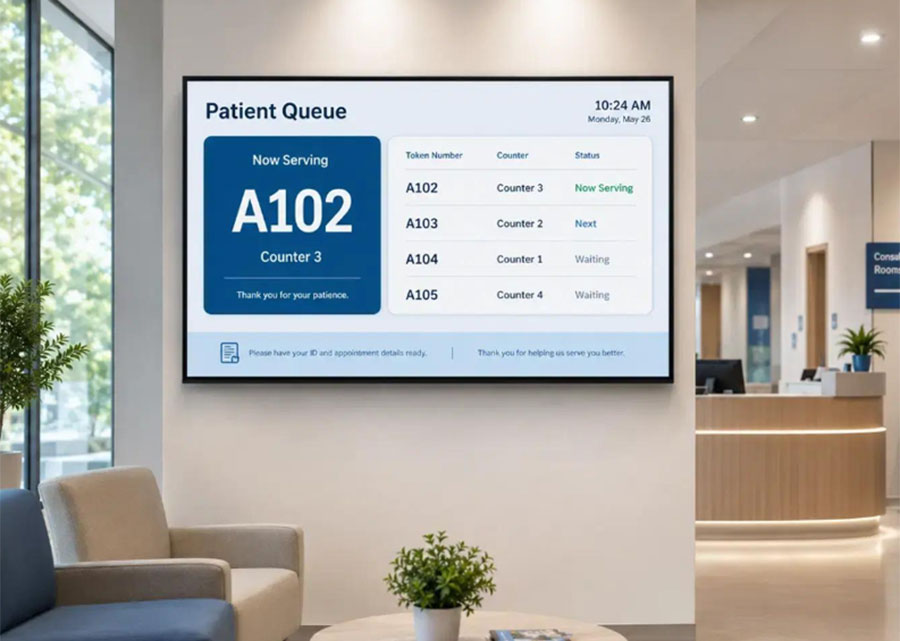
IPS is a variant of TFT-LCD where the liquid crystal molecules align horizontally rather than twisting. This gives IPS panels their most important advantage: excellent viewing angles. You can view an IPS screen from almost any angle without the colors shifting or the image washing out. IPS panels are the preferred choice for queue management screens, reception displays, and any situation where multiple people view the screen from different positions.
Key Characteristics of IPS
- 178-degree viewing angles both horizontally and vertically
- Accurate and consistent color reproduction
- Better for bright, well-lit environments
- Slightly slower response time than TN panels
- Preferred for professional, medical, and signage applications
VA LCD (Vertical Alignment)
VA panels align liquid crystals vertically when no voltage is applied. This produces deeper blacks and higher contrast ratios than IPS panels, making VA a good choice for video walls and large display installations where image depth and richness matter. The tradeoff is slightly narrower viewing angles compared to IPS.
TN LCD (Twisted Nematic)
TN panels are the oldest and most basic LCD type. They have faster response times than IPS or VA but significantly worse color accuracy and very poor viewing angles. TN panels are primarily used in entry-level computer monitors and gaming screens. They are generally not recommended for commercial digital signage applications.
Complete Display Technology Comparison
This table brings all the major technologies together for a direct comparison. Use this as a reference when evaluating screens for your business.
| Technology |
Contrast Ratio |
Brightness |
Viewing Angle |
Lifespan |
Best For |
| LCD (IPS) |
1,000:1 to 5,000:1 |
300 to 700 nits |
178 degrees |
50,000+ hrs |
Indoor retail, offices, hospitals |
| LCD (VA) |
3,000:1 to 8,000:1 |
300 to 600 nits |
160 degrees |
50,000+ hrs |
Video walls, large indoor displays |
| LCD (TN) |
600:1 to 1,500:1 |
250 to 400 nits |
Narrow |
50,000+ hrs |
Basic monitors only |
| LED (Outdoor) |
High |
2,500 to 10,000+ nits |
Wide |
100,000+ hrs |
Outdoor billboards, DOOH, facades |
| OLED |
Infinite |
200 to 600 nits |
178 degrees |
30,000 to 50,000 hrs |
Luxury retail, premium lobbies |
| QLED |
3,000:1 to 6,000:1 |
500 to 2,000 nits |
Medium |
60,000+ hrs |
Bright retail, showrooms |
| MicroLED |
Very High |
1,000 to 5,000+ nits |
Wide |
100,000+ hrs |
Premium video walls, luxury installs |
| E-Ink (EPD) |
Low |
Ambient only |
Wide (reflective) |
Very long |
Price tags, e-readers, low-power signs |
| Transparent OLED |
High |
Medium |
Wide |
30,000+ hrs |
Jewelry, auto showrooms, exhibitions |
| DLP |
High |
Very High (projector) |
Depends on throw |
Long (lamp dependent) |
Cinema, large event projection |
Other Important Display Technologies
True LED Module Displays (Direct View LED)
A direct view LED display, often simply called an LED wall or LED panel, is not the same as an LCD with LED backlighting. A true LED display uses individual LED chips as both the light source and the image-forming element. There is no glass panel, no backlight, and no liquid crystals involved.
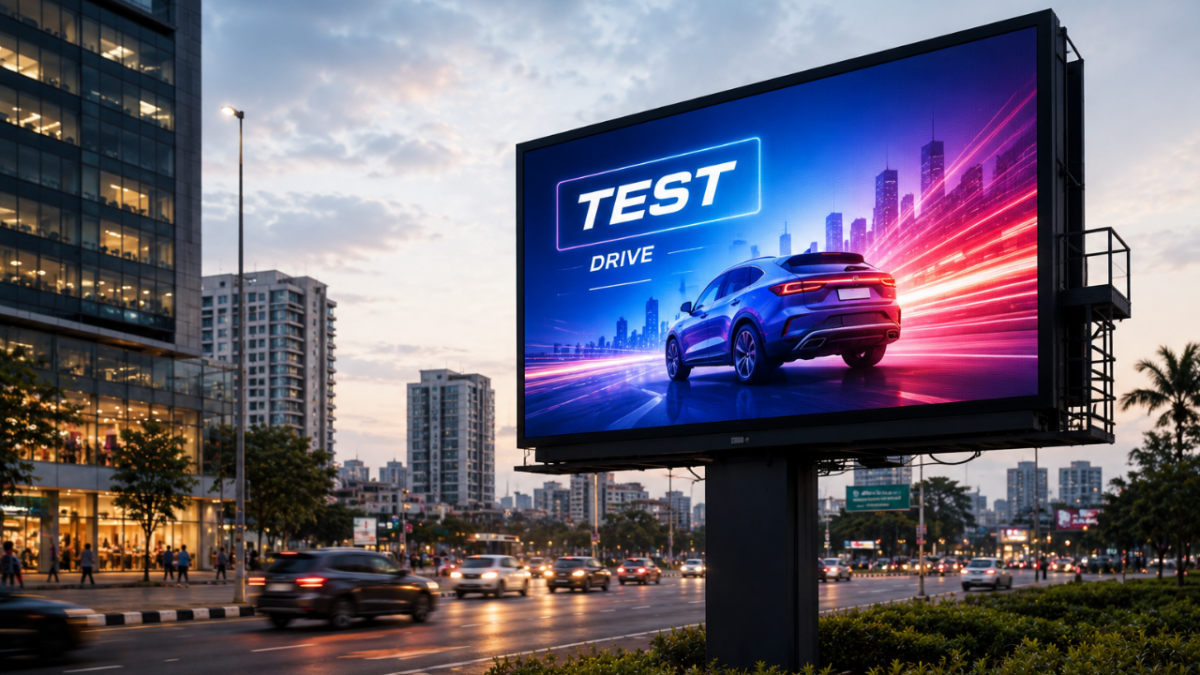
This makes direct view LED the brightest of all display types, capable of reaching 10,000 nits or more for outdoor applications. Their modular construction means you can build a screen of virtually any size by tiling panels together. LED video walls in corporate lobbies, outdoor digital billboards, and large event backdrops all use this technology.
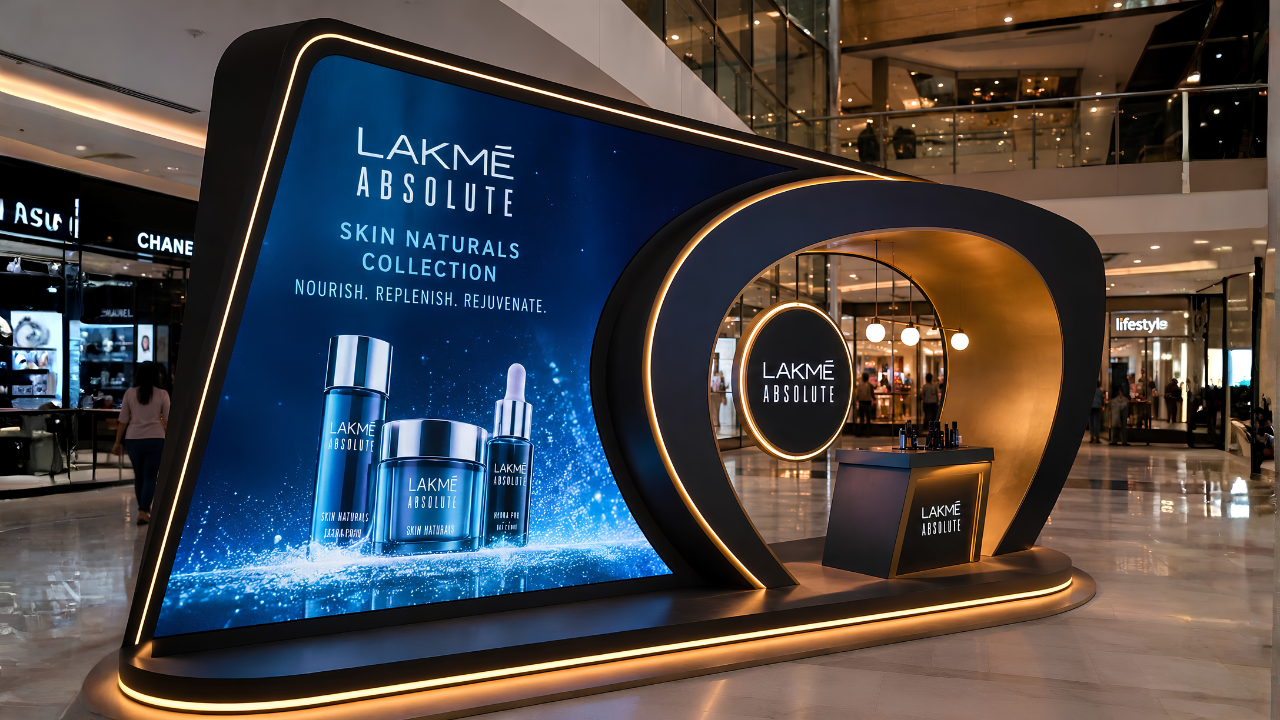
Creative fabricated displays using LED technology can be designed in custom shapes and sizes for maximum brand impact
DLP (Digital Light Processing)
DLP technology uses millions of microscopic mirrors on a chip to reflect light and form an image. Each mirror represents one pixel and tilts toward or away from the light source to produce bright or dark areas. DLP is primarily used in projectors for cinema, conference rooms, and large event projection. It is not commonly used for flat commercial displays but is worth understanding for event and presentation contexts.
E-Ink (Electronic Paper Display)
E-Ink or EPD screens work by moving charged particles through a fluid using an electric field. When the image is set, the particles hold their position without any power. The screen only consumes electricity when the image changes. This makes E-Ink displays extremely energy-efficient, using near-zero power when displaying static content.
In commercial settings, E-Ink is used for electronic price labels in supermarkets and retail stores, shelf-edge displays, and low-update information boards in libraries or transit stations. The limitation is that E-Ink cannot play video and refreshes slowly.
Transparent Displays
Transparent OLED or transparent LCD panels allow viewers to see both the displayed content and whatever is behind the screen. The effect creates visuals that appear to float in mid-air. Transparent displays are used in premium jewelry showrooms to display pricing and product info while the product remains visible, in automotive showrooms to overlay specifications on the vehicle, and in museum exhibitions to layer information over physical artifacts.
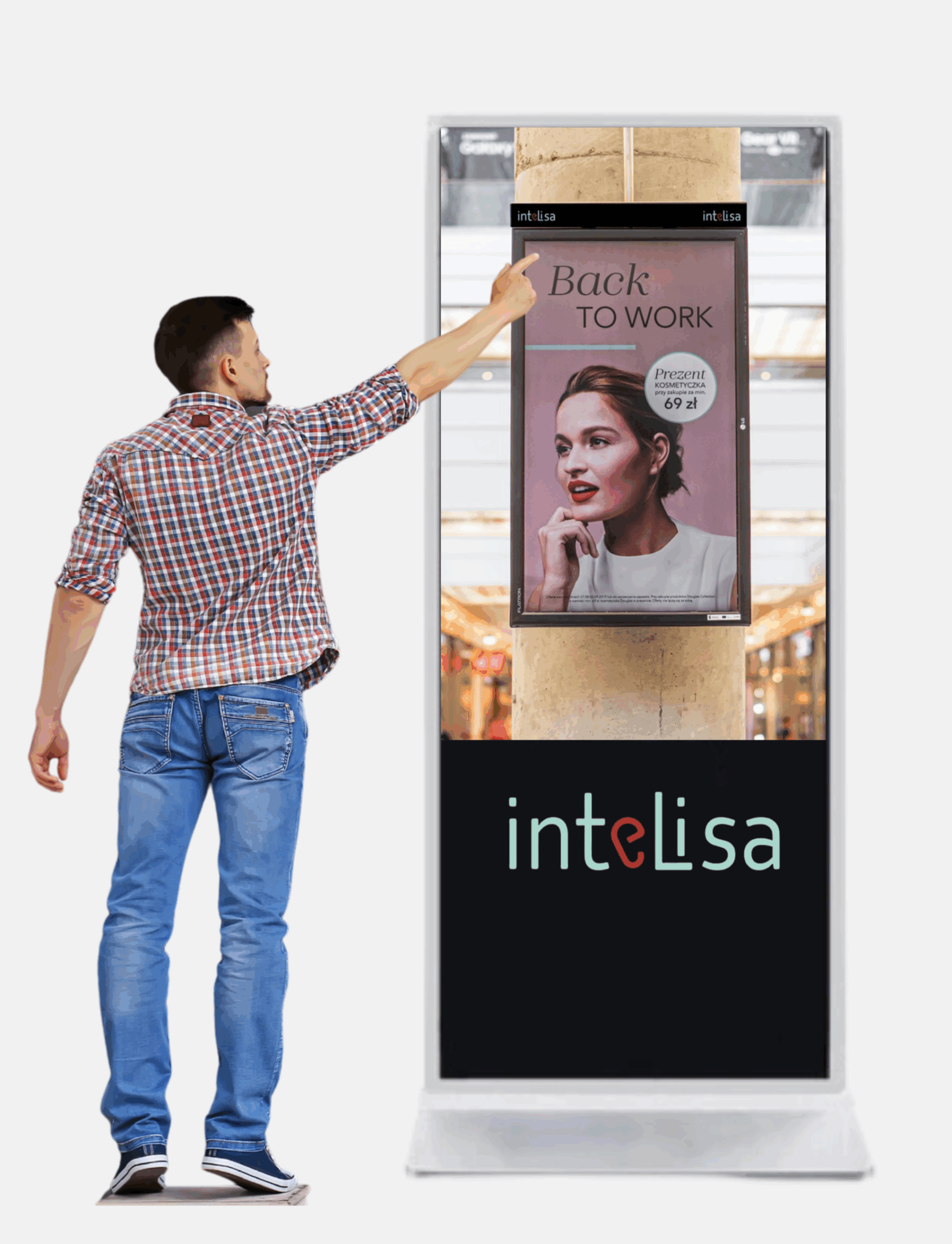
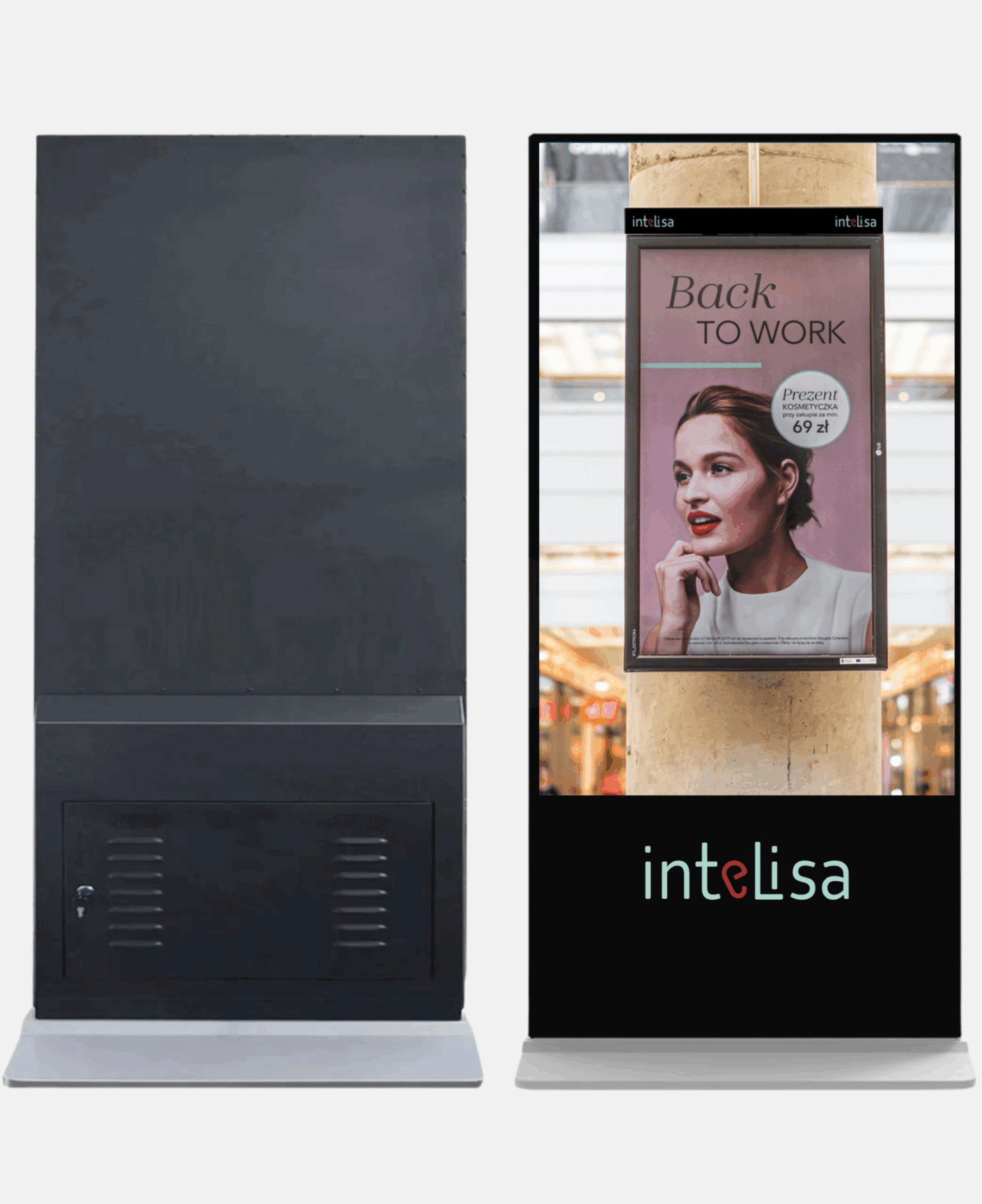
Intelisa Digital Standees
Commercial-grade floor standees powered by Intelisa's cloud software. Available in 43" and 55" sizes with commercial IPS panels, inbuilt Android, speakers, and toughened glass.
- Full HD and 4K resolution options
- 400 to 500 Nits brightness (commercial indoor grade)
- 24x7 commercial operation rated
- 60,000+ lifetime hours
- Inbuilt Android media player and speakers
- Manage remotely from Intelisa CMS
View All Standee Products
How to Choose the Right Display Technology for Your Business
With so many options, it is easy to feel overwhelmed. The right choice comes down to four things: where the screen is placed, how bright the environment is, what type of content you will show, and how many hours per day the screen will run. Here is a practical guide for Indian businesses.
| Business Type |
Recommended Technology |
Reason |
| Retail store, indoor |
Commercial IPS LCD or LED |
Wide viewing angles for multiple customers, affordable, durable |
| Restaurant or cafe |
Commercial LCD (IPS or VA) |
Bright enough for well-lit dining areas, sharp for menu text and food images |
| Corporate office lobby |
OLED or high-end IPS LCD |
Premium look for first impressions, good viewing angle for visitors |
| Hospital or clinic |
Commercial IPS LCD |
Consistent colors, wide angles for patient seating areas, durable |
| Factory floor or warehouse |
High-brightness commercial LCD |
Bright enough to be read in well-lit industrial environments |
| Outdoor billboard or facade |
Direct view LED (outdoor grade) |
2,500+ nits to overcome direct sunlight visibility |
| Shopping mall atrium |
LED video wall or large LCD |
Large size impact, high visibility from distance and multiple angles |
| Jewelry or auto showroom |
Transparent OLED or OLED |
Premium visual experience that matches the brand positioning |
| Exhibition or event stand |
LED panel or digital standee |
Portable, high visibility, flexible content |
Key Technical Specifications to Check When Buying a Display
Beyond the display technology type, these specifications directly affect how a screen performs in your environment.
Critical
Brightness (Nits)
Nits measures how much light the screen emits. For indoor commercial use, 400 to 700 nits is sufficient. For semi-outdoor or bright retail environments, look for 1,000+ nits. For outdoor use, you need at least 2,500 nits, with premium outdoor LED reaching 5,000 to 10,000 nits.
Min: 400 nits indoor, 2,500 nits outdoor
Critical
Resolution
Resolution determines how sharp the image is. Full HD (1920x1080) is the minimum for commercial displays. 4K (3840x2160) is recommended for larger screens above 55 inches or when viewed at close range, such as a standee at an event or a reception display where visitors stand close.
Minimum: Full HD. Preferred: 4K for 55+ inch
Important
Viewing Angle
Viewing angle measures how far off-center you can view the screen before colors or brightness shift. IPS panels typically offer 178 degrees both ways, meaning the image looks consistent from nearly any position. TN panels have poor viewing angles and are not suitable for public-facing commercial use.
Target: 178 degrees horizontal and vertical
Important
Operating Hours
Consumer TVs are rated for 4 to 8 hours of daily use. Commercial-grade screens are rated for 16 to 24 hours of continuous operation. All Intelisa standees and commercial displays are rated for 24x7 operation. Always check the operating hours specification before purchasing for business use.
Business use: Must be 16/7 or 24/7 rated
Technical
IP Rating (Outdoor)
For outdoor displays, the IP (Ingress Protection) rating tells you how well the screen is sealed against dust and water. IP65 means the screen is fully dust-tight and protected against water jets from any direction. Outdoor displays without at least IP65 will fail quickly in rain or dusty environments common across India.
Outdoor minimum: IP65
Technical
Pixel Pitch (LED Walls)
For LED video walls, pixel pitch is the distance in millimeters between individual LED clusters. A smaller pixel pitch (e.g., P1.5) means higher density and sharper image, suitable for close viewing. A larger pitch (e.g., P6 or P10) is used for large outdoor displays viewed from a distance. Always match the pixel pitch to the minimum viewing distance of your installation.
Indoor close-view: P2.5 or lower
How Intelisa Works With Every Display Technology
One of the most important things to understand about Intelisa is that the software is completely display agnostic. It does not matter whether you have an LCD screen, an OLED panel, a direct view LED wall, a digital standee, or a touch-screen kiosk. Intelisa manages content on all of them from the same platform.
1
Any Screen, Any Technology
Connect Intelisa to any display via an Android media player, Amazon Fire Stick, Windows PC, or the built-in SoC on Samsung Smart Signage displays. The display technology underneath does not matter to the software.
2
One Dashboard for All Screens
Whether your retail chain has LCD screens in one city and LED video walls in another, you manage all of them from the same Intelisa dashboard. Schedule content, group screens by location, and push updates in seconds.
3
Content Optimized for Any Size
Intelisa's content editor lets you create layouts for any resolution and orientation. Portrait, landscape, 4K, Full HD, ultra-wide LED walls - all are supported with the same content creation tools.
4
Works Offline
All display technologies work offline with Intelisa. Content is cached locally on the media player. If the internet connection drops, your screens continue playing without interruption.

Custom LED video wall installation managed through Intelisa's cloud-based digital signage platform
Why Digital Displays Beat Static Signage Every Time
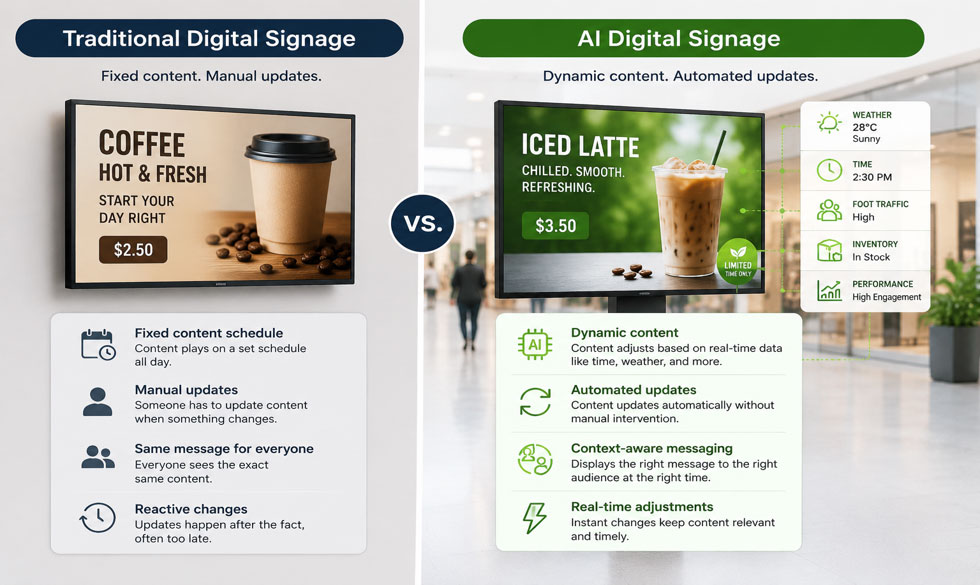
In India, a large number of businesses still rely on printed flex banners, notice boards, and paper posters for communication. These are static displays. Here is why switching to any digital display technology is a better choice for business communication.
| Communication Type |
Static Printed Signage |
Digital Display Screen |
| Update process |
Design, print, courier, install - 3 to 7 days |
Upload from phone - live in 30 seconds |
| Multiple messages |
One message per board |
Rotate unlimited messages in one screen |
| Real-time information |
Not possible |
Show live data, queues, prices, stocks |
| Personalization |
Same for everyone |
Change content by time, day, or audience |
| Recurring cost |
Every update incurs design and print cost |
Zero recurring cost after hardware purchase |
| Audience engagement |
People ignore static boards after first viewing |
Motion and video attract 3x more attention |
| Analytics |
No data at all |
Screen uptime, content logs, remote monitoring |
Every Display Technology Works With Intelisa
Whether you have one screen or five hundred, LCD or LED, Intelisa manages all of them from one platform. Join 1,000+ businesses across India already using Intelisa.
Start Your Free 14-Day Trial
Frequently Asked Questions
What is the difference between LCD and LED displays?
LCD (Liquid Crystal Display) and LED are often confused because the terms are used loosely in the market. A standard LCD display uses a fluorescent backlight to illuminate liquid crystal cells that form the image. What is marketed as an LED TV is actually an LCD screen with LED backlighting instead of fluorescent tubes. A true LED display, also called direct view LED, uses individual LED modules as both the light source and image element with no LCD layer at all. True LED displays are much brighter and are used for large video walls and outdoor billboards.
Which display technology is best for outdoor use in India?
For outdoor use in India, direct view LED displays are the best choice. They can achieve brightness levels of 2,500 to 10,000+ nits, making them clearly visible in direct sunlight. Outdoor LED displays also carry an IP65 weather protection rating, making them resistant to rain, dust, and humidity. Standard LCD or OLED screens are designed for indoor use and will not perform adequately in outdoor conditions.
Is OLED better than LCD for commercial digital signage?
OLED delivers superior image quality with true blacks, infinite contrast, and wide viewing angles. However, for most commercial digital signage applications in India, commercial IPS LCD displays offer a better balance of performance and cost. OLED screens are recommended for premium installations such as luxury retail, high-end hospitality, and corporate reception areas where the investment in superior visuals is justified. OLED also carries a risk of image burn-in when the same static content runs for extended hours, which is common in digital signage.
What is MicroLED and why is it important?
MicroLED is a display technology that uses microscopic inorganic LED modules at the pixel level, giving it the visual advantages of OLED (deep blacks, high contrast, wide viewing angles) combined with the brightness and durability advantages of standard LED. Unlike OLED, MicroLED does not use organic materials so it has no burn-in risk and a much longer lifespan. MicroLED is currently expensive and used mainly in ultra-premium video wall installations, but is expected to become more mainstream in commercial displays over the next several years.
What is the difference between IPS and VA panels?
IPS (In-Plane Switching) and VA (Vertical Alignment) are both LCD subtypes. IPS panels offer wider viewing angles (up to 178 degrees) and more accurate color reproduction, making them better for public-facing displays where people view the screen from different positions. VA panels offer higher contrast ratios and deeper blacks than IPS, but their viewing angles are slightly narrower. VA panels are better suited for direct-view applications like large indoor video walls or meeting room screens where the audience is mostly seated in front of the display.
How many nits of brightness do I need for my business display?
For a typical indoor commercial environment with standard lighting, 400 to 700 nits is sufficient. This covers most retail stores, offices, restaurants, and hospitals. For brighter environments with large windows or skylights, look for 700 to 1,000 nits. For semi-outdoor applications such as a screen near a glass entrance or in a covered outdoor area, 1,500 to 2,500 nits is recommended. For fully outdoor use in direct sunlight, 2,500 nits is the minimum and 5,000+ nits is preferred.
What is pixel pitch and why does it matter for LED video walls?
Pixel pitch is the distance in millimeters between the centers of adjacent LED clusters (pixels) on an LED panel. A smaller pixel pitch means more pixels in the same area, which means a sharper image. P1.5 means 1.5mm between pixels, which gives a very high-resolution image suitable for close viewing like a corporate lobby or retail store. P6 or P10 is used for large outdoor displays viewed from many meters away where the coarser pixel structure is not visible at that distance. Always choose pixel pitch based on the minimum viewing distance of your installation.
What display types does Intelisa digital signage software work with?
Intelisa works with virtually any display technology, including LCD, LED, OLED, video walls, digital standees, touch screens, and more. Intelisa's platform is display agnostic, meaning the software works with any screen connected to an Android media player, Amazon Fire Stick, Windows PC, or Samsung Smart Signage built-in player. You can manage screens of different display technologies across different locations from one Intelisa dashboard.
Can I use a consumer television for commercial digital signage in India?
While a consumer television can technically display digital signage content, it is not recommended for long-term business use. Consumer TVs are rated for 4 to 8 hours of daily use. Running them as digital signage for 12 to 16 hours per day will significantly shorten their lifespan. They also lack brightness levels suitable for bright commercial environments and do not support portrait orientation. Commercial-grade displays are rated for 16 to 24 hours of daily operation, offer higher brightness, and come with commercial warranties that cover business use.
What is a transparent display and where is it used?
A transparent display is a screen that shows content while allowing viewers to see through it to the background. This is achieved using transparent OLED or transparent LCD technology. The effect creates visuals that appear to float in mid-air. Transparent displays are used in premium jewelry stores to show pricing and details while the jewelry remains visible through the screen, in automobile showrooms to overlay specifications over the vehicle, and in museum exhibits to layer digital information over physical objects. The technology is relatively expensive and is typically used in high-end premium retail and luxury hospitality installations in India.
The Bottom Line for Indian Businesses
Display technology has never been more varied or more capable. From affordable commercial LCD screens that work perfectly in a retail store or restaurant, to high-brightness outdoor LED panels built for Indian weather, to premium OLED displays that make a luxury showroom look extraordinary, there is a right display for every situation and budget.
What remains constant across all of them is the need for a reliable software platform to manage the content. Intelisa is that platform. It connects to any screen, any technology, anywhere in India, and gives you full control from one login.
Talk to the Intelisa Team About the Right Display for You
Tell us your use case, your environment, and your budget. We will recommend the right display technology and show you how Intelisa manages it all.
Visit Intelisa.in
I
Intelisa Content Team
The Intelisa team writes about digital signage, display technology, and smart communication solutions for businesses across India. Questions? Write to us at info@intelisa.in