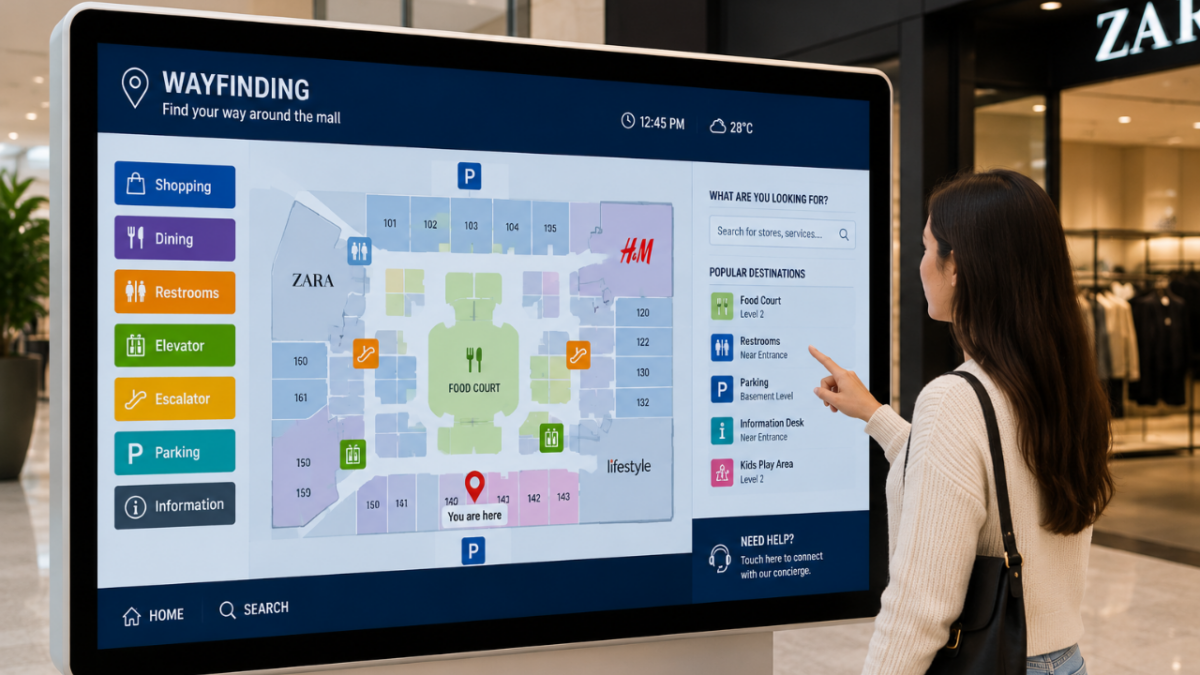
Interactive kiosks have changed the way businesses and public services deal with people. These self-service touchscreen stations are now everywhere in India, from airport check-in counters and metro ticketing machines to mall directories, QSR ordering screens and hospital registration desks. They give customers quick access to information and services, cut down waiting time, and free up staff for work that actually needs a human.
If you are thinking about adding interactive kiosks but do not know where to start, this guide covers everything you need: what they are, the main types, their benefits, the best way to roll them out, and the 2026 trends worth knowing. By the end you will have a clear picture and be ready to make a smart decision.
What Is an Interactive Kiosk?
An interactive kiosk is a self-service device that lets users complete tasks and access information on their own, without staff help. It uses a touchscreen, and often extra inputs like a card reader, scanner, printer or camera, so people can interact quickly and easily.
You will find interactive kiosks in retail stores, airports, hospitals, banks, restaurants and museums. They handle jobs like sharing information, wayfinding, self-checkout, ticketing, payments and interactive advertising. By giving a simple interface and instant access to services, a kiosk improves the customer experience, lifts efficiency, and quietly collects useful data about what people actually use.

Interactive kiosks put information and services directly in the customer's hands, with no queue and no staff needed
The Interactive Kiosk Market in 2026
Self-service is no longer a novelty, it is what customers expect. The numbers show just how fast this shift is happening, in India and worldwide.
The global interactive kiosk market is valued at roughly 37.7 billion US dollars in 2026 and is expected to keep growing steadily through the decade. India is one of the quickest movers: the country's self-service kiosk market is projected to grow at about 11 percent a year and nearly double to close to 3 billion US dollars by 2030. This growth is driven by smart-city projects, rapid airport and metro expansion, QSR self-ordering, contactless payments through UPI, and a strong push toward digital public services in tier-2 and tier-3 cities.
Benefits of Interactive Kiosks
Why are businesses across India investing in kiosks? Because the advantages show up quickly, in customer satisfaction and on the bottom line.
Better Customer Experience
Instant access to information and services means less waiting and more convenience. Customers stay in control and get served faster.
Higher Operational Efficiency
Kiosks handle routine tasks automatically, so your staff can focus on complex needs and higher-value work.
Lower Running Costs
By reducing the need for extra staff on repetitive tasks, kiosks deliver real cost savings that add up over time.
Useful Data
Kiosks capture what people browse, order and select, giving you insights to refine your services, menu and marketing.
24 x 7 Availability
Many kiosks run round the clock, offering services and information well outside normal business hours.
Consistent Service
Every customer gets the same accurate, on-brand experience, with no variation and no off days.
Types of Interactive Kiosks
Different jobs call for different kiosks. Here are the main types used in India, with where each one fits best.
Information Kiosks
Information kiosks give users details on directions, schedules, services and general queries. They are the simplest and most common type.
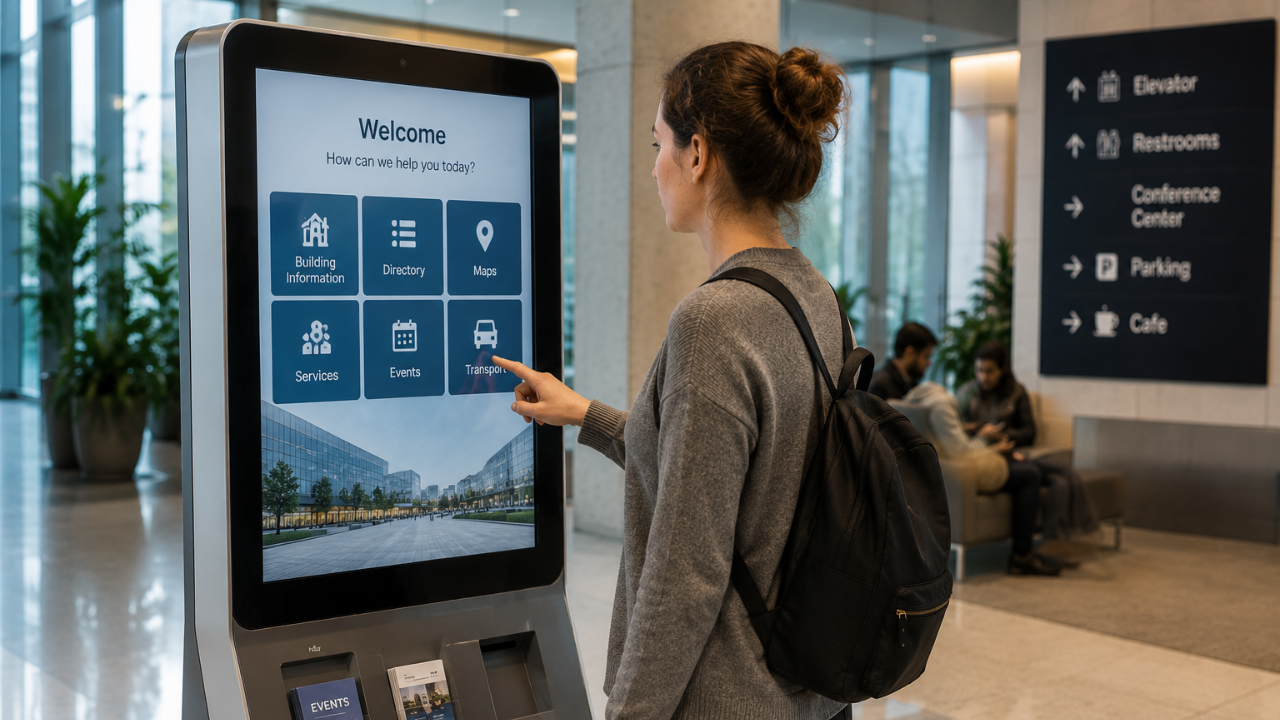
Common uses: museums, airports, universities and shopping malls
Retail Kiosks
Built for shopping, retail kiosks let customers browse products, check prices and stock, compare options and even complete a purchase. Modern versions add AI-based product recommendations and virtual try-on.
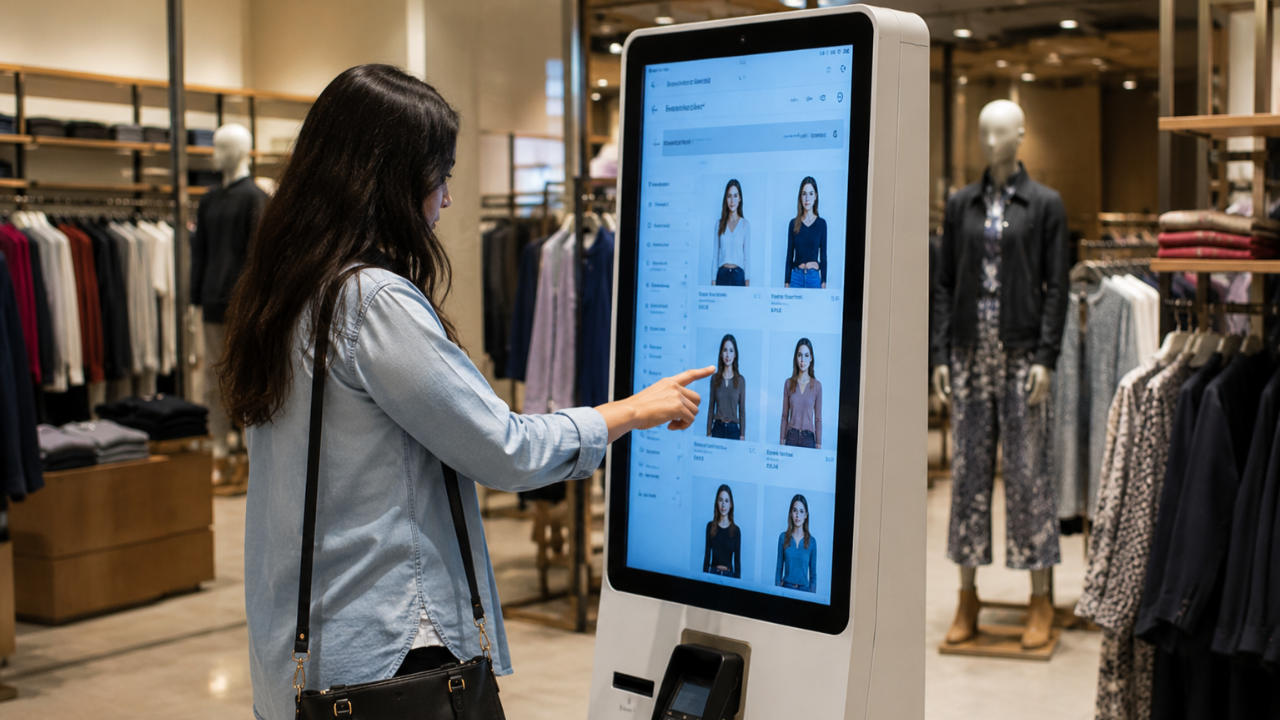
Common uses: retail stores, malls and trade shows
Self-Service Kiosks
These let users complete tasks themselves, like check-ins, orders, registrations and payments. In QSRs, self-ordering kiosks are now a common sight and are known to lift average order value through smart upselling.
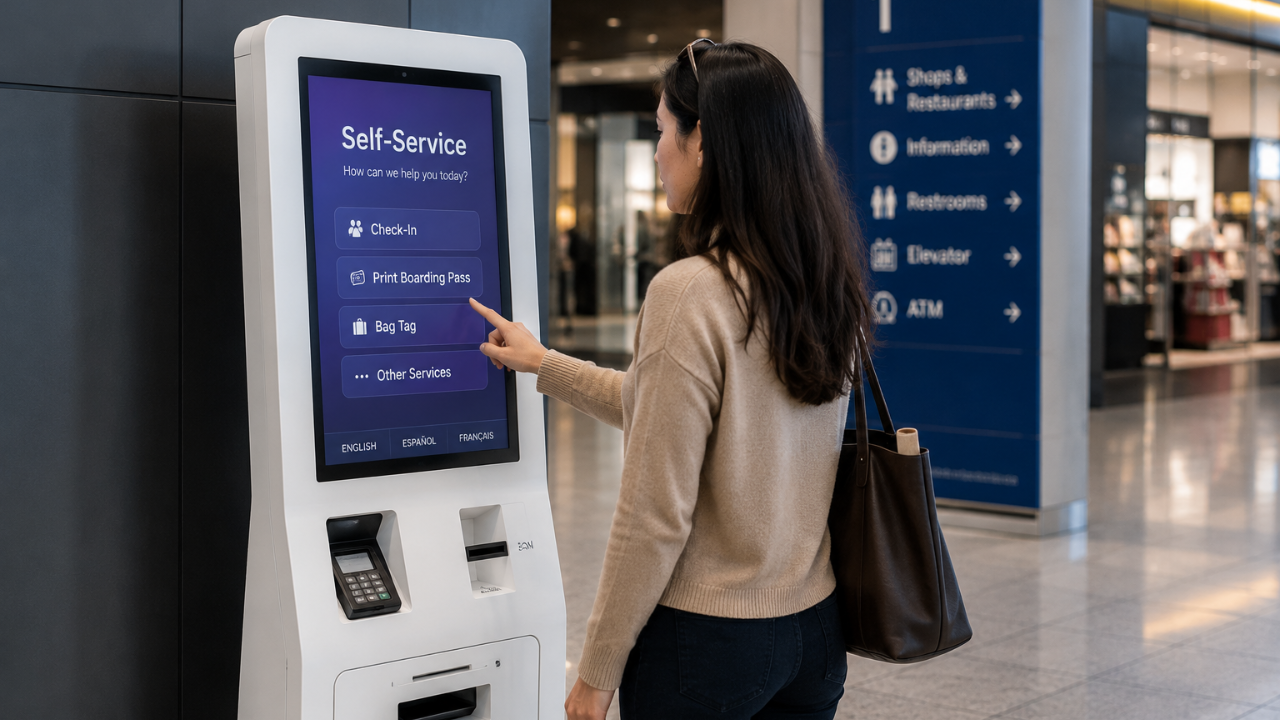
Common uses: airport check-in, hospital registration, QSR ordering and banking
Wayfinding Kiosks
With interactive maps, wayfinding kiosks help people navigate large or complex spaces quickly, reducing confusion and staff questions.
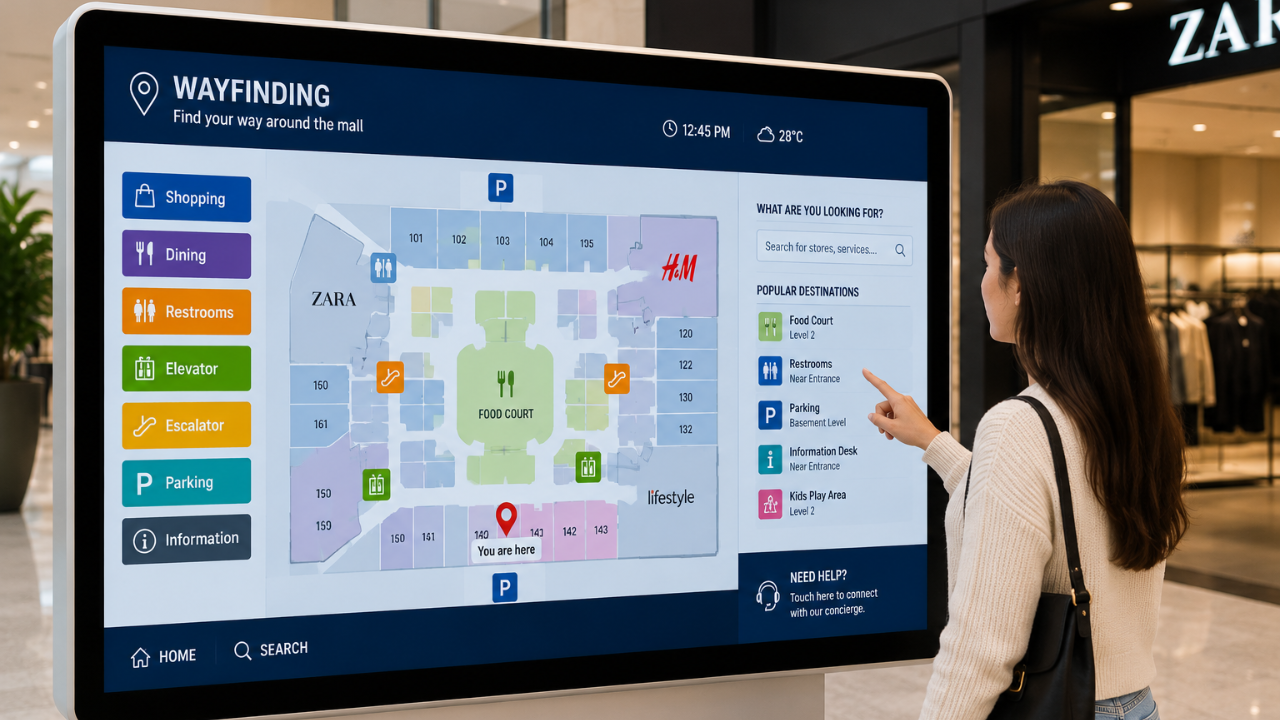
Common uses: universities, shopping centres, hospitals and large corporate campuses
Interactive Advertising Kiosks
These engage users with ads they can interact with, often adding gamification or social media. They are increasingly part of programmatic digital out-of-home networks that let brands target campaigns by location and time.
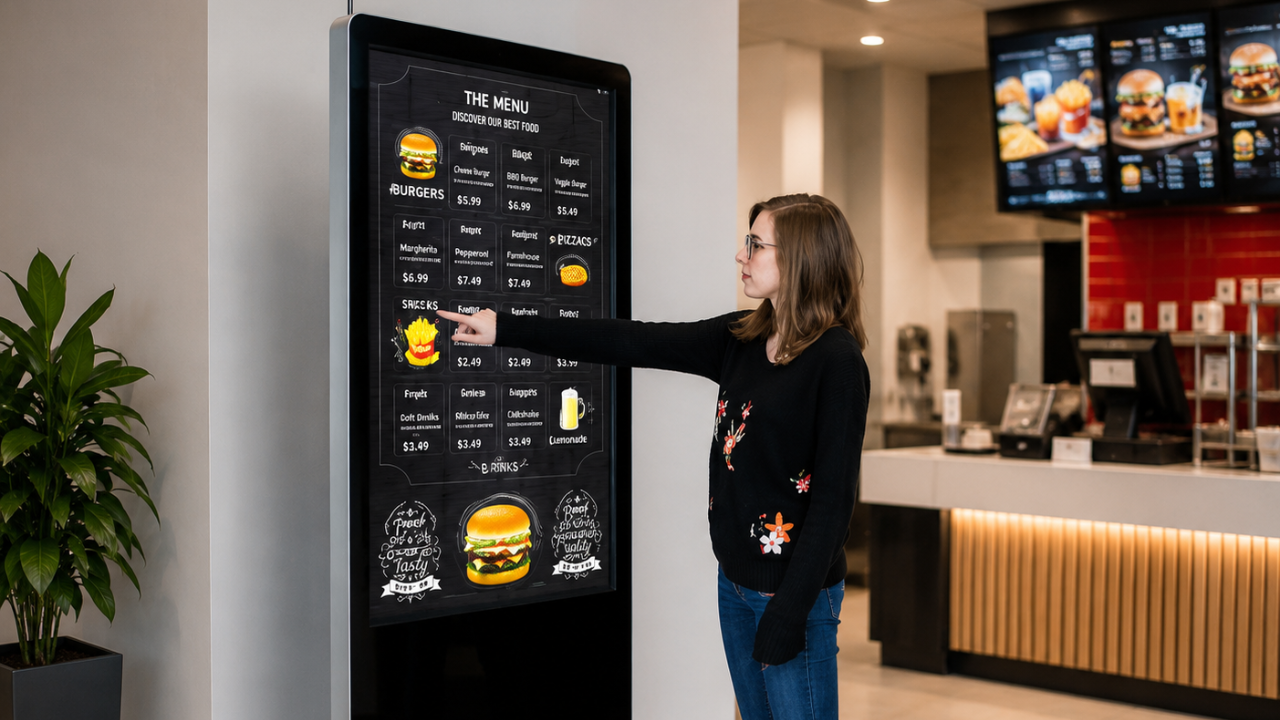
Common uses: retail environments, trade shows and urban centres
Digital Signage Kiosks
Combining signage with interactive elements, these kiosks display dynamic content and let users tap for more. They are powered by digital signage software that updates content remotely.
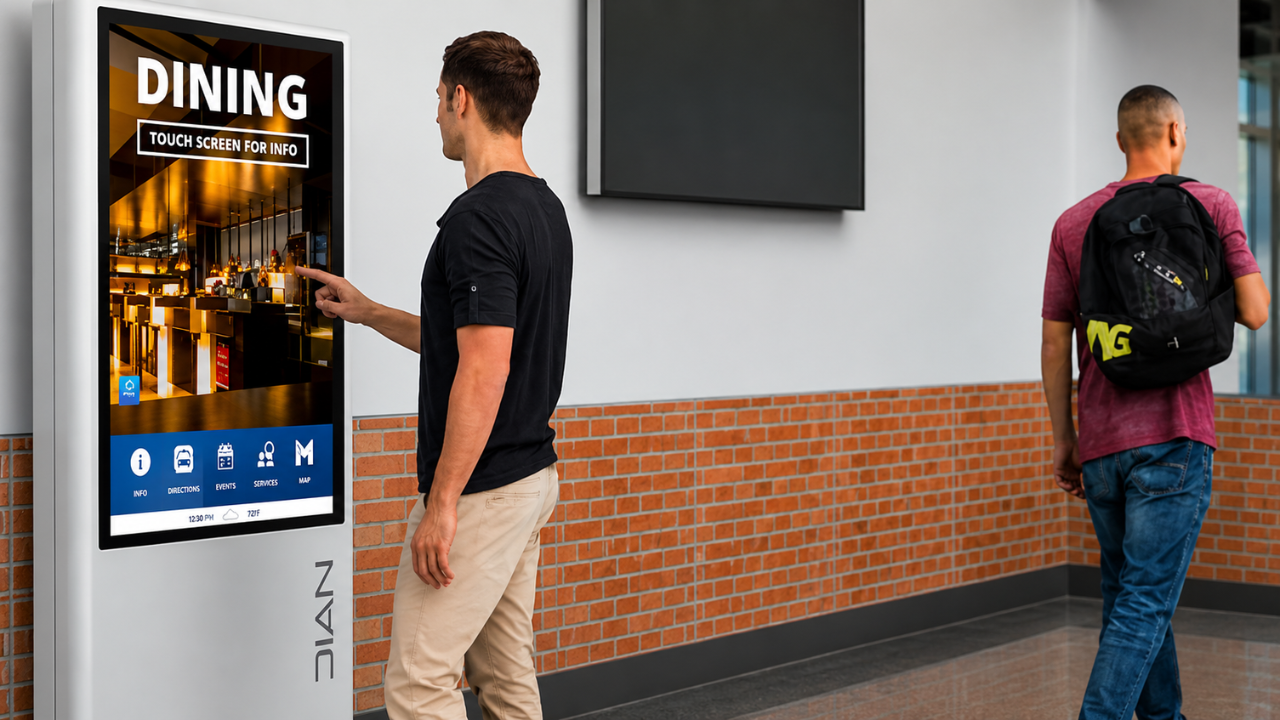
Common uses: transport hubs, events and corporate lobbies
Payment Kiosks
Payment kiosks let users pay bills, recharge accounts and complete transactions on their own. In India, UPI and QR-based payments have made these especially popular and fast.
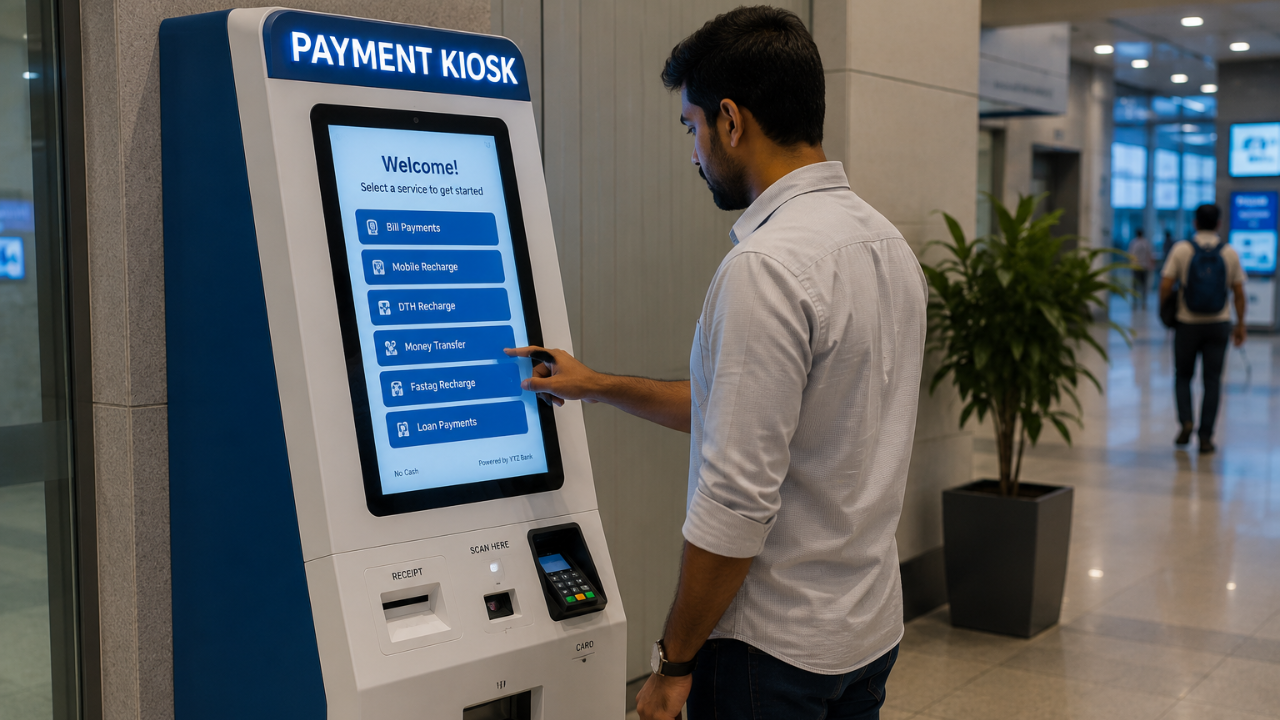
Common uses: banks, utility centres, parking facilities and government offices
Check-In Kiosks
Check-in kiosks let visitors, guests and patients complete registration and check-in themselves, cutting queues at the front desk.
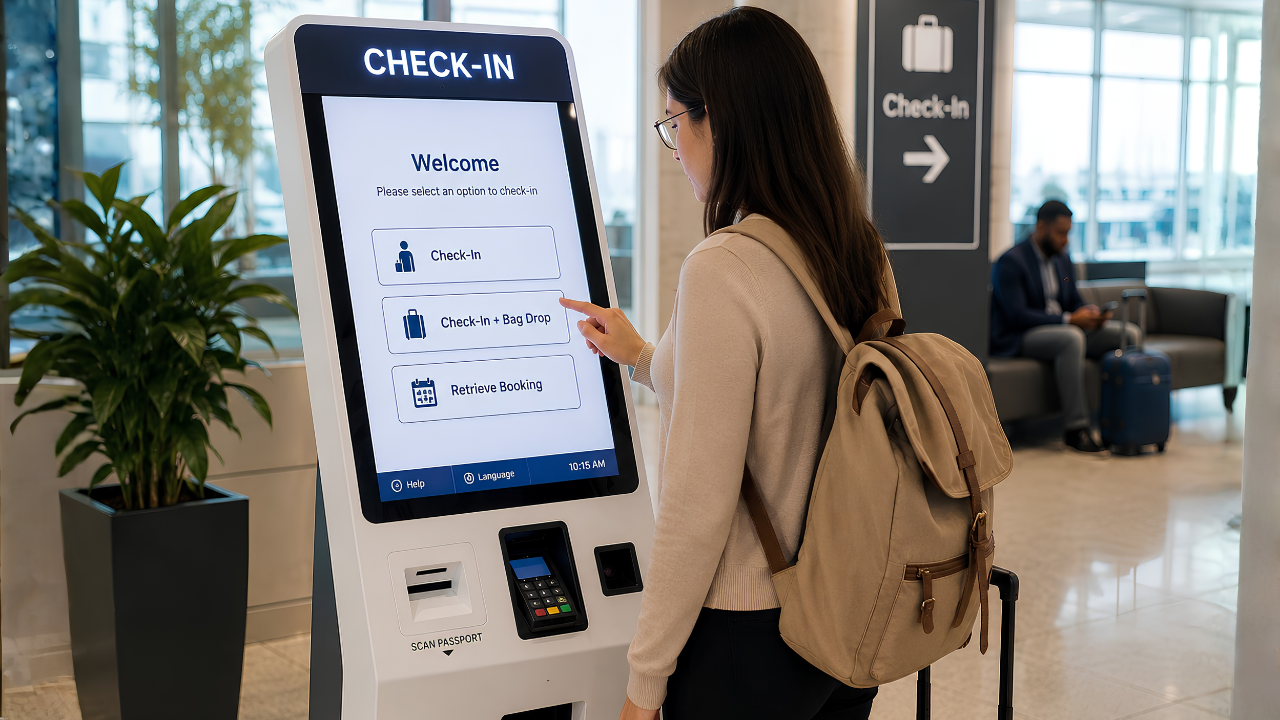
Common uses: hotels, airports, hospitals, events and corporate offices
Power Your Kiosks With Intelisa
A kiosk is only as good as the software behind it. Intelisa's cloud platform runs your touch content, updates it remotely, and keeps every kiosk online and monitored from one dashboard.
- Runs interactive and touch content on any kiosk
- Update content remotely across all locations in seconds
- Monitor uptime and fix issues without a site visit
- Works offline: kiosks keep running if the internet drops
- Scales from one kiosk to a nationwide fleet
Best Practices for Kiosk Implementation
Knowing the types is one thing. Rolling them out well is what decides success. Follow these practices to get the most from your kiosks.
Keep the interface simple
Design an intuitive, easy-to-navigate screen that suits users of every age and comfort level with technology.
Place kiosks strategically
Position them in high-traffic spots where your target audience will naturally see and use them.
Make them accessible
Add features like text-to-speech, adjustable heights and multilingual support so everyone can use them, including people with disabilities. In India, local-language support matters a lot.
Secure user data
Use strong security to protect user data and prevent tampering or unauthorised access, especially on payment and check-in kiosks.
Integrate with your systems
Connect kiosks to your existing systems, such as inventory, CRM or a booking engine, for a smooth end-to-end experience.
Maintain and monitor remotely
Use a cloud platform to push updates, run diagnostics and catch issues early, so kiosks stay online without constant site visits.
Future Trends in Interactive Kiosks
Kiosks are evolving fast. These are the trends shaping the next few years, and the ones worth planning for now.
AI and Personalization
AI brings personalized recommendations, voice recognition and predictive analytics. QSR kiosks can remember past orders and suggest meals, lifting upsell and cross-sell.
Contactless and UPI
Touchless interfaces, QR ordering and UPI payments are now standard expectations in India, driven by the shift to hygiene and speed.
Biometric and Face Verification
Biometric kiosks cut onboarding and KYC from days to minutes, and speed up airport and banking check-ins while staying compliant.
Mobile Integration and AR
Kiosks increasingly hand off to a user's phone for seamless transitions, and AR adds immersive product experiences in retail.
Ready to Deploy Interactive Kiosks?
Tell us your use case, from retail and QSR to healthcare and wayfinding. We will recommend the right kiosk setup and show you how Intelisa manages it all from one dashboard.
Talk to the Intelisa TeamFrequently Asked Questions
What is an interactive kiosk?
An interactive kiosk is a self-service digital touchscreen system that lets users access information, make purchases, complete registrations or perform tasks on their own without staff help. It improves convenience, engagement and operational efficiency.
What is the difference between an interactive kiosk and an information kiosk?
An interactive kiosk responds to touch and can handle transactions like ordering, payment and check-in. An information kiosk is a simpler type of interactive kiosk that mainly provides details such as directions, schedules and directories, without transactions.
What are the main types of interactive kiosks?
The main types are information kiosks, retail kiosks, self-service kiosks, wayfinding kiosks, interactive advertising kiosks, digital signage kiosks, payment kiosks and check-in kiosks. Each is designed for a specific job, from browsing products to payments and registrations.
Where are interactive kiosks commonly used in India?
In India, interactive kiosks are widely used at airports, metro and railway stations, shopping malls, retail stores, quick-service restaurants, hospitals, banks, government service centres and corporate offices, for ordering, payments, wayfinding, check-in and information.
What software do interactive kiosks use?
Kiosks use kiosk or digital signage software that controls user access, displays interactive content, manages applications, supports remote updates and ensures secure operation. Cloud-based platforms like Intelisa let you update content and monitor every kiosk from one dashboard.
How do I build or set up an interactive kiosk?
Setting up an interactive kiosk involves choosing the right hardware, installing kiosk software, designing a user-friendly interface, integrating your content or business applications, and using a cloud content management system for remote monitoring and updates. Intelisa can supply both the software and the hardware.
What is the difference between a POS and a kiosk?
A POS, or point of sale, is operated by staff to process transactions. A kiosk is a self-service system that lets customers browse, order, pay and access information on their own, without needing an employee.
Why is it called a kiosk?
The word kiosk comes from a Persian word meaning a small pavilion or booth. Today it refers to a standalone information or service station that gives users quick, easy access to digital content or services.
Conclusion
Interactive kiosks are a powerful way to boost engagement, improve efficiency and offer a wide range of services with less staff pressure. Once you understand the types, the benefits and the best practices, it becomes easy to choose the right setup for your business and location. And as AI, contactless payments and biometrics mature, kiosks will only become more capable.
The one thing that ties every kiosk together is the software running it. With a reliable cloud platform like Intelisa, you can run your touch content, update it instantly across every location, and keep your whole kiosk fleet online from a single dashboard. If you are ready to explore kiosks for your business, get in touch with Intelisa.