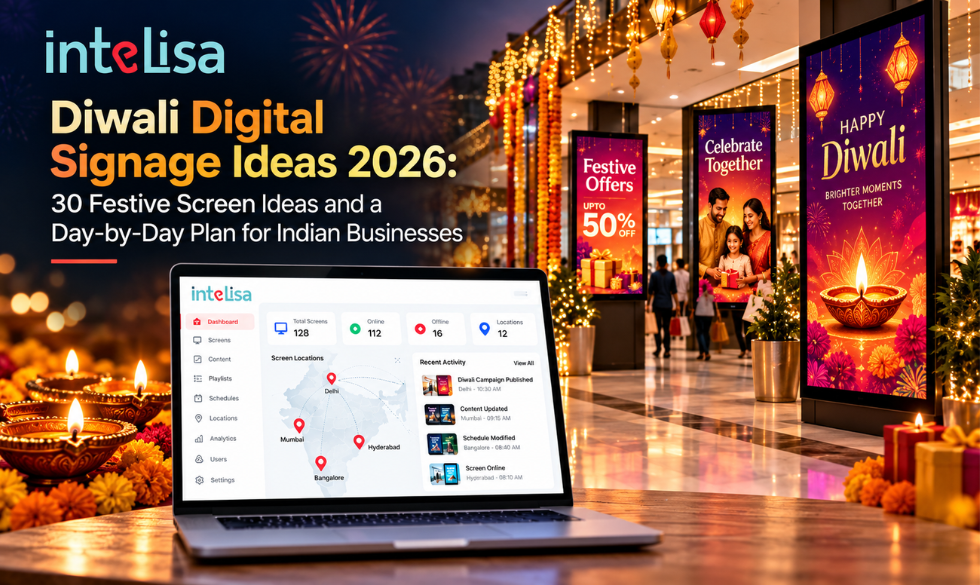
Diwali is the biggest shopping moment of the year in India. Footfall peaks, customers arrive ready to buy, and every brand competes for the same few seconds of attention. In crowded markets and busy malls, a bright, well-timed screen often decides which store a shopper walks into and what they pick up once inside.
This guide gives you 30 practical Diwali digital signage ideas for 2026, organised by type of business, plus a day-by-day screen plan from Dhanteras to Bhai Dooj, a last-minute setup plan, and a checklist to make sure every screen runs perfectly through the festive rush.
According to the Confederation of All India Traders (CAIT), Diwali 2025 trade touched a record ₹6.05 lakh crore, and most of it happened in physical stores and local markets. That is exactly where your screens live.
Why Digital Signage Matters More at Diwali
Printed banners go up once and stay the same for weeks. Diwali changes every day: Dhanteras is about gold and utensils, Lakshmi Puja is about family and prayer, and the days after are about gifting and offers ending. Digital signage keeps up with all of it.
- Change offers daily or hourly without printing a single new banner.
- Grab attention in crowded markets with motion, light, and festive visuals.
- Show live information such as gold rates, stock levels, and queue numbers.
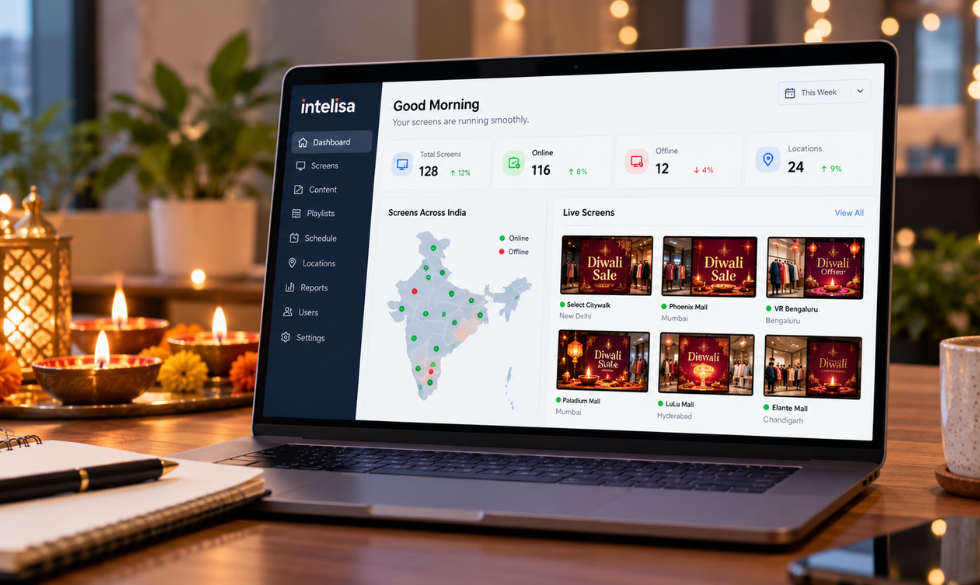
- Run the same campaign across every store at the same time, from one dashboard.
- Reuse your screens after Diwali for wedding season, year-end sales, and beyond.
Diwali 2026 Dates: Your Screen Calendar
Diwali 2026 falls in early November, with Lakshmi Puja on Sunday, 8 November. Plan your screen content around each day of the festival.
| Day | Date (2026) | What Your Screens Should Focus On |
|---|---|---|
| Dhanteras | Friday, 6 November | Gold, silver, utensils, electronics, "auspicious buy" offers |
| Choti Diwali | Saturday, 7 November | Last-minute gifts, sweets, decor, extended store hours |
| Lakshmi Puja (Diwali) | Sunday, 8 November | Festive greetings, puja essentials, early closing times |
| Govardhan Puja | Tuesday, 10 November (some calendars list 9 November) | Thank-you messages, post-Diwali offers |
| Bhai Dooj | Wednesday, 11 November | Gifts for siblings, final festive sale, "offer ends today" |
30 Diwali Digital Signage Ideas by Business Type
Retail and Fashion Stores
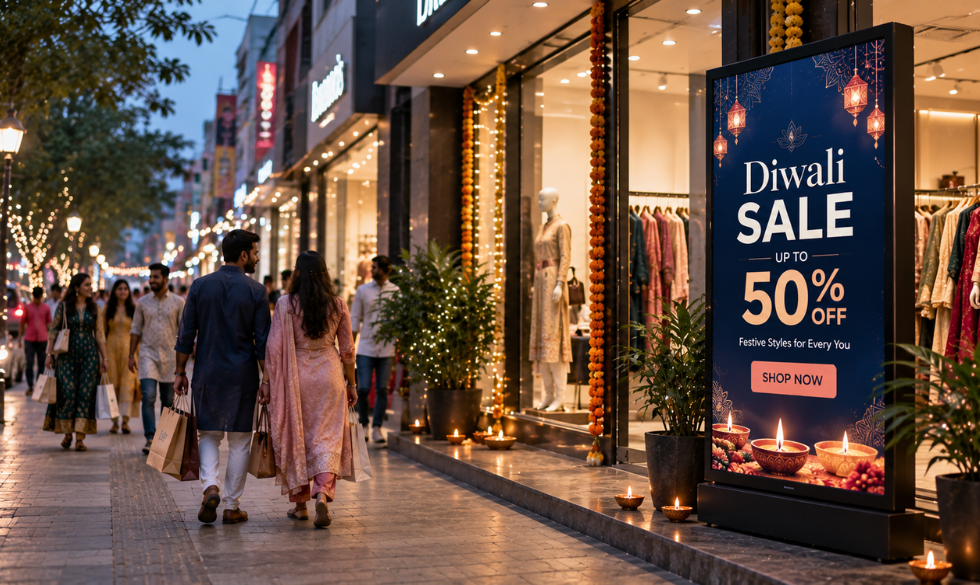
- Countdown to Diwali: A live countdown at the entrance builds excitement and pulls people in.
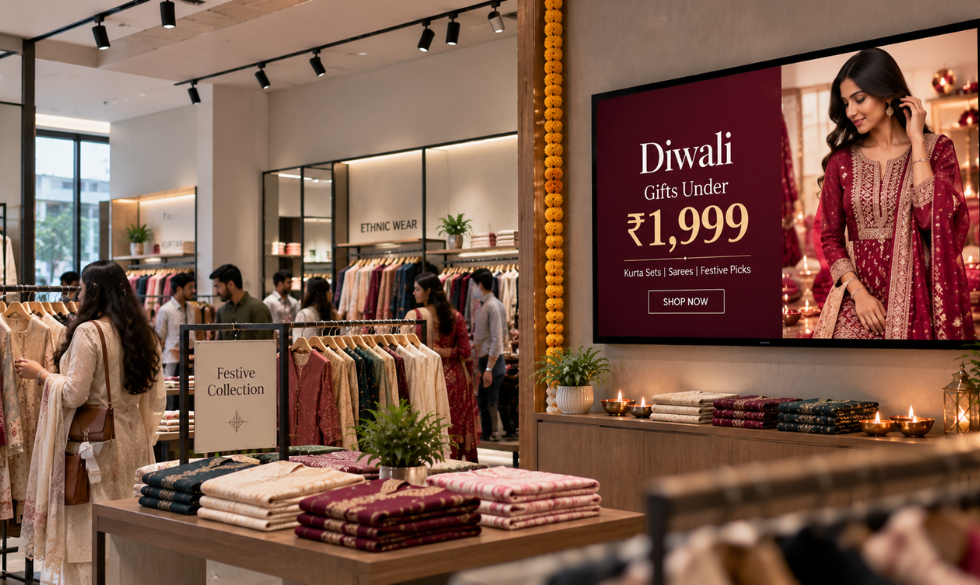
- Festive lookbook loop: Short videos of ready-to-wear Diwali outfits, styled for puja, parties, and family visits.
- "Complete the look" bundles: Kurta plus dupatta plus footwear at a bundle price.
- Time-bound flash offers: A different deal every evening from 6 pm to 9 pm, when festive footfall peaks.
- Gift finder by budget: "Gifts under 999, 1,999 and 4,999" on a touch screen or QR code.
Jewellery Stores
- Live gold and silver rate display: Update today's rate every morning on one screen zone, so customers do not need to ask.
- Dhanteras collection showcase: Slow, close-up product videos of coins, light jewellery, and festive sets.
- Making charge offers: "Flat discount on making charges till Bhai Dooj" with a clear end date.
- Buyback and exchange info: Answer the most common question before the customer reaches the counter.
Sweet Shops and Bakeries
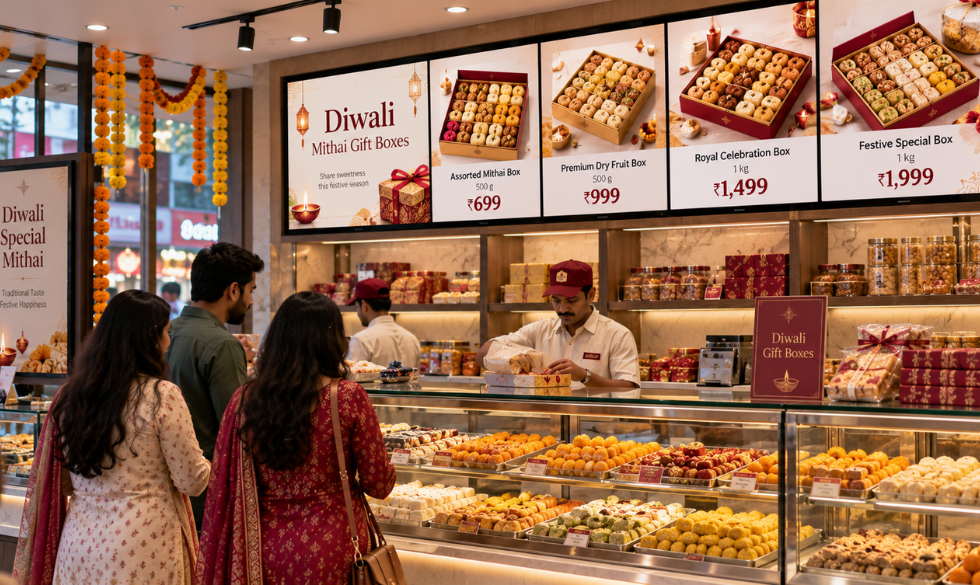
- Digital menu board with gift boxes: Show box sizes, weights, and prices clearly to speed up orders.
- Corporate gifting promo: "Bulk orders for offices, call or scan to order".
- Pre-order and pick-up slots: Reduce rush-hour queues by promoting advance orders.
- Sold-out alerts: Hide or mark items that are finished for the day, so staff spend less time explaining.
Restaurants, Cafes, and QSRs
- Festive menu takeover: Limited-time Diwali specials and desserts at the top of the menu board.
- Dayparted combos: Breakfast thali in the morning, family meal deals in the evening.
- Diwali party bookings: Promote group bookings and catering for office and family parties.
- Holiday timings: Show opening and closing times for each festival day so guests are never surprised.
Electronics and Consumer Durables
- Side-by-side model comparisons: Help customers choose between TV or appliance models and nudge them toward the upgrade.
- EMI and bank offer explainer: "No cost EMI from X per month" sells better than a big total price.
- Exchange offers: Show the value of an old product traded in against a new one.
Malls and Outdoor Screens
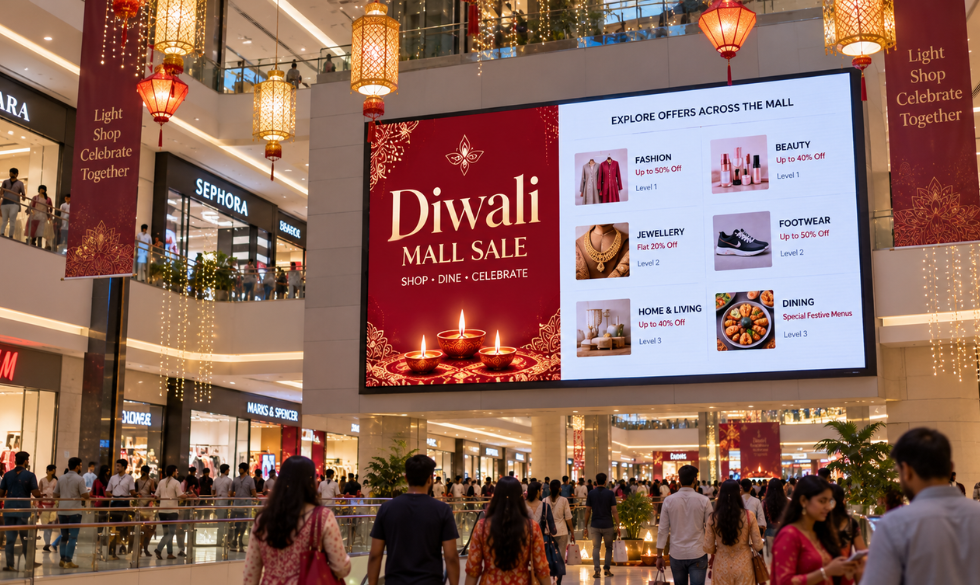
- Mall-wide sale directory: Which brands have offers and on which floor.
- Diwali events schedule: Rangoli contests, live music, and kids' activities, with times.
- Brand ad slots: Sell Diwali screen time to tenant brands and earn extra revenue through a digital out-of-home setup.
Corporate Offices
- Diwali greetings from leadership: A short video message on lobby and floor screens.
- Office celebration schedule: Dress-up day, rangoli competition, and party timings.
- Holiday and safety notices: Office closure dates, travel tips, and a reminder to celebrate safely.
Banks, Hospitals, and Hotels
- Banks: Festive loan and gold loan offers, plus holiday banking hours.
- Hospitals and clinics: Burn safety and air quality tips, emergency contacts, and OPD timings during the holidays.
- Hotels: Diwali dinner, party packages, and event schedules in the lobby.
- Everyone: A social wall of customer Diwali photos with your hashtag, moderated before it goes live.
| Business | Best Screen Type | Top Diwali Idea |
|---|---|---|
| Retail and fashion | Digital Standees at the entrance | Evening flash offers |
| Jewellery | Wall screen near the counter | Live gold rate zone |
| Sweet shop | Menu board above the counter | Gift box prices and sold-out alerts |
| Restaurant and QSR | Digital menu board | Festive menu takeover |
| Electronics | Touch screen or kiosk | Model comparison and EMI explainer |
| Mall | LED video wall | Mall-wide sale directory |
| Office | Lobby and floor screens | Leadership greeting video |
How to Make Diwali Content That Works on Screens
- One message per slide: A short headline, ideally under eight words, and one offer.
- High contrast: Diwali designs love gold and orange; keep text in white or deep colours on dark backgrounds so it stays readable.
- Hindi and regional languages: Mix English with Hindi or the local language for warmth and reach. Check spelling with a native speaker.
- Right size for each screen: 1920 x 1080 for landscape screens and 1080 x 1920 for vertical standees.
- Motion with purpose: Gentle diya flickers and sparkles catch the eye; avoid flashing effects that tire viewers.
- Clear call to action: "Scan for 10% off", "Ask at the counter", or "Offer ends 11 November".
Tools like Canva offer ready Diwali templates. Intelisa's built-in Canva integration lets you design and publish to your screens in one flow.
Make Offers Start and End on Time
The biggest Diwali signage mistake is an expired offer still playing on 15 November. Avoid it with scheduling.
- Give every festive playlist a start date and an end date.
- Schedule each festival day as its own short campaign.
- Set evening-only content for peak hours.
- Load post-Diwali content in advance so it switches on automatically.
Keep Screens Running Through Power Cuts and Network Drops
Diwali brings peak power demand and crowded mobile networks. A blank screen on Lakshmi Puja evening is a lost opportunity.
- Use offline playback: Intelisa stores content on the player, so screens keep playing even if the internet drops.
- Add a UPS: A small UPS for each screen and player covers short power cuts.
- Test a restart: Switch a screen off and on before Dhanteras to make sure it comes back with the right playlist.
- Watch screen status: Check from one dashboard that every screen in every store is online.
Starting Late? A 10-Day Diwali Screen Plan
If Diwali is just around the corner, you can still get your screens ready in time.
| When | What to Do |
|---|---|
| Days 1 to 2 | List every screen, decide your top 3 offers, and pick one look for all stores |
| Days 3 to 5 | Create content from templates: offers, greetings, menu updates, timings |
| Day 6 | Schedule playlists for each festival day with start and end dates |
| Day 7 | Test every screen: content, offline playback, power backup, restart |
| Dhanteras to Bhai Dooj | Monitor screens daily and update live info such as rates and stock |
| After Bhai Dooj | Switch to wedding season and year-end content automatically |
Pre-Diwali Screen Checklist
- Every screen is online and showing the right playlist.
- Festive content is sized correctly for landscape and vertical screens.
- All offers have a clear end date in the schedule.
- Holiday timings are added for each store.
- Offline playback has been tested with the internet off.
- Each screen has power backup.
- Regional language content has been checked for spelling.
- Post-Diwali content is scheduled to start automatically.
- Outdoor screens follow local rules on brightness and hours.
- Someone is assigned to check screen status every day of the festival.
After Diwali: Keep Your Screens Earning
The festive season does not end with Bhai Dooj. Plan your next playlists now so screens keep delivering:
- Chhath Puja greetings and offers in Bihar, Jharkhand, and eastern Uttar Pradesh.
- Wedding season collections for fashion, jewellery, and gifting.
- Year-end and New Year sales to close the year strong.
Run Your Diwali Campaign on Every Screen
Intelisa lets you plan, schedule, and update Diwali content across every store from one dashboard, on any screen you already use.
- Schedule each festival day with start and end dates
- Works with LCDs, standees, video walls, and kiosks
- Offline playback when the internet drops
- Built-in Canva integration for festive designs
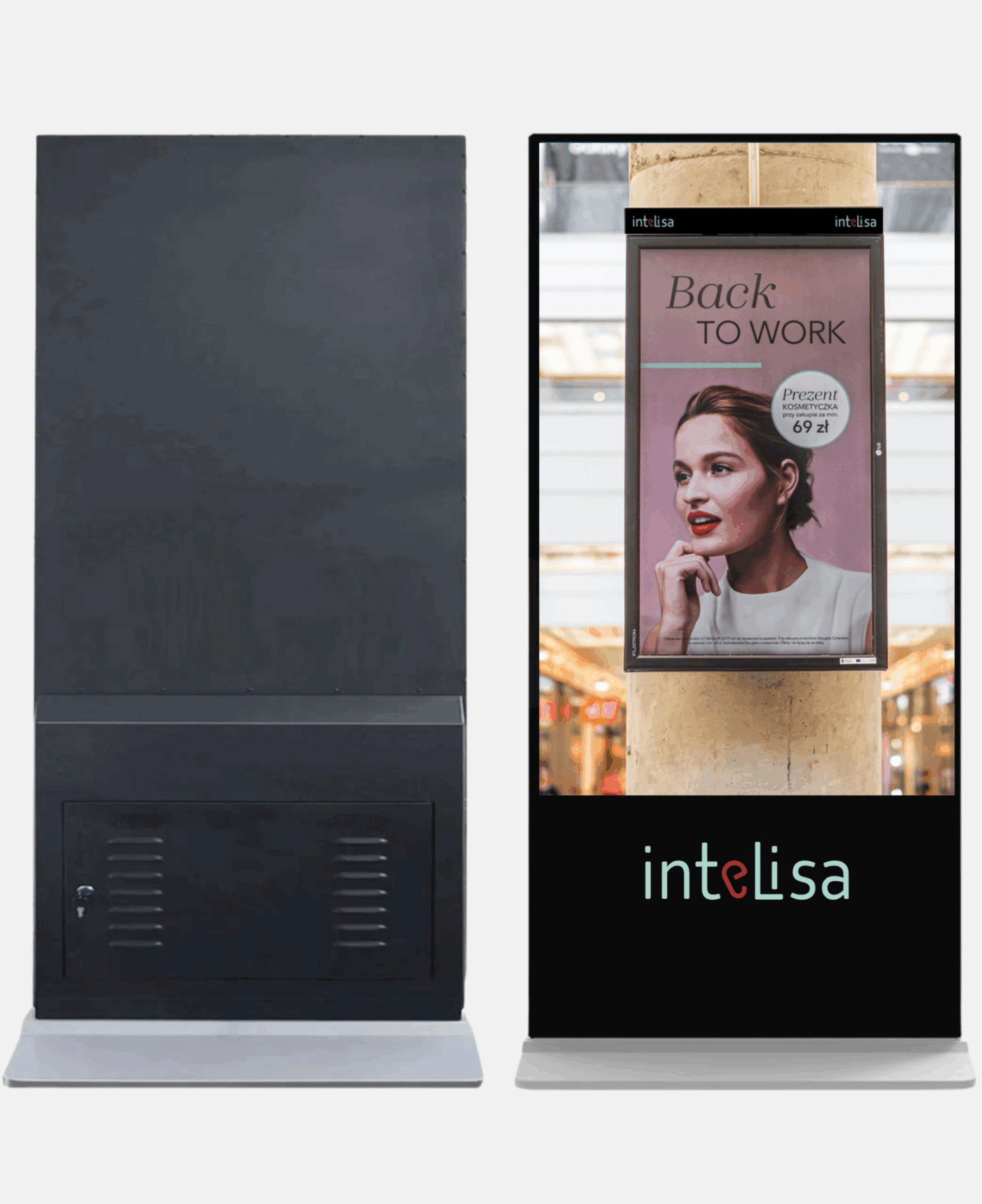
- Ready digital standees with software pre-installed
Conclusion
Diwali is when shoppers are most ready to buy, and your screens are the fastest way to reach them in the store. Plan content for each festival day, tailor ideas to your business, schedule offers so they start and end on time, and make sure every screen keeps running through power cuts and network drops. Do that, and your screens will work as hard as your sales team this festive season.
Get Your Screens Diwali-Ready
Set up festive content across every store in days, not weeks. Start free for 14 days, no credit card required.
Start Your Free TrialFrequently Asked Questions
When is Diwali in 2026?
Diwali 2026 is celebrated over five days. Dhanteras is on Friday, 6 November, and Lakshmi Puja, the main Diwali day, is on Sunday, 8 November. Bhai Dooj falls on Wednesday, 11 November. Dates can vary slightly by region and calendar.
When should I put Diwali content on my store screens?
Start teaser content about two weeks before Dhanteras, switch to full festive offers from Dhanteras, and run final offers until Bhai Dooj. Schedule everything in advance with clear start and end dates.
What are the best Diwali digital signage ideas for retail stores?
Popular ideas include a Diwali countdown at the entrance, festive lookbook videos, gift finders by budget, evening flash offers, bundle deals, and social walls of customer photos. Jewellers can add live gold rates, and restaurants can run festive menu takeovers.
Can I schedule Diwali offers to end automatically?
Yes. With digital signage software like Intelisa, you can give every playlist a start and end date, so offers appear and expire on time across all your screens without anyone updating them manually.
Will my screens keep working if the internet goes down during Diwali?
With offline playback, yes. Intelisa stores content on the player, so screens keep running the scheduled playlist when the internet drops, and sync new content once the connection returns. Add a UPS to cover short power cuts.
Can I show Diwali content in Hindi and English together?
Yes. Bilingual creatives work well in India. Keep the headline short in one language and add a supporting line in the other, or show different language versions in different regions using screen groups.