
A product launch has one job: capture attention fast and turn it into sales before the excitement fades. That means building brand awareness, announcing launch offers, showcasing the full product range, and answering customer questions, all at the same time and often in a crowded space.
Your sales team is ready with every detail. But on launch day they cannot talk to everyone at once. That is why more brands now add a layer of dynamic digital displays to their launches. Screens deliver the message instantly, keep working when staff are busy, and can be changed in seconds as the day unfolds.
In this guide, we cover eight practical ways to use digital signage for product launches, from creating urgency and driving QR engagement to measuring what actually worked. Let us begin with the one that moves sales the most: urgency.
Why Digital Signage Works for Product Launches
Printed posters and banners are fixed the moment they leave the printer. A launch, on the other hand, changes by the hour: stock sells out, offers expire, new questions come up. Digital signage keeps pace because you update it remotely through digital signage software, across one screen or hundreds.
The numbers point one way: screens earn more attention than print, and shoppers want information they can access on their own. A launch is where both matter most.
1. Create Urgency with Digital Signage
Say you have launched an excellent new product that solves a real customer problem. How do you make sure shoppers do not postpone the decision? And if they do walk away, what are the odds they come back to buy?
Urgency closes that gap. Use your screens to highlight three things that push a quicker buying decision:
- The top challenges your product solves
- The benefits it offers to each target segment
- Limited-time deals and launch-day offers that reward acting now

A promotional display built to drive launch-day urgency
Customers always pay attention when you talk about their problems. Now imagine them seeing that exact solution with a strong launch-day discount. The chance of them acting right there goes up sharply.
Add a Live Countdown Timer
Nothing says "act now" like a clock that is ticking. A countdown to the end of the launch offer, or to the moment a product goes on sale, adds real pressure without a single word from your team. You can also show live stock levels such as "Only 40 left at launch price" to add scarcity, as long as the numbers are true.
2. Build Buzz Before Launch Day
The best launches start before the doors open. Use your screens in the weeks leading up to the launch to build anticipation among the people who already visit your store or showroom.
- Teaser content: Show silhouettes, partial reveals, or "Something new arrives on 15 October" messages.
- Early-access sign-ups: Pair a QR code with a pre-registration form so interested buyers get first access or an exclusive price.
- Launch-day countdown: Run a days-to-launch timer across all locations so every store builds excitement together.
Because content is scheduled centrally, you can switch every screen from teaser mode to launch mode at the exact same minute across all your locations.
3. Use QR Codes for Customer Engagement
QR codes are perfect for curious but impatient customers who want information right away. They bridge the screen and the shopper's phone, letting people go deeper without waiting for a sales rep. Start by understanding what your target customers need, then pick the right use case:
- Detailed product information. Many customers want full specs before they buy. A QR code on the display can open a page with everything they need to decide. Add a first-time buyer discount on that page to improve instant conversion.
- Fun quizzes and giveaways. People love to play. Run a quick quiz, a puzzle challenge, or even an in-store scavenger hunt where each screen reveals a clue.
- Product catalogues. Give shoppers your full range in one scan, so they can explore variants and accessories on their own phone.
- Customer data capture. Offer a coupon in exchange for a short form with basic details. Then use that information to share new products, upcoming sales, and restock alerts.
- Website and social channels. Customers like to understand a brand before buying. Link to your online store, brand story, or social pages so they can see reviews and your community.
Make Your QR Codes Measurable
Use dynamic QR codes instead of static ones. A dynamic code lets you change the destination after launch without replacing the content, and it records every scan. Add UTM parameters to the link so your analytics shows exactly how many visits and sales came from each screen and location.
4. Use Screens to Answer FAQs
A new product always raises questions. Some customers ask right away. Many others expect the answer without having to ask. Using digital signage to answer frequently asked questions brings clarity, and a customer with fewer doubts is far more likely to buy.

Information-first displays answer questions even when staff are busy
But why use a display if your sales reps already have all the answers? Two reasons:
- Many people are curious but shy to ask. Their questions stay unanswered, and they quietly continue using a competitor's product.
- Your store may be at full capacity on launch day. Screens reduce wait time and give answers while your reps are busy with other customers.
Good FAQ topics for a launch screen include price and variants, how the product compares with the older model, warranty and returns, compatibility, and delivery or installation timelines.
5. Enhance the Experience with Interactive Displays
What is the most successful feature of an in-store digital signage strategy? Two surveys offer a clear answer:
- A survey by WBR of 100 retailers found interactivity was the top feature, with 87% of them stressing its importance.
- A retail survey by SOTI found that 66% of shoppers prefer self-checkouts, and 75% like digital displays that show inventory availability. In short, shoppers do not want to hunt for someone to help them.
Both findings point to the value of interactive digital signage solutions such as touch standees and interactive kiosks.

Interactive displays let visitors explore products at their own pace
Here is what creates a great interactive experience on launch day:
- Rich interactive content with videos and images that show all the shopping options.
- Multitouch tables that give visitors a guided digital tour of the new range.
- Deep product learning with easy links to the brand's social media accounts.
- Personalisation that shows the entire product line when someone searches for one item.
- Direct purchase so customers can order their choice right from the screen.
Best for Broadcasting
- Launch offers and countdowns at the entrance
- Hero product videos and brand stories
- FAQ loops and QR code prompts
- Social proof and review walls
Best for Self-Service
- Browsing the full catalogue and variants
- Comparing models side by side
- Checking stock and placing orders
- Registration, feedback, and lead capture
6. Use Animation to Inform and Entertain
Nobody stops for a boring display. Animation turns information into something people actually want to watch.
Say your product has several uses and stands out because of that versatility. Explaining each use through 2D or 3D animation is far easier to follow than a block of text. You can also create animated characters for each customer segment, and if you are targeting a younger audience, animation is one of the most reliable ways to hold attention.

Animated content keeps passers-by watching longer
Here are some animation techniques brands use to deliver their message:
- Complex masks: Hide and reveal content to build a narrative. This works well for posing a question and then answering it.
- Image alteration: Make pictures pop and create the illusion of movement from still product shots.
- Kinetic typography: Fast-paced text animation with rotation, zoom, and well-timed pauses that reveals key points one by one.
- Customer loops: Short, looping clips of real customers enjoying your products.
- 3D product spins: A 360-degree rotating view that shows the product from every angle, ideal when stock on the floor is limited.
7. Show Social Proof and Live Buzz
People trust other people. During a launch, show that others are already excited and buying:
- Live social walls that pull in posts using your launch hashtag.
- Real reviews and ratings from early buyers or beta testers.
- Influencer or creator clips unboxing or using the product.
- Live counters such as "500 sold today" once the numbers are real.
Always moderate social feeds before they go on screen, and only display genuine reviews and figures. Authentic buzz builds trust; anything else damages it.
8. Measure What Worked
A launch is also a learning opportunity. Digital signage makes results measurable in ways print never could. Track these metrics to plan your next launch better:
| Metric | What It Tells You | How to Track It |
|---|---|---|
| QR code scans | Which screens and offers drove action | Dynamic QR codes with UTM links |
| Touch interactions | Which products and features people explored | Interactive display analytics |
| Sign-ups captured | Size of your post-launch marketing audience | Form submissions from screen links |
| Offer redemptions | How many buyers the screen offer converted | Unique coupon codes per display |
| Sales uplift | Overall impact of screens on revenue | Compare stores or hours with and without screens |
| Screen uptime | Whether every display ran as planned | Remote monitoring in your signage CMS |
Use these insights during the launch too. If one offer is outperforming another by noon, push it to every screen in the afternoon.
Launch Day Digital Signage Checklist
Use this quick checklist to make sure your screens are ready:
| Stage | What to Do |
|---|---|
| 2 to 4 weeks before | Plan screen placement, create teaser content, set up QR sign-up pages |
| 1 week before | Build launch content, FAQs, and animations; schedule the switch from teaser to launch mode |
| 1 day before | Test every screen, QR code, touch flow, and offline playback |
| Launch day | Monitor screens remotely, update stock and offers live, push the best performers |
| After launch | Switch to post-launch content, review metrics, follow up with captured leads |
Content Best Practices
- Keep headlines short, ideally under eight words, so they read at a glance.
- Use high contrast between text and background, and large fonts readable from a distance.
- Keep one main message per slide and one clear call to action.
- Match brightness to the setting; high-brightness screens work best near windows or outdoors.
- Schedule content by time of day, for example product demos in the morning and flash offers in the evening rush.
Run Your Entire Launch from One Dashboard
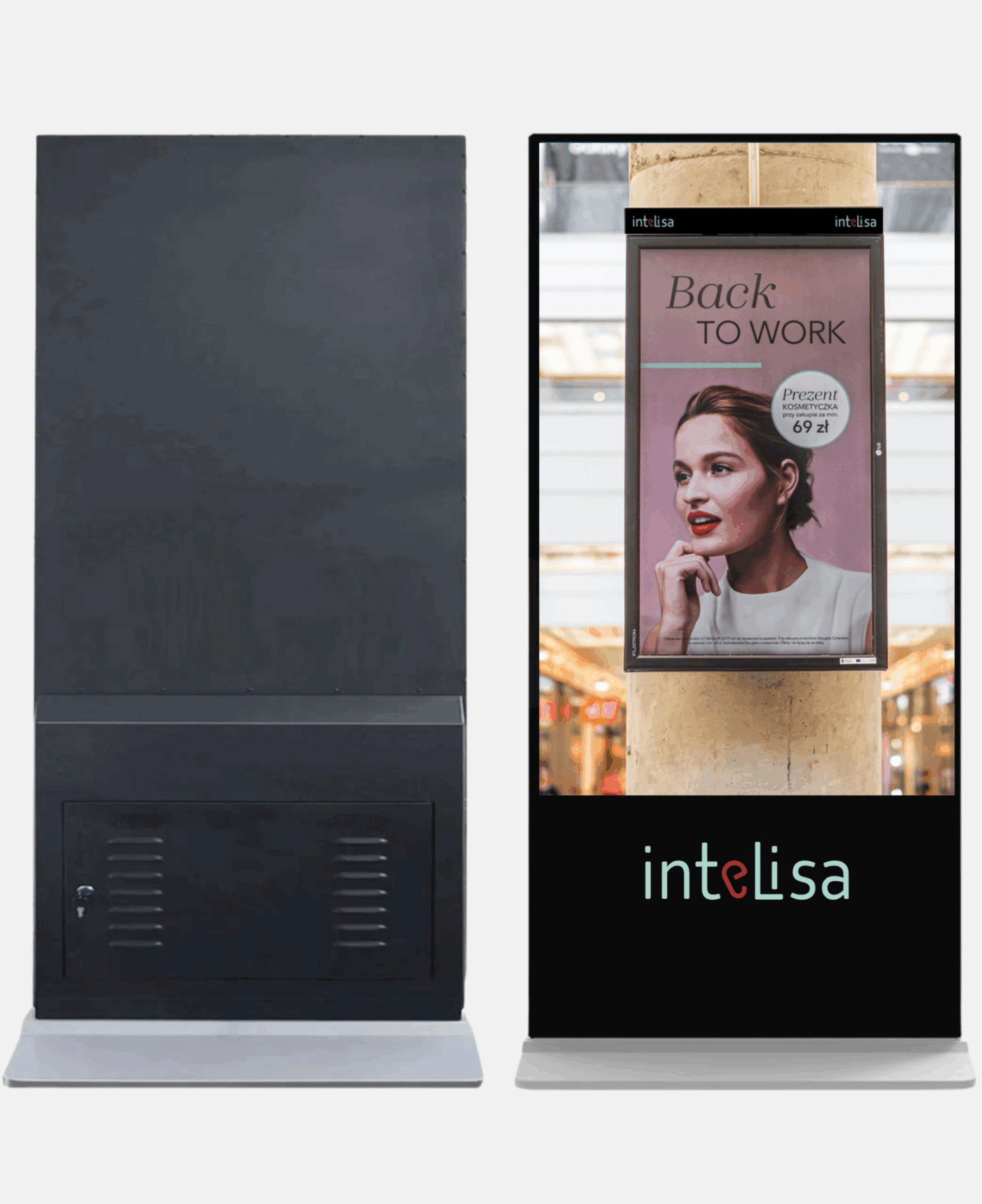
Intelisa's cloud platform lets you plan, schedule, and update launch content on every screen, from a single standee to a nationwide network.
- Switch from teaser to launch content at one set time
- Update offers and stock messages in seconds
- Schedule by time, day, location, or campaign
- Runs touch and non-touch displays alike
- Keeps playing even if the internet drops
Bringing It All Together
The most successful launches blend these ideas. Build buzz before the day, create urgency with offers and countdowns, invite engagement through QR codes and touch screens, answer questions before they are asked, entertain with animation, show real social proof, and measure everything.
A launch is your best chance to show your edge over competitors. Make your product's benefits impossible to miss, keep the information interesting, and let your creativity drive engagement. With a cloud platform like Intelisa, every screen stays in sync and every change goes live in seconds.
Planning Your Next Product Launch?
Tell us about your launch and we will help you set up the right screens and content, then show you how Intelisa runs it all. Start free for 14 days, no credit card required.
Start Your Free TrialFrequently Asked Questions
How does digital signage help a product launch?
Digital signage grabs attention faster than print, creates urgency with live offers and countdowns, answers customer questions when staff are busy, and drives engagement through QR codes and interactive screens. Content can be updated remotely in seconds, which suits the fast pace of a launch.
What content should I show on screens during a launch?
Show the problems your product solves, key benefits for each customer segment, launch-day offers with a countdown, answers to common questions, QR codes for more details or discounts, animated product demos, and genuine reviews or social posts from early buyers.
Should I use touch or non-touch screens for a product launch?
Use non-touch screens to broadcast offers, videos, and FAQs to everyone passing by. Use touch screens where customers need to browse the catalogue, compare models, check stock, or place orders. Many launches use both: non-touch near the entrance and touch for self-service inside.
How can I measure the success of digital signage at a launch?
Track QR code scans with dynamic codes and UTM links, touch interactions on interactive displays, sign-ups captured, redemptions of screen-specific coupon codes, and sales uplift compared with locations or hours without screens.
Can I update launch content on multiple screens at once?
Yes. With cloud-based digital signage software like Intelisa, you can schedule and update content across every screen and location from one dashboard, including switching all screens from teaser content to launch content at the exact same time.