Searching for the best digital signage software in India and worldwide? Intelisa, a cloud digital signage platform trusted on 1,000+ screens, makes the choice simple. Many tools claim to be easy, cloud based, and affordable, and many promise a free plan. But what you really need is software that keeps your screens updated, runs without trouble, and fits your budget as you grow from one screen to hundreds.
This guide explains what to look for, what "free" really means, why cloud based digital signage software has become the standard, and how to download and set up Intelisa digital signage software on your screens and phone in a few minutes.
What Is Digital Signage Software?
Digital signage software is the tool you use to create, schedule, and control what plays on your digital screens. It usually has two parts:
- The CMS (content management system): An online dashboard where you upload images, videos, menus, and offers, build playlists, and set schedules.
- The player app: An app installed on the screen, TV box, or media player that downloads your content and plays it on time.
Good software also gives you remote monitoring, user roles, reports, and offline playback, so your screens keep running even when the internet drops. For a full beginner overview, read our complete digital signage guide.
What Makes the Best Digital Signage Software?
The best software is not the one with the longest feature list. It is the one that is easy for your team to use every day and reliable enough to run unattended. Check for these essentials before you choose.
| Feature | Why It Matters |
|---|---|
| Cloud dashboard | Update every screen from a laptop or phone, from anywhere. |
| Scheduling and dayparting | Show breakfast menus in the morning and evening offers at night, automatically. |
| Offline playback | Screens keep playing during internet cuts and sync later. |
| Multi-location control | Group screens by city, store, or zone and push content in one click. |
| Split screen zones | Show a video, a ticker, and a live feed on one screen at the same time. |
| Remote monitoring | See which screens are online and what they are playing without a site visit. |
| Works on any screen | Use the LCD, LED, and smart TVs you already own. |
| Local support | Quick help in your time zone and language when something goes wrong. |
Is There Really Free Digital Signage Software?
Yes, but "free" can mean very different things. Before you search for the best free digital signage software or a free digital signage software download, know which kind of free you are getting.
Free for 1 or 2 Screens
Some tools give a free plan for one or two screens with limited features. It is a good way to test, but most businesses outgrow it quickly.
Free Software, You Host It
Open source tools such as Xibo can be used without a licence fee, but you need your own server, setup skills, and someone to maintain it.
Full Product, Limited Time
Most professional platforms, including Intelisa, offer a free trial so you can test every feature on your own screens before you pay.
Free to Download
Player and manager apps are usually free to download from Google Play or the App Store. The subscription is for the cloud platform behind them.
The Hidden Costs of Free Digital Signage
Free software can end up costing more in time and money. Watch out for these:
- Hardware: You still need screens and a media player or TV box for each display.
- Limits: Free plans often cap screens, storage, users, or scheduling, and may add a watermark.
- Setup and upkeep: Self-hosted tools need servers, updates, and technical staff.
- No support: When a screen goes blank in a store, there is often nobody to call.
- Switching later: Moving all your screens and content to a paid tool after growing is extra work.
Why Cloud Based Digital Signage Software Is the Standard
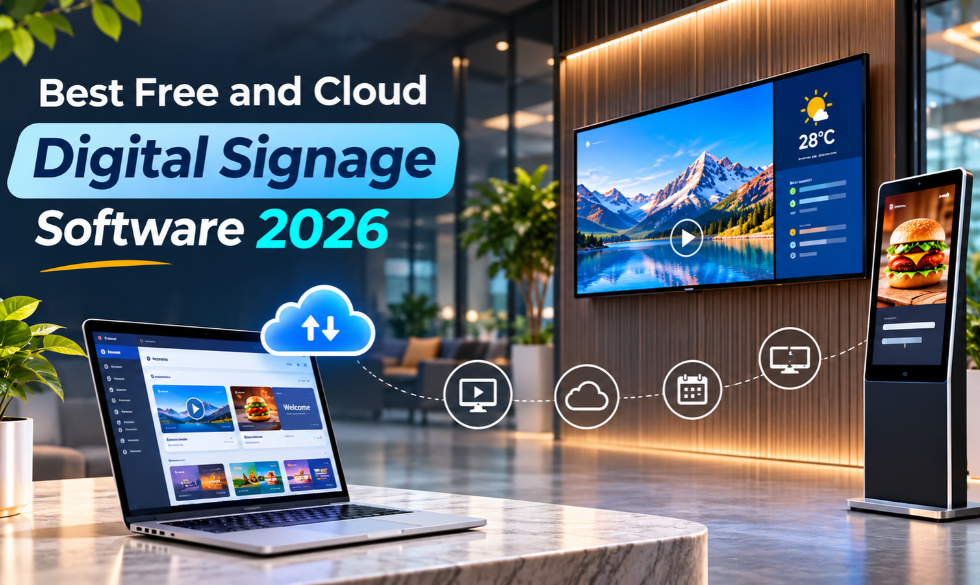
Cloud based digital signage software stores your content and settings online, so you control every screen through a browser or app. For most businesses, this is now the default choice.
- No servers to manage: The provider handles hosting, updates, and security.
- Update from anywhere: Change a price in Mumbai from your desk in Delhi, or from your phone.
- Easy to scale: Add a new screen or a new city in minutes.
- Lower upfront cost: Pay a simple monthly or yearly fee per screen.
Some large enterprises, banks, and government bodies still need data to stay on their own servers. In that case, choose a provider that offers both cloud and on-premise options. Read our cloud vs on-premise digital signage guide to compare them in detail.
Types of Digital Signage Software Companies
There are many digital signage software companies in India and worldwide. Instead of comparing every brand, it helps to know the main types of providers and why a cloud platform like Intelisa fits most businesses best.
| Type | Best For | Watch Out For | How Intelisa Helps |
|---|---|---|---|
| Freemium tools | Testing on 1 or 2 screens | Feature and screen limits on free plans | Free trial with the full product, so you test every feature before you pay |
| Open source | Teams with in-house IT | Hosting, setup, and maintenance effort | Fully managed cloud, no server or IT team needed |
| Enterprise and hardware-led | Large networks tied to one hardware brand | Higher cost and hardware lock-in | Works on the screens you already own, with no hardware lock-in |
| Cloud SaaS platforms like Intelisa | Businesses of every size, single or multi-location | Pick one with local support and clear pricing | Local teams in Hyderabad, Mumbai, and Bangalore, plus 99.9% uptime |
Intelisa combines the ease of a free tool with the power of an enterprise platform. You can start with one screen, scale to thousands across India and abroad, and manage everything from one dashboard. See how Intelisa digital signage software works or start your free trial.
Download the Intelisa Digital Signage Apps
Intelisa gives you free apps for both sides of your setup: one to play content on your screens, and one to manage your screens from your phone.

Intelisa Digital Signage
The player app for your screens. Install it on an Android based screen, TV box, or media player, pair it with your account, and it plays your scheduled content.
Download Player App
Intelisa Scheduler
Control and schedule your digital signage content from your Android phone. Update screens and push new content anytime, anywhere.
Get it on Android
Intelisa Scheduler
The same scheduler for iPhone and iPad. Free to download, so you can manage your screens on the go from any Apple device.
Download on iPhone
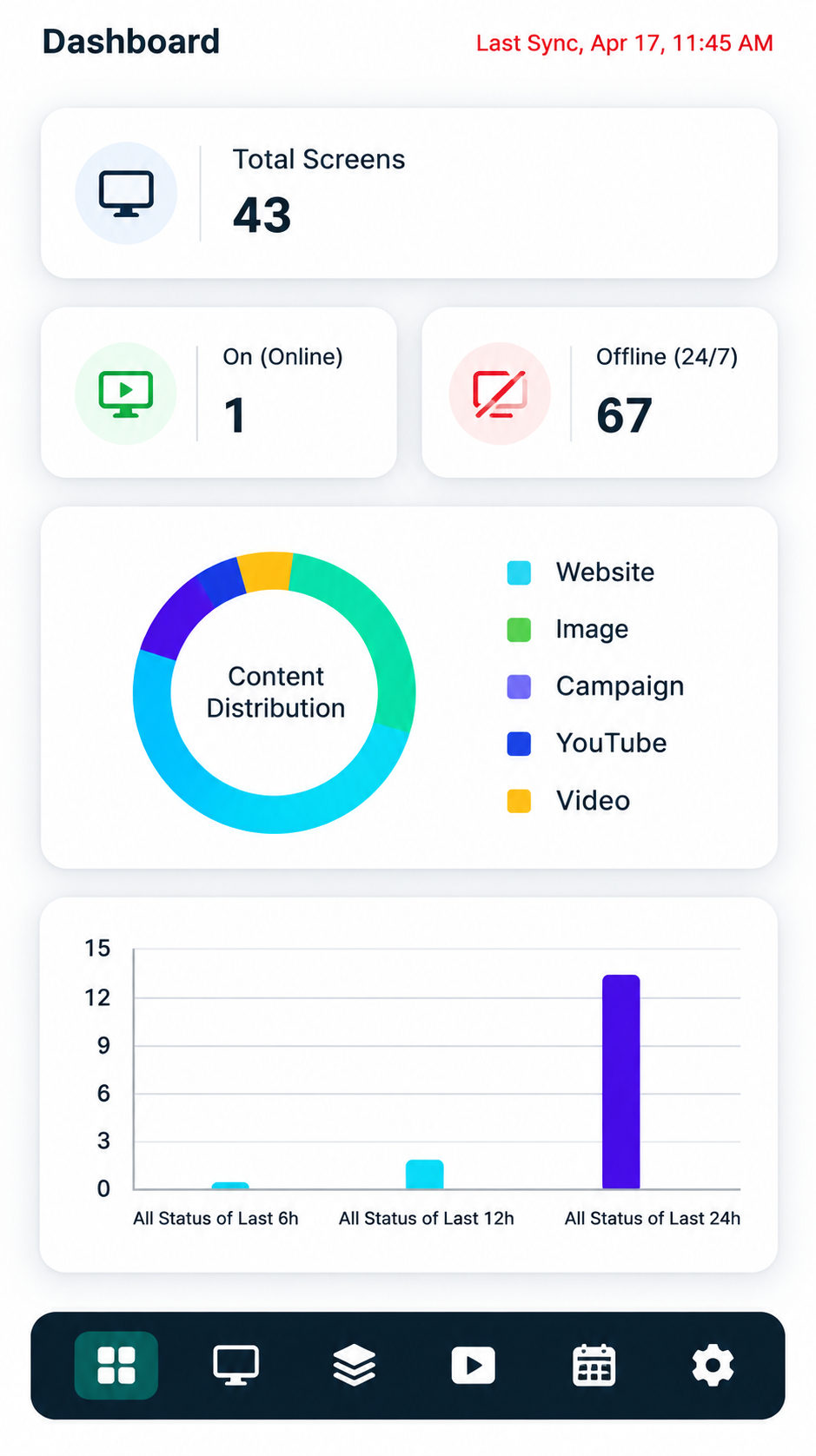
Intelisa Scheduler lets you control and schedule screen content from your phone.
How to Set Up Intelisa in 5 Simple Steps
- Start your free trial: Create your account on the Intelisa dashboard. No credit card is needed.
- Install the player app: Download the Intelisa Digital Signage app on your screen, TV box, or media player.
- Pair the screen: Link the screen to your account from the dashboard, and give it a name and location.
- Add your content: Upload images and videos, or design with ready templates and Canva integration, then build a playlist.
- Schedule and go live: Set the days and times, publish, and manage everything later from the Intelisa Scheduler app on your phone.
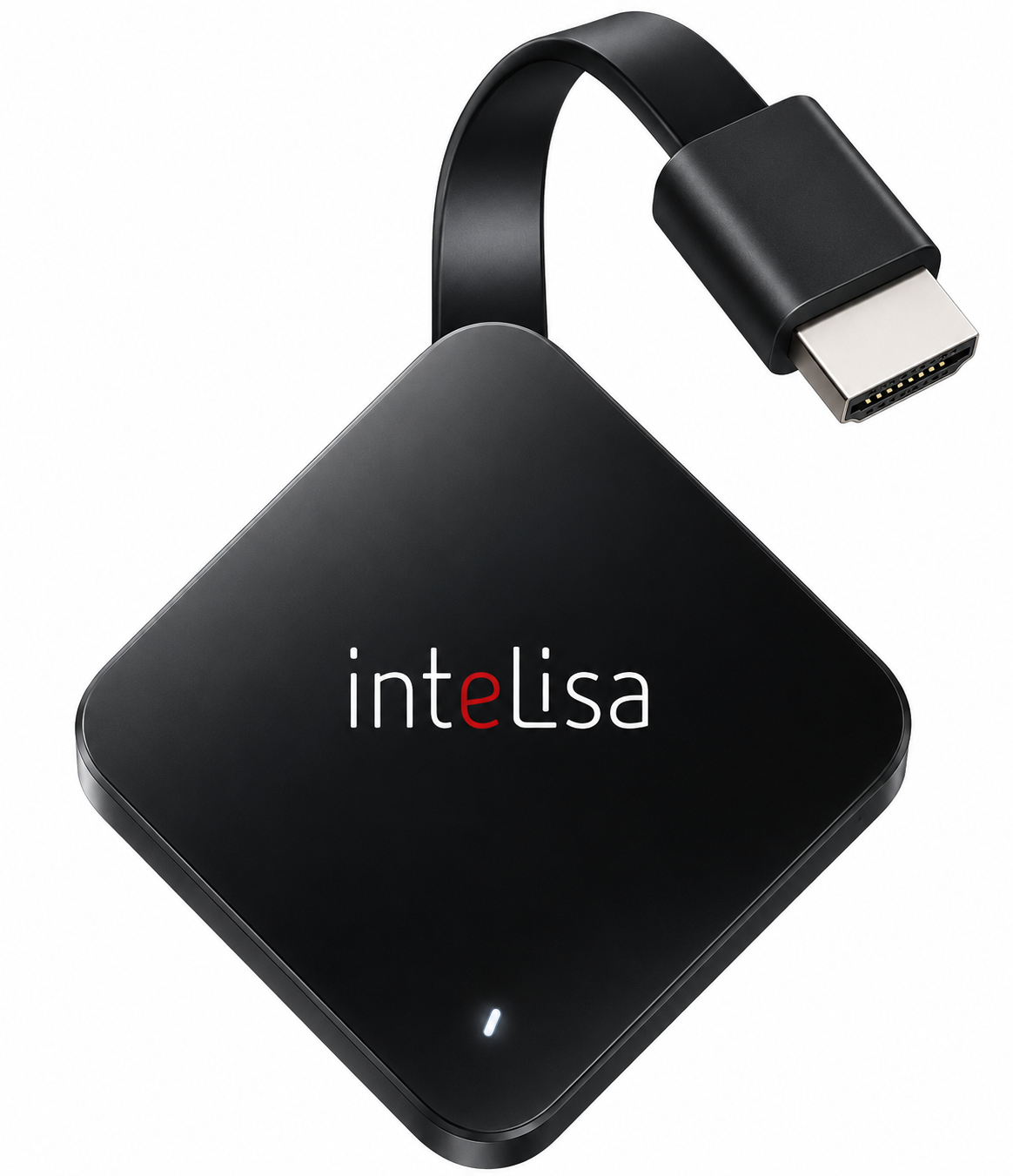
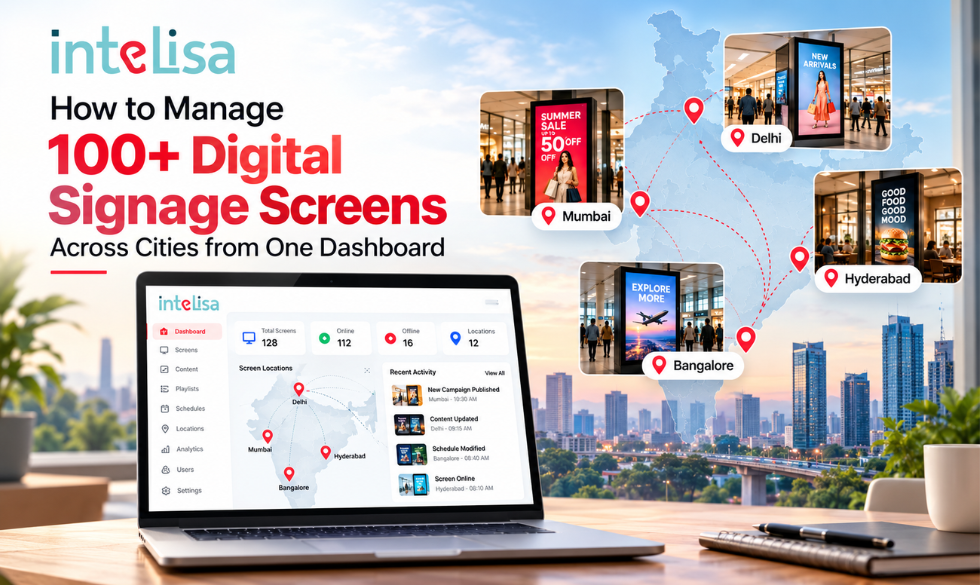
One cloud dashboard to manage every screen, playlist, and schedule.
How Much Does Digital Signage Software Cost?
Most cloud platforms charge per screen, per month or per year. Intelisa keeps pricing simple and transparent:
| Plan | Monthly | Yearly | Good For |
|---|---|---|---|
| Intelisa Lite | Rs 550 per screen | Rs 5,500 per screen | Small businesses that need scheduling, templates, and offline playback |
| Intelisa Pro | Rs 800 per screen | Rs 8,000 per screen | Growing brands that need user roles, split screens, live streams, widgets, and advanced reports |
| Enterprise | Custom pricing | Large networks, custom workflows, and on-premise needs | |
Prices are taken from the Intelisa pricing page and may change, so check the page for the latest plans. For a full cost breakdown including screens and players, read how much digital signage costs in India.
How to Choose the Right Software for Your Business
Start With Your Goal
Do you want to sell more in a store, show menus, share notices in an office, or run paid ads on your screens? Your goal decides which features matter most.
Count Your Screens and Locations
One screen in one shop is very different from 200 screens across 20 cities. Pick software that can grow with you without a full switch later.
Test on Your Own Screens
Use a free trial on your real screens and real content. Check how easy it is for your staff, not just for the person who bought it.
Check Support and Local Presence
For businesses in India, local support, INR billing, and GST invoices make a real difference. Intelisa has teams in Hyderabad, Mumbai, and Bangalore, plus Toronto for global customers.
Cloud Digital Signage Software, Built for India and the World
Intelisa helps retail chains, restaurants, hospitals, offices, and media owners run every screen from one simple cloud dashboard.
- Free player and scheduler apps
- Scheduling, zones, and ready templates
- Offline playback when the internet drops
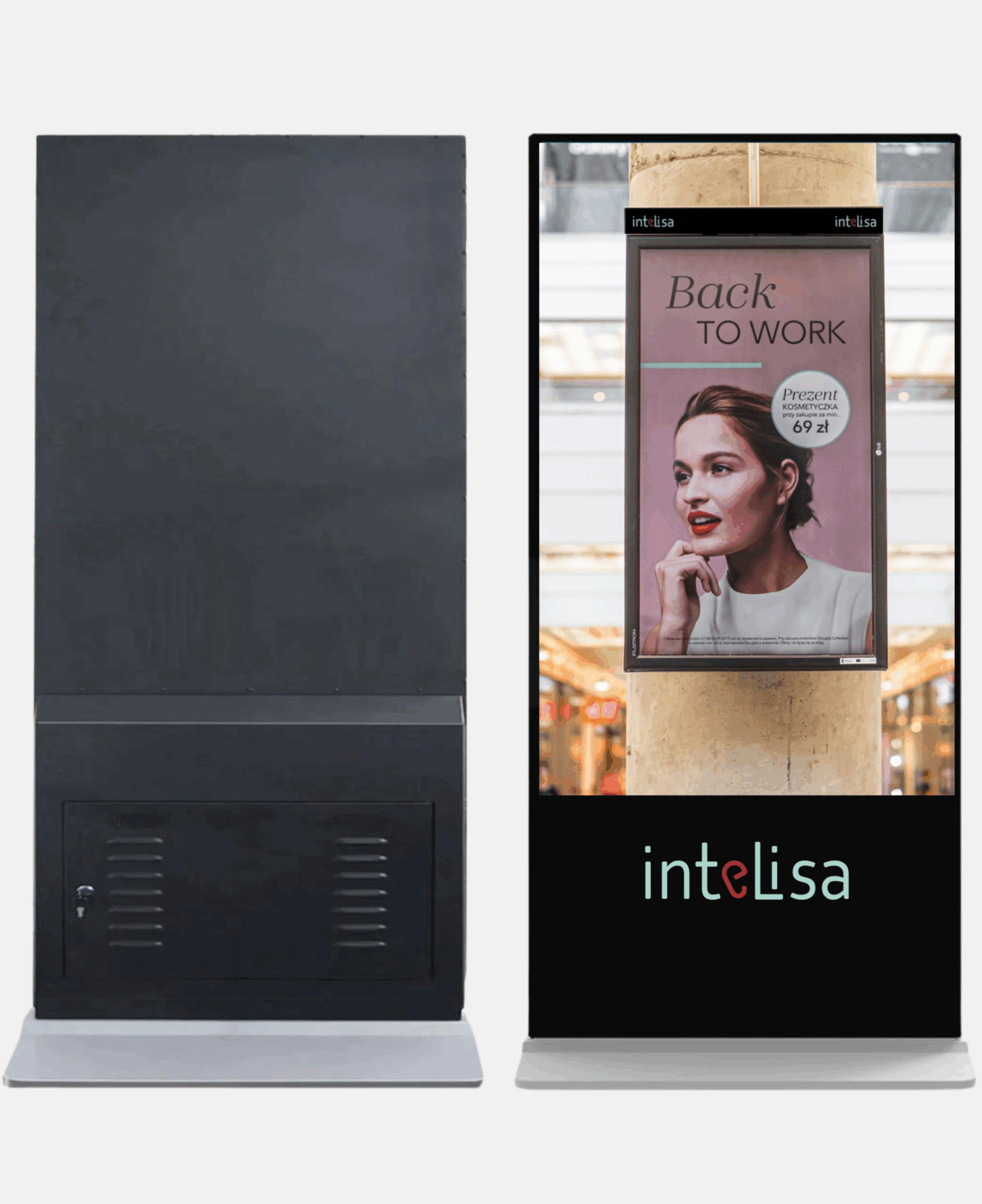
- Works with LCDs, standees, video walls, and kiosks
- Cloud and on-premise deployment options
Conclusion
The best digital signage software is the one your team can run every day without stress. Free tools are fine for testing on one or two screens, but once you have more screens, more locations, or a business that depends on them, a cloud based platform with offline playback, remote monitoring, and real support pays for itself.
With Intelisa, you get a cloud dashboard, free apps for your screens and phone, simple per-screen pricing, and a 14 day free trial to try it all on your own screens.
Try Intelisa Free for 14 Days
Download the free apps, connect your first screen, and see how easy digital signage can be. No credit card required.
Start Your Free TrialFrequently Asked Questions
What is the best digital signage software in India?
The best choice depends on your screens, locations, and budget. Look for a cloud dashboard, scheduling, offline playback, multi-location control, and local support. Intelisa is a cloud digital signage software built in India, with INR pricing, GST invoices, and teams in Hyderabad, Mumbai, and Bangalore.
Is there any free digital signage software?
Yes. Some tools offer a free plan for one or two screens with limited features, and open source tools like Xibo are free if you host them yourself. Most professional platforms, including Intelisa, offer a free trial so you can test the full product first.
Can I download Intelisa digital signage software for free?
Yes. The Intelisa Digital Signage player app is free on Google Play, and the Intelisa Scheduler app is free on Google Play and the App Store. You can also start a 14 day free trial of the cloud platform with no credit card.
What is cloud based digital signage software?
Cloud based digital signage software stores your content and settings online. You manage every screen through a web dashboard or mobile app, with no local server to maintain, and you can update screens in any city from anywhere.
Can I use my existing TV for digital signage?
Yes. Most LCD, LED, and smart TVs work. Connect an Android based TV box, media player, or Fire TV Stick, install the Intelisa player app, and pair it with your account.
How much does digital signage software cost in India?
Cloud software is usually priced per screen. Intelisa Lite starts at Rs 550 per screen per month and Intelisa Pro at Rs 800 per screen per month, with yearly plans and custom enterprise pricing also available. Check the pricing page for the latest plans.
Does digital signage work without internet?
With offline playback, yes. Intelisa saves content on the player, so screens keep playing the schedule during internet cuts and sync new content once the connection returns.
How do I choose between digital signage software companies?
Start with your goal and screen count, then compare ease of use, offline playback, multi-location control, pricing per screen, and support. Always test on your own screens with a free trial before you commit.