Smart Screens for Schools, Colleges and Coaching Institutes
Intelisa gives schools, colleges, universities, and coaching institutes cloud digital signage software to run digital notice boards, timetables, exam updates, and emergency alerts from one dashboard, plus ready-to-use digital standees for receptions and corridors, with the software pre-installed.
Timetables change, exams get rescheduled, and in an emergency every second counts, yet most campuses still rely on paper notices that are missed or outdated. With Intelisa, you update every screen in seconds, across one campus or a whole group of institutions.
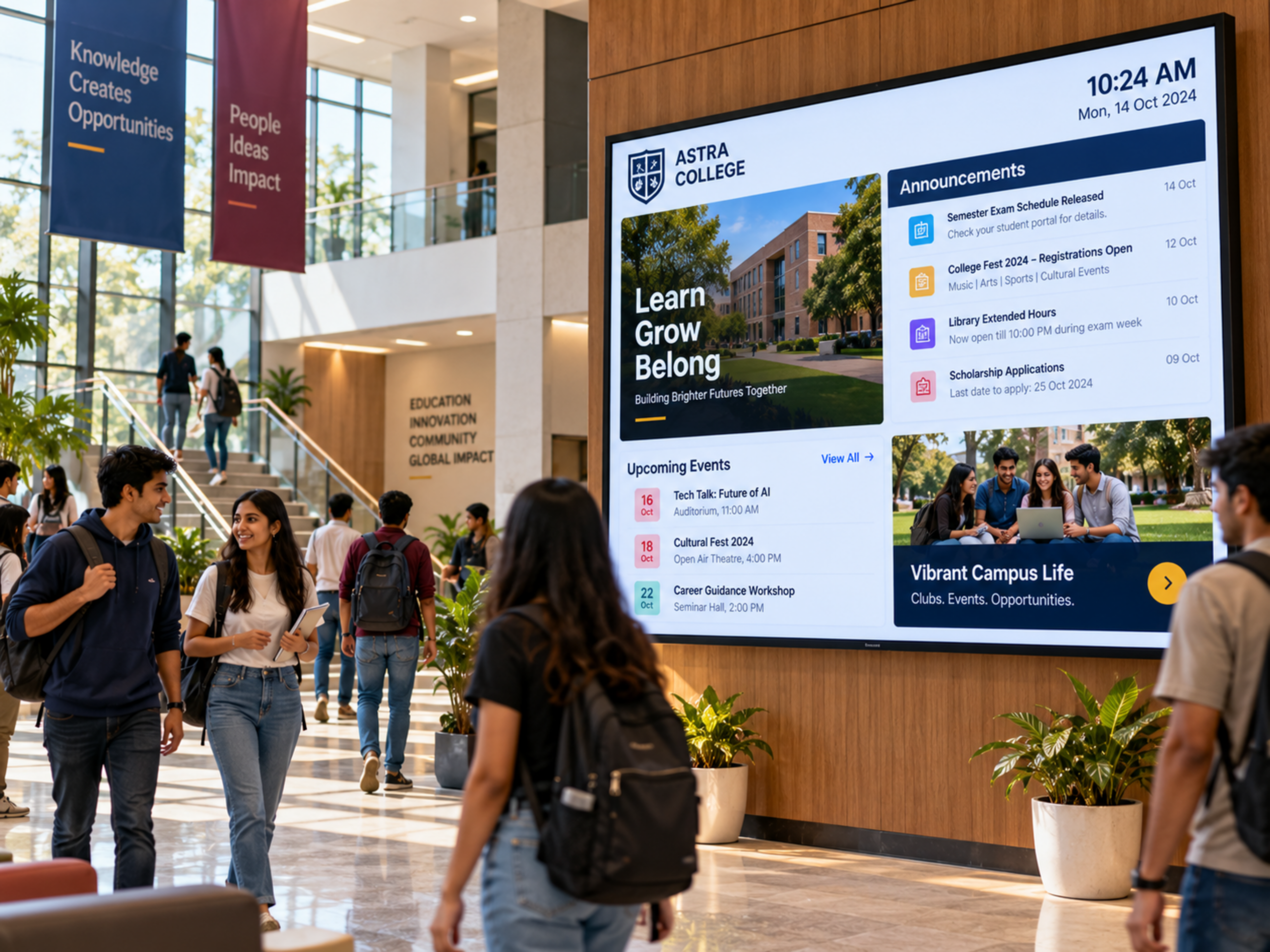
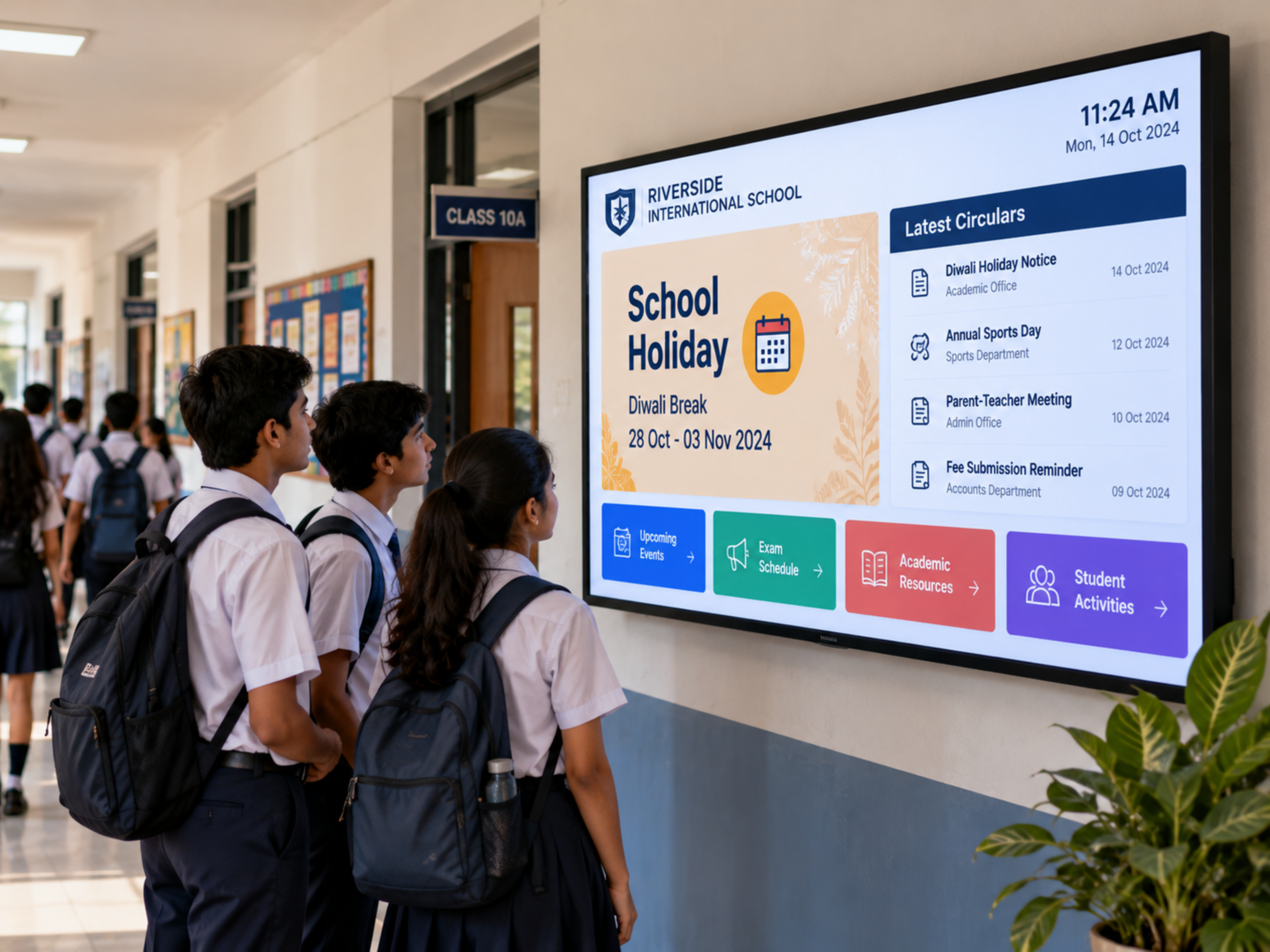
How Digital Signage Helps Your Campus
From daily notices to emergency alerts, one platform keeps your whole campus informed.
Digital Notice Boards
Post circulars, holidays, fee reminders, and announcements once, and they appear on every screen. Old notices expire on the date you set.
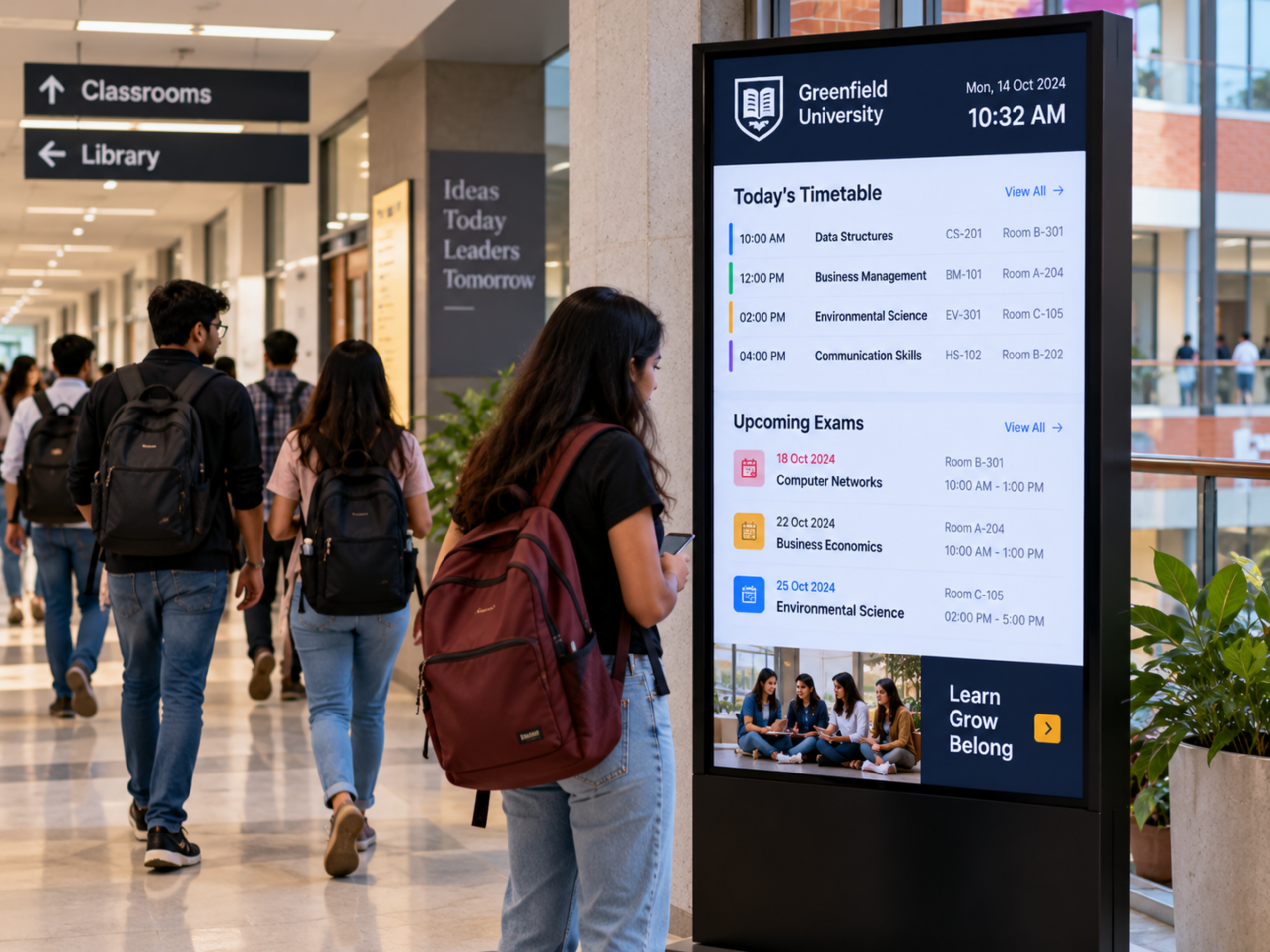
Timetables, Exams and Room Changes
Show timetables, exam schedules, results dates, and last-minute room changes near classrooms and staircases.
Emergency Alerts and Safety
Push urgent messages to every screen in seconds, and keep fire exits and helpline numbers visible.
Admissions and Open Days
Turn your reception into a showcase of courses, facilities, placements, and admission deadlines.
Celebrate Achievements
Feature toppers, sports winners, and alumni success stories to build pride on campus.
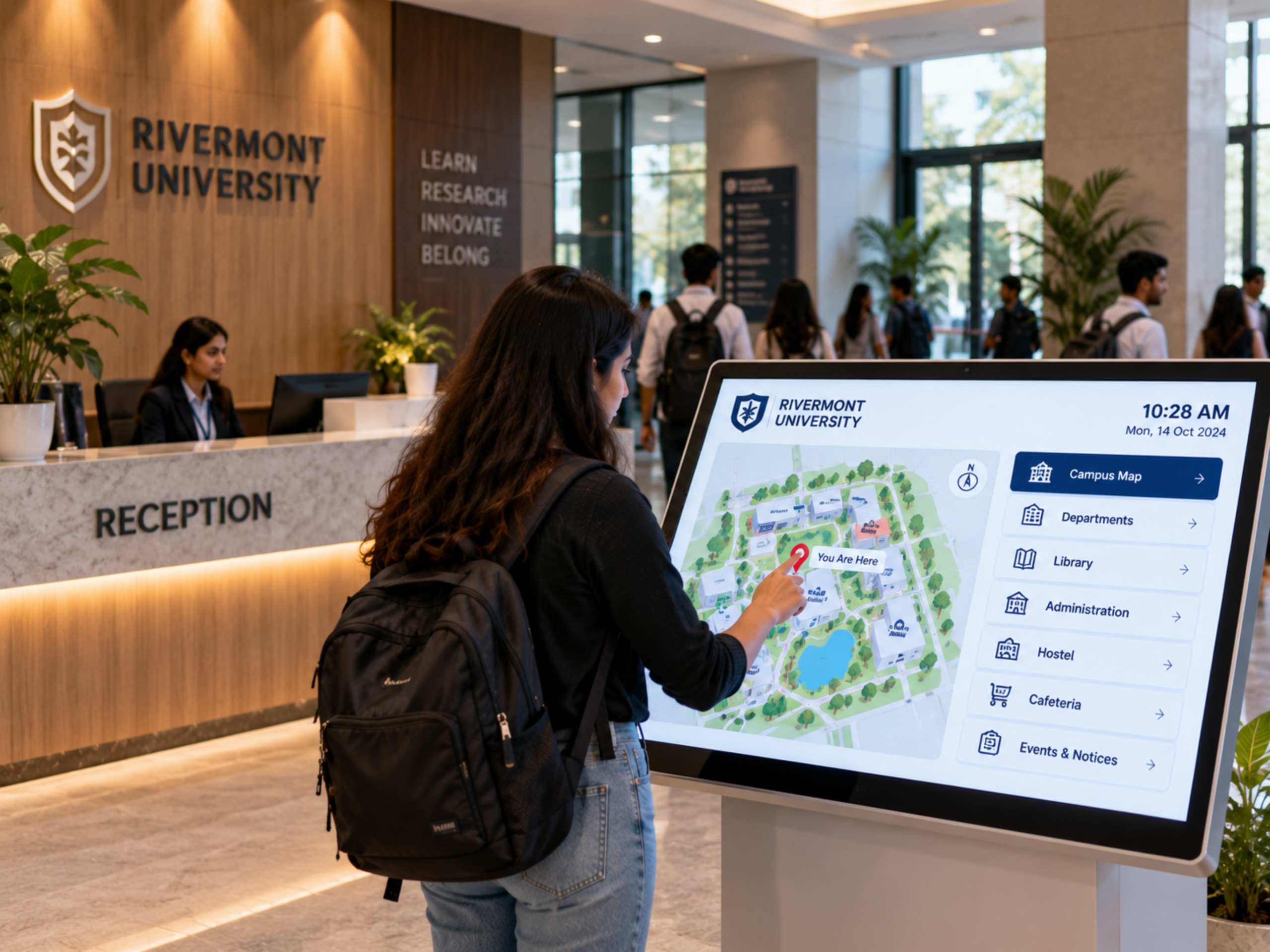
Campus Wayfinding
Touch kiosks help new students, parents, and visitors find departments, labs, libraries, and hostels.
Built for Every Type of Institution
Use Intelisa software on the screens you already have, and add digital standees where you need new ones.
| Institution | Best Uses | Where a Digital Standee Fits |
|---|---|---|
| Schools (K-12) | Notices for students and parents, assembly updates, achievements, safety messages | At the reception and main corridor |
| Colleges and universities | Timetables, exams, placements, events, department updates | At the reception, corridors, and admissions office |
| Coaching institutes | Batch timings, test schedules, toppers' results, admission offers | At the entrance |
| Hostels | Mess menus, rules, warden notices, emergency contacts | In the common area and near the mess |
| Multi-campus groups | Central notices with local updates for each campus | At every campus, managed centrally |
Intelisa Advantages for Education
One platform for every screen in your campus.

Instant Updates
Change every screen in seconds from one dashboard.

Smart Scheduling
Plan content by date and time; expired content removes itself.

Multi-Campus Control
Manage every school or campus in your group from one place.

Split Screen Zones
Show several types of content on one screen at once.

Easy for Staff
Ready templates mean no design skills are needed.

Social Media Integration
Show your institution's social media highlights on screen.

Works Offline
Screens keep playing even if the internet drops.

Cloud or On-Premise
Choose cloud, or keep data on your own servers.
One Software for Every Screen, Plus Ready-to-Use Standees
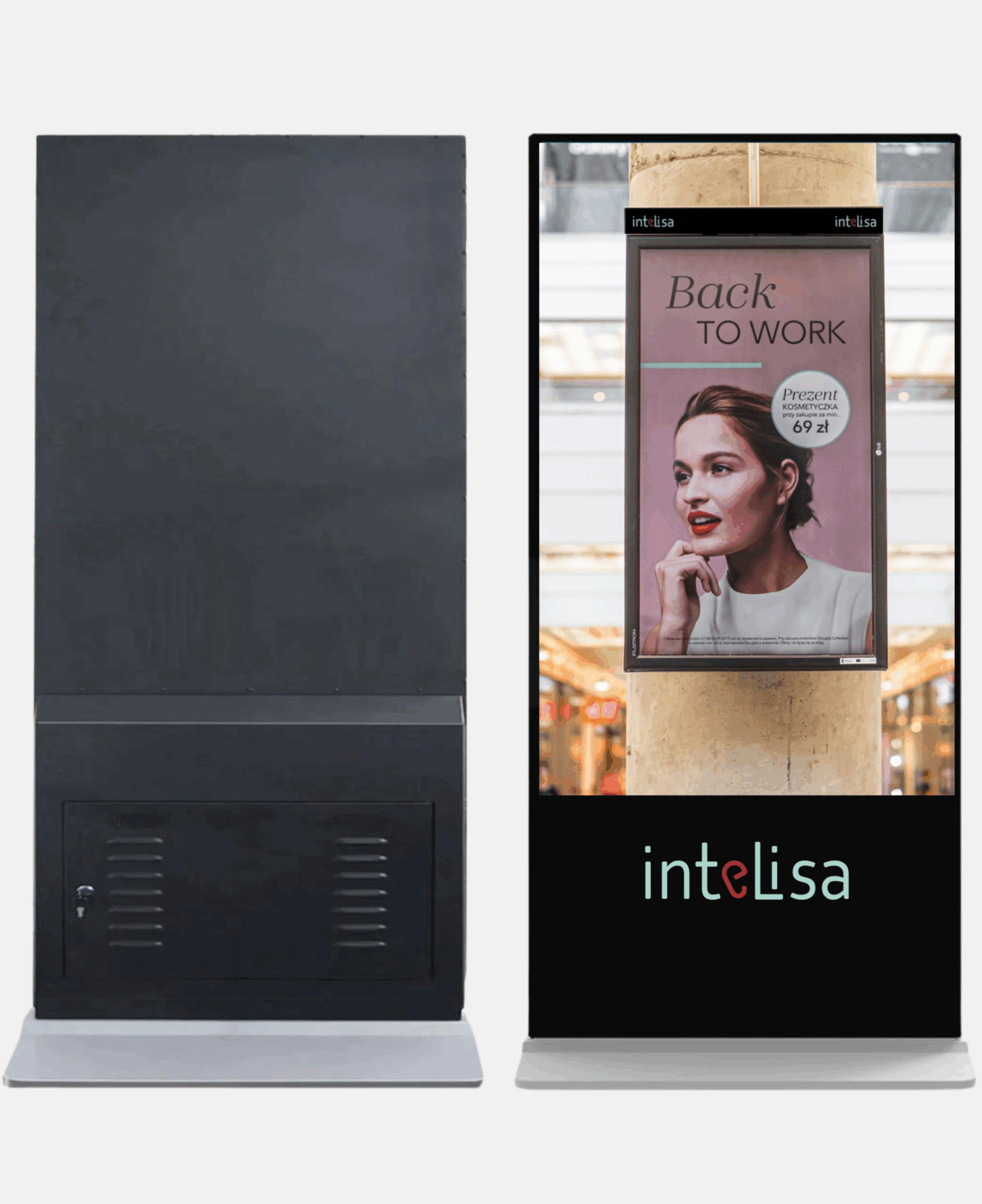
Intelisa software runs on the LCD, LED, and touch screens you already own. For new screens in your campus, choose Intelisa digital standees, touch and non-touch, from 10 to 65 inch, with the software pre-installed.
- Floor standees, 43 to 65 inch
- Wall mount and A-frame displays
- Table top and pole standees
- Touch screen kiosks
Frequently Asked Questions
What is digital signage for schools and colleges?
It is a network of screens on campus, such as digital notice boards, standees, and touch kiosks, that show notices, timetables, events, and alerts. Content is managed from one online dashboard and updates on every screen in seconds.
Can a digital notice board replace paper notices?
Yes. A digital notice board shows current circulars and announcements, updates instantly, and removes expired notices automatically on the date you set.
Can we send emergency alerts to all campus screens?
Yes. With Intelisa, an urgent message can be pushed to every screen on one campus or across all campuses from the dashboard in seconds.
Do teachers need technical skills to update the screens?
No. Staff can use ready templates to create notices and schedule them in a few clicks from a laptop or phone.
Can one dashboard manage multiple campuses?
Yes. Education groups can manage all their schools or campuses from one dashboard, sending common notices to all and local updates to each campus.
Do you supply the screens as well?
Yes. We supply touch and non-touch digital standees, from 10 to 65 inch, with Intelisa software pre-installed. For your existing TVs and screens, our software runs on the hardware you already have.
Explore More Sectors
See how Intelisa digital signage works in other industries.
Bring Your Campus Notices to Life
See how Intelisa helps schools, colleges, and coaching institutes communicate faster. Start free for 14 days, no credit card required.
Start Your Free Trial
