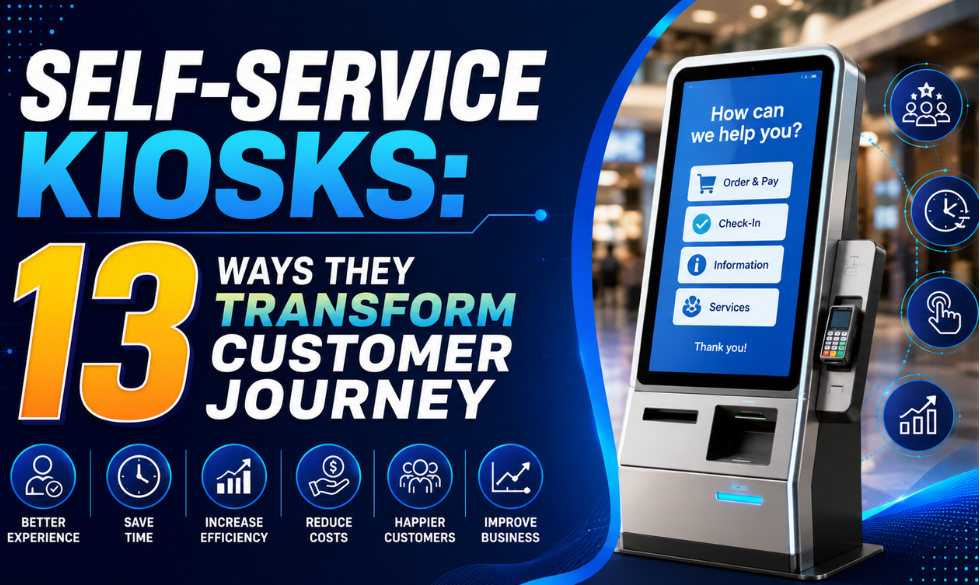
Self-service kiosks have moved from being nice-to-have gadgets to essential operational tools. By handing control back to the customer, brands are seeing a 20 to 30 percent boost in satisfaction scores and a real lift in transaction value. Whether in a busy QSR, a retail flagship or a corporate lobby, kiosks solve the age-old problem of friction at the point of sale. Here are 13 reasons why they are a win for both the business and the buyer.
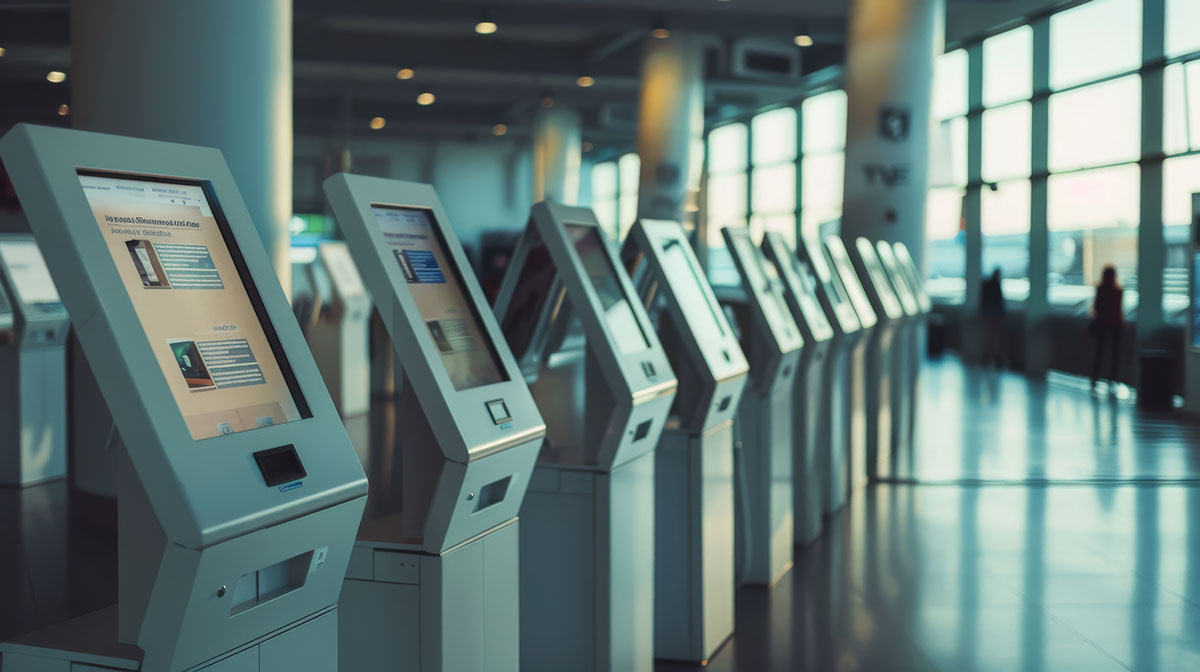
Self-service kiosks give customers speed and control, while easing pressure on your team
Self-Service in 2026: Why the Shift Is Accelerating
Self-service has crossed the line from novelty to expectation, and the numbers show how quickly.
India is one of the fastest-moving markets for self-service. Its kiosk market is growing at roughly 11 percent a year and is set to nearly double by 2030, pushed along by QSR expansion, metro and airport growth, smart-city programmes, and the fact that UPI and QR payments have made self-checkout feel completely natural to Indian customers. Add local-language interfaces and a kiosk suddenly serves a far wider audience than a single counter ever could.
The Benefits: Speed, Accuracy, and Growth
- Eliminate the queue: Kiosks let customers bypass the traditional counter. This can slash wait times by up to 70 percent, turning peak-hour chaos into a streamlined flow.
- High-volume throughput: By deploying multiple units, you serve more patrons at the same time without increasing headcount.
- Precision ordering: When customers enter their own details, miscommunication disappears. Error rates drop by nearly 80 percent, so the order is right the first time.
- Hyper-personalization: Integrated with loyalty data, kiosks can greet repeat users and suggest their usual order, making a digital interaction feel surprisingly personal.
- Autonomy and control: Customers browse menus or catalogues at their own pace, free from the pressure of a queue building behind them.
- Inclusive design: Multilingual support and adjustable interface heights make your services accessible to a much broader group of people. In India, regional language support is a genuine advantage.
- Sleek brand perception: Modern, high-resolution touchscreens signal that your brand is forward-thinking and comfortable with technology.
- Chain-wide consistency: Every branch delivers the same service standard. A single cloud update syncs pricing and promos across every location instantly.
- The silent upsell: A kiosk never forgets to ask about a meal deal or a matching accessory. These automated prompts typically lift average order value by 10 to 20 percent.
- Transaction privacy: For sensitive purchases, kiosks offer a discreet checkout that encourages fuller baskets.
- Always-on service: Kiosks do not take breaks. They enable round-the-clock service in unmanned or late-night zones, capturing revenue that would otherwise be lost.
- Actionable data: Every tap is a data point. Learn which items get viewed but not bought, then fix your inventory and marketing accordingly.
- Lower stress levels: A self-paced interaction reduces order anxiety, which means a more relaxed customer who is more likely to come back.
Where Self-Service Kiosks Deliver the Most
The gains above are real, but they are not equal everywhere. These are the settings where Indian businesses see returns fastest.
QSRs and Food Courts
The clearest win. Self-ordering screens cut peak-hour queues, reduce order errors, and lift average spend through prompts staff often forget. See more on digital signage in restaurants.
Retail Stores and Malls
Product browsing, stock checks and self-checkout ease pressure on staff during rush hours. Mall kiosks also handle wayfinding and offers, as covered in our mall signage guide.
Healthcare and Clinics
Patient check-in, token generation and form filling shorten reception queues and cut paperwork, while keeping information private and consistent.
Banks, Utilities and Transit
Bill payments, recharges, ticketing and check-in are ideal kiosk tasks, especially with UPI and QR making the payment step almost instant.
Overcoming Deployment Hurdles
The return on investment is clear, but a successful rollout takes more than plugging a screen in. Here is how to handle the most common challenges.
Technical reliability
Do not cut corners on hardware. Use industrial-grade screens and a CMS with remote diagnostics so you can catch problems before they turn into downtime.
User adoption
If the interface confuses people, they walk away. Stick to intuitive, large-button designs, and keep a staff member nearby for concierge-style help during the first week.
Security and trust
Use end-to-end encryption and secure QR or PIN authentication. For outdoor units, make sure the casing is weather-resistant and tamper-proof.
System integration
Legacy software is often the biggest bottleneck. Choose open-API platforms that can talk to your existing POS and inventory systems without a costly custom build.
Space and aesthetics
Avoid a clunky look. Use modular mounts, whether wall, counter or floor-standing, that suit your store's flow and design language.
Connectivity and uptime
Internet drops are a reality in many Indian locations. Pick a platform that caches content locally so kiosks keep serving customers and sync again once the connection returns.
The CMS Behind Your Kiosk Network
A kiosk is only as good as the software running it. Intelisa gives you the intelligent backbone to manage, update and optimise every kiosk from one dashboard.
- Push menu, price and promo updates to every location instantly
- Monitor uptime and diagnose issues without a site visit
- Works offline so kiosks keep running if the internet drops
- Runs on any touch screen, standee or kiosk hardware
- Scales from a single unit to a nationwide fleet
Kiosk vs Traditional Counter: The Short Version
| Factor | Traditional Counter | Self-Service Kiosk |
|---|---|---|
| Peak-hour queues | Long, staff-limited | Up to 70 percent shorter waits |
| Order accuracy | Depends on communication | Customer confirms their own order |
| Upselling | Inconsistent, often skipped | Prompted every single time |
| Operating hours | Staffed hours only | Can run round the clock |
| Updating prices | Manual at each outlet | One cloud update, all locations |
| Customer data | Almost none captured | Every interaction recorded |
Is Your Store Ready for the Kiosk Shift?
The shift toward self-service is no longer optional, it is expected. If you are not offering customers the speed and control of a kiosk, you are probably losing them to a competitor who is.
Take the guesswork out of your deployment. Intelisa provides the intelligent CMS backbone needed to manage, update and optimise your kiosk network from a single dashboard, whether you run one unit or a hundred across the country.
Ready to Roll Out Self-Service Kiosks?
Tell us your use case, from QSR ordering and retail checkout to healthcare check-in and payments. We will recommend the right setup and show you how Intelisa runs it all from one place.
Book a Discovery SessionFrequently Asked Questions
What is a self-service kiosk?
A self-service kiosk is a touchscreen station that lets customers complete a task on their own, such as ordering food, checking out, checking in, paying a bill or finding information, without needing a staff member. It combines a display, a media player or computer, and software that controls what the user can do.
Do self-service kiosks actually increase sales?
Yes, in most deployments. Kiosks prompt every customer with add-ons and combos consistently, which typically lifts average order value by 10 to 20 percent. They also let customers browse without time pressure, which tends to produce larger baskets, and they capture late-night or unmanned-hour revenue that would otherwise be lost.
Will kiosks replace my staff?
Not usually. In practice kiosks absorb repetitive transactions so staff can move to work that needs a human, such as preparing orders, helping confused customers, or handling complex queries. Most businesses redeploy their team rather than reduce it, and keep a staff member near the kiosks during the first weeks of launch.
How much space does a self-service kiosk need?
Less than most people expect. Counter-top and wall-mounted units take almost no floor space, while floor-standing kiosks need roughly the footprint of a person plus queuing room in front. The bigger consideration is placement: kiosks should sit in the natural path of customers, not tucked into a corner.
What happens if the internet goes down?
With a well-chosen platform, nothing dramatic. Content is cached locally on the kiosk, so it keeps displaying and functioning while the connection is down, then syncs automatically once it returns. This matters in India, where connectivity can vary between locations, which is why offline capability should be on your checklist.
Are self-service kiosks secure for payments?
Yes, when set up properly. Use end-to-end encryption, secure QR or PIN authentication, and tamper-proof casing for outdoor units. In India most kiosk payments run through UPI and QR, which keeps card details off the device entirely and makes the transaction both fast and secure.
What software runs a self-service kiosk?
Kiosks run on kiosk or digital signage software that controls the interface, restricts what users can access, supports remote content updates, and reports on uptime. Look for an open-API platform that connects to your POS and inventory. Intelisa provides this as a cloud CMS, managing every kiosk from one dashboard.