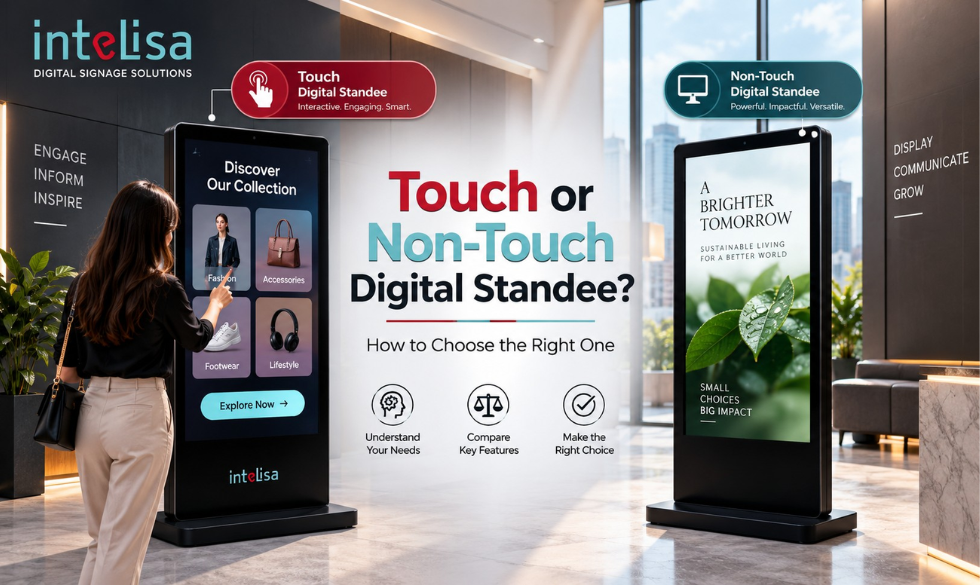
You have decided to add a digital standee to your store, showroom, or lobby. Good move. But now you face a choice that trips up almost every first-time buyer: should you get a touch screen standee, or a non-touch one? The two look almost identical from a distance, yet they serve very different purposes and sit at different price points.
Pick the wrong one and you either overpay for touch you never use, or you buy non-touch and later wish customers could interact with it. This guide breaks down the difference clearly, shows where each one shines, and helps you choose the right digital standee for your business in 2026.
What Is a Digital Standee?
A digital standee is a freestanding display screen that shows dynamic content such as ads, offers, menus, and information, updated remotely through digital signage software. Instead of a printed poster on a stand, you get a bright screen you can change in seconds from anywhere. You will see them at store entrances, reception areas, malls, restaurants, and events. Explore the full range on the digital standees page.
The main decision within standees is simple: touch or non-touch. Let us look at each.
What Is a Non-Touch Digital Standee?
A non-touch digital standee is a display that plays content one way, from the screen to the viewer. People look at it, but they do not interact with it. It runs your images, videos, menus, and offers on a loop or a schedule, making it perfect for broadcasting a message to everyone who walks past.
Think of it as a smart, updatable poster. It grabs attention, communicates clearly, and costs less because it has no touch layer or extra processing power. For most advertising and branding use cases, non-touch does the job beautifully.
What Is a Touch Screen Digital Standee?
A touch screen digital standee adds interaction. Viewers can tap the screen to browse a catalogue, place an order, check stock, find their way, or fill in a form. It turns a passive display into a two-way tool, closer to a self-service interactive kiosk.
Touch standees cost more because of the touch panel and stronger hardware, but they unlock experiences non-touch simply cannot: self-ordering, product exploration, wayfinding, and data capture. Where engagement and self-service matter, touch earns its price.
Touch vs Non-Touch Digital Standee: Side by Side
Here is the clearest way to compare the two at a glance.
| Factor | Non-Touch Standee | Touch Screen Standee |
|---|---|---|
| Interaction | One-way, view only | Two-way, tap to interact |
| Best for | Ads, branding, menus, info | Self-service, ordering, wayfinding |
| Cost | Lower | Higher |
| Hardware | Simpler, fewer parts | Touch panel, stronger processor |
| Maintenance | Minimal | Slightly more (touch wear) |
| Customer engagement | Passive attention | Active, hands-on |
| Data capture | No | Yes, tracks choices |
| Content updates | Remote, instant | Remote, instant |
Notice the last row: both are updated remotely through software. The difference is interaction, not control. Whichever you choose, you manage the content the same easy way.
The Digital Standee Opportunity in 2026
Self-service and screen-based communication are growing fast, especially in India, which shapes how businesses choose between touch and non-touch.
The takeaway is not that touch is always better. It is that both formats are growing because screens simply outperform print. The right choice depends entirely on what you want the viewer to do.
When to Choose a Non-Touch Digital Standee
Best Use Cases
- Store entrances promoting offers and new arrivals
- Restaurant and cafe digital menu boards
- Brand and product advertising in malls
- Reception and lobby welcome screens
- Event and exhibition branding
- Any place where you broadcast, not interact
It Fits You When
You want to grab attention and communicate a message to everyone passing by, on a tighter budget, without needing customers to touch anything. For advertising, promotions, and information, non-touch delivers almost all the value at a lower cost.
When to Choose a Touch Screen Digital Standee
Best Use Cases
- Self-ordering in QSRs and cafes
- Product catalogues and stock checks in retail
- Wayfinding in malls, hospitals, and campuses
- Self check-in at clinics, gyms, and offices
- Interactive brand experiences and product demos
- Feedback, registration, and lead capture
It Fits You When
You want customers to do something, order, browse, navigate, or sign up, rather than just watch. Touch reduces queues, captures useful data, and creates a memorable experience. If interaction drives your goal, the higher cost pays back.
What About Cost?
Non-touch standees are more affordable because they have fewer components. Touch standees cost more due to the touch panel and stronger internals, but they replace tasks that would otherwise need staff, so they often pay for themselves in busy environments. A smart approach many businesses use: start with non-touch for advertising, and add touch units only where self-service clearly helps.
One Platform for Touch and Non-Touch
Whichever standee you choose, Intelisa runs it. Our cloud platform powers both touch and non-touch displays, so you can manage all your content and screens from one dashboard.
- Runs touch and non-touch standees alike
- Update content in seconds from anywhere
- Schedule by time, day, location or campaign
- Works offline if the internet drops
- Scales from one screen to a nationwide network
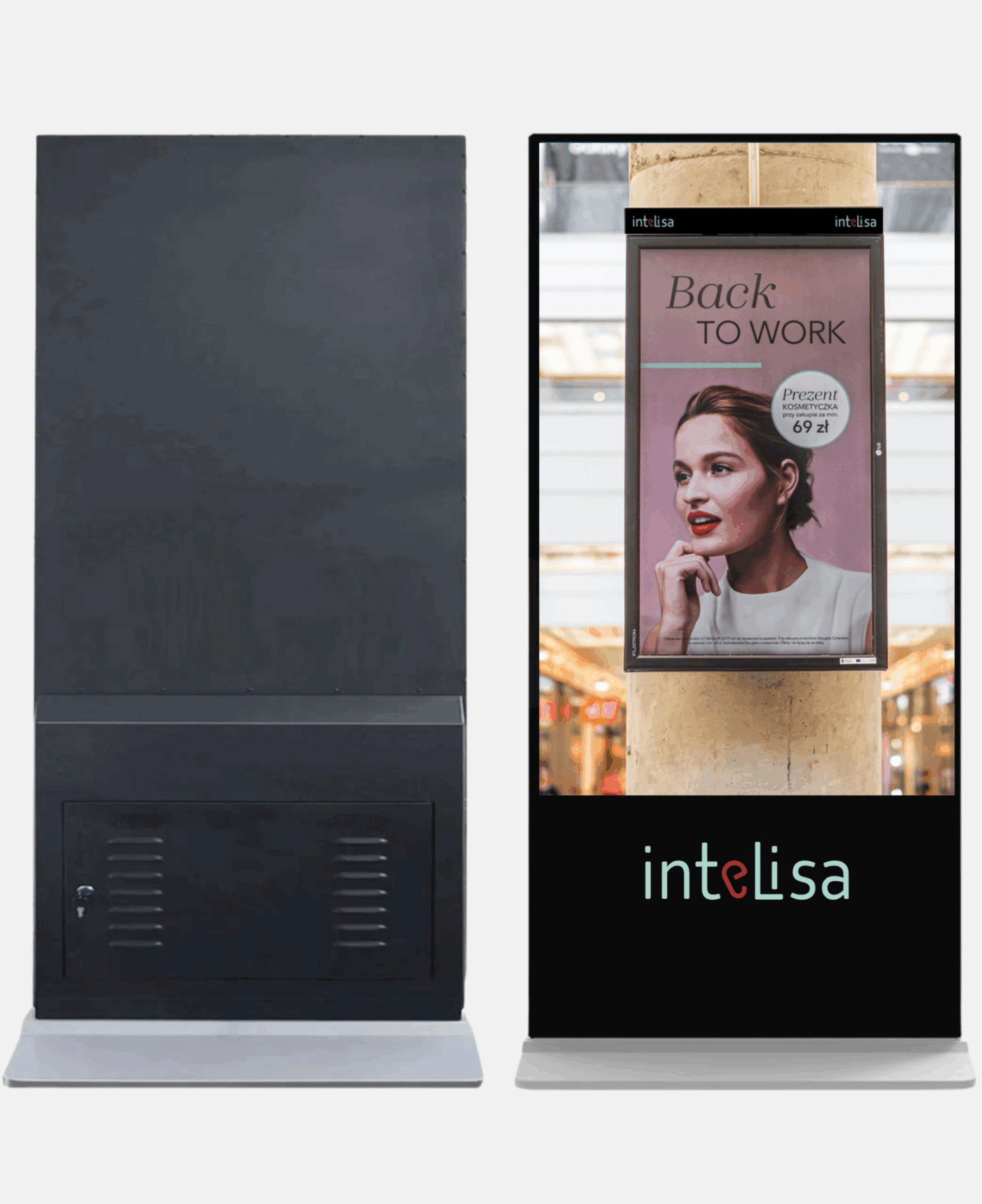
So, Which One Should You Buy?
Here is the simple rule. If you want to show a message, promote offers, or run menus and ads, choose a non-touch digital standee and save money. If you want customers to interact, order, navigate, or sign up, choose a touch screen standee and gain engagement and data. Many businesses run both: non-touch for advertising near entrances, touch for self-service inside.
Either way, the screen is only half the story. The software running it decides how easy the whole thing is to manage, and with a cloud platform like Intelisa, both touch and non-touch standees are controlled from one place.
Not Sure Which Standee Fits Your Business?
Tell us your use case and we will recommend the right touch or non-touch setup, then show you how Intelisa runs it all. Start free for 14 days, no credit card required.
Start Your Free TrialFrequently Asked Questions
What is the difference between a touch and non-touch digital standee?
A non-touch digital standee shows content one way, so viewers watch but do not interact. A touch screen standee lets viewers tap the screen to browse, order, navigate, or sign up. Non-touch suits advertising and menus, while touch suits self-service and interactive experiences.
Is a touch screen standee worth the extra cost?
It is worth it when you have a clear task for the customer, such as self-ordering, wayfinding, or registration. Touch reduces queues, captures data, and improves engagement, which pays back in busy environments. If you only need to broadcast a message, non-touch delivers similar reach for less.
Which digital standee is better for a restaurant?
Both have a role. Non-touch standees work well as digital menu boards and for promoting offers, while touch standees enable self-ordering that cuts queues and lifts average order value. Many restaurants use non-touch menu screens and add touch self-ordering standees where footfall is high.
Do both touch and non-touch standees update remotely?
Yes. Both are powered by digital signage software, so you can update content, schedule playlists, and monitor screens remotely from one dashboard. The difference between them is interaction, not how you control the content.
Can I use one software for both touch and non-touch standees?
Yes. Intelisa is a single cloud platform that runs both touch and non-touch standees, so you can manage a mixed fleet of screens across locations from one dashboard, without separate systems.