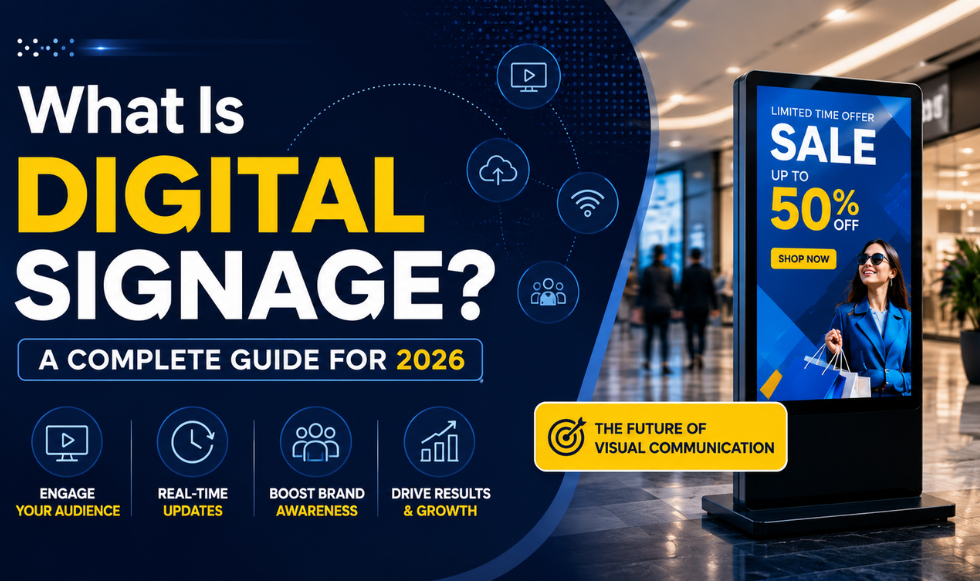
Walk into any modern airport, mall or restaurant in India and you are surrounded by screens. Flight boards, digital menus, glowing product ads, welcome messages, live queue numbers. Almost none of it is printed anymore. That shift from paper posters to smart, updatable screens is called digital signage, and it has quietly become one of the most effective ways for a business to communicate.
This guide explains what digital signage is, how it works, the parts that make up a system, the main types, and the real benefits for businesses in India and around the world. Whether you run a single cafe or a chain of two hundred stores, by the end you will understand exactly how it works and what you need to get started.
In This Article
- What Is Digital Signage?
- How Does Digital Signage Work?
- The Key Parts of a Digital Signage System
- Types of Digital Signage
- Where Is Digital Signage Used?
- Benefits of Digital Signage
- Digital Signage vs Traditional Signage
- How to Choose the Right Digital Signage Software
- Frequently Asked Questions
- The Bottom Line
What Is Digital Signage?
Digital signage is the use of electronic display screens to show dynamic content such as videos, images, menus, offers and information for advertising or communication. Instead of a fixed printed poster, the content is digital, so it can be changed instantly and controlled remotely through digital signage software.
You have almost certainly used it without thinking about it: the bright screens along a highway, the menu boards above a fast-food counter, the interactive kiosk at a metro station, and the arrival boards at an airport are all examples of digital signage. The core idea is simple. Show the right message, to the right audience, at the right time, and update it whenever you like without reprinting anything.
How Does Digital Signage Work?
Digital signage looks impressive on the wall, but the way it works is straightforward. It comes down to four steps that connect a screen to the content you want to show.
Set up the hardware
Place the display screen where your audience is, and connect a media player to it. The player plugs into the screen and connects to the internet or a local network. Many modern screens have the player built in.
Create content in the software
Use the digital signage software, a cloud-based content management system, to build your content: images, videos, menus, layouts and playlists. Good software offers ready templates so you do not need a designer.
Publish and schedule
Assign content to specific screens or groups, and schedule when each item plays. Show breakfast menus in the morning and dinner menus in the evening, all automatically.
Manage remotely
Monitor and update every screen from a central dashboard, from anywhere. Change content, check that screens are online, and fix issues without visiting the location.
If you want a deeper walkthrough of the beginner basics, our introduction to digital signage technology covers the fundamentals step by step.
The Key Parts of a Digital Signage System
A screen on the wall is only the visible part. A complete digital signage system has three core elements working together. Understanding them helps you plan the right setup for your business.
The Hardware
The physical parts: the display screen and the media player. Screens range from small standees to large video walls. Commercial-grade panels are built for long daily use, unlike consumer TVs.
Screens, players, mounts
The Software (CMS)
The content management system where you create, schedule and update everything. This is the brain of the system, and the quality of your software decides how easy the whole thing is to run.
Create, schedule, control
The Content
The actual media you show: videos, images, text, menus, live feeds, social walls and offers. Content is the lifeblood of signage, and it should suit your audience and location.
Videos, images, feeds, menus
A word on the hardware
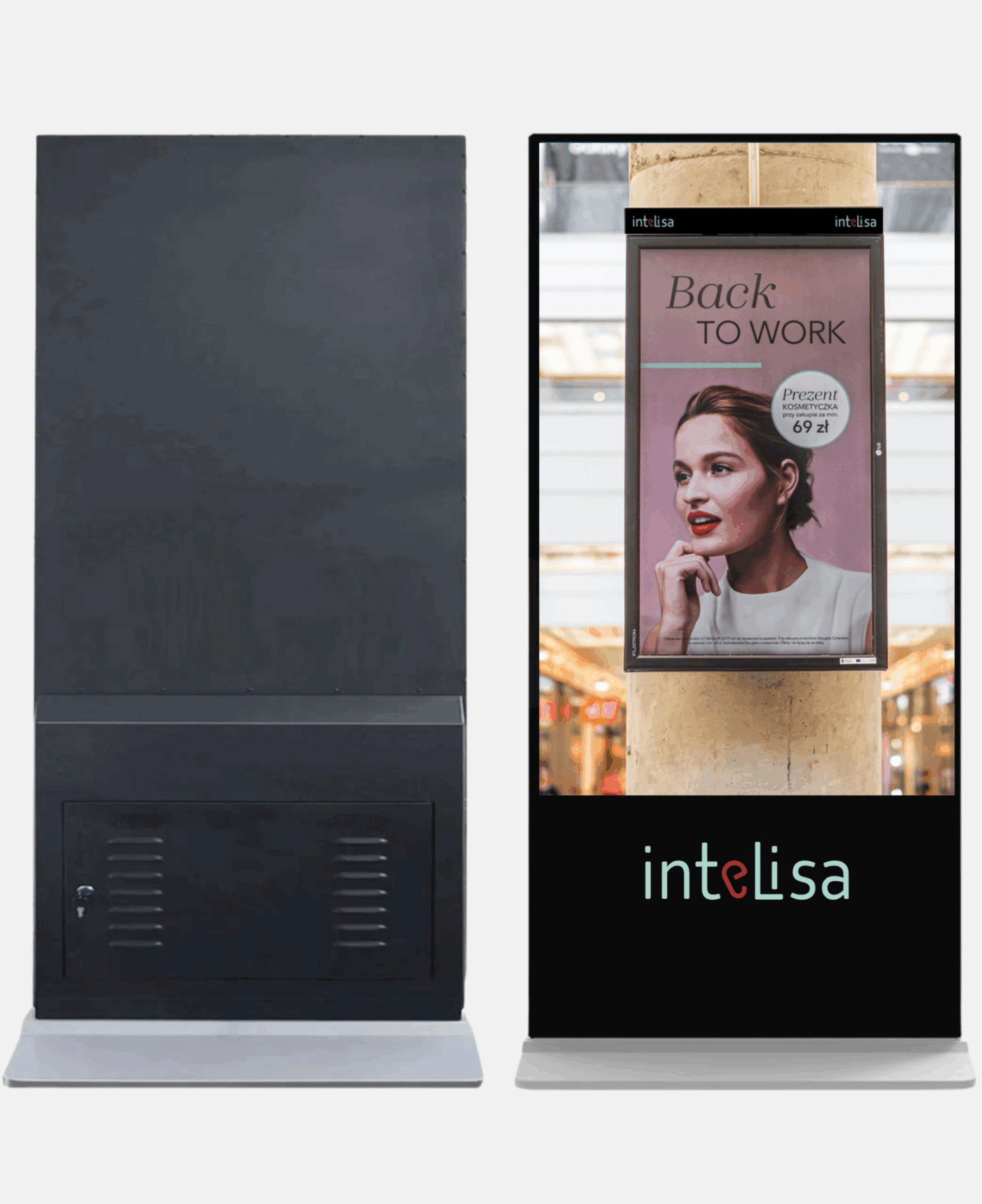
The display can be a commercial screen, a digital standee, a touch screen, or a large LED video wall. The media player is usually a small Android device, a Fire Stick, or a Windows player, and some smart screens have it built in. If you want to understand the screen types themselves, our guide to digital display screens and their business uses breaks down every option.
Types of Digital Signage
Digital signage is not one single thing. Different formats suit different goals, spaces and budgets. Here are the main types businesses use.
Indoor and Outdoor Signage
Indoor signage is designed for use inside stores, offices, malls, hotels and clinics, where normal brightness is enough. Outdoor signage is built to survive heat, rain and dust, and uses much higher brightness so it stays visible in direct sunlight, which matters a lot in Indian weather. Outdoor screens are common on highways, building facades and transit stations.
Interactive Signage and Kiosks
Interactive signage lets people touch the screen to browse, order or find their way. In retail, customers check product details and stock. In restaurants, they place orders at a self-service interactive kiosk and skip the queue. Kiosks are also widely used for wayfinding in malls, hospitals and airports.
Digital Menu Boards
Digital menu boards replace printed menus in restaurants, cafes and QSRs. They let you update prices and items instantly, promote combos, and change menus by time of day. They also reduce perceived wait time by keeping customers engaged while they decide.
Video Walls
A video wall tiles several screens together to create one large, high-impact display. They are used in mall atriums, corporate lobbies and control rooms where size and visual impact matter. Learn more about custom video walls by Intelisa.
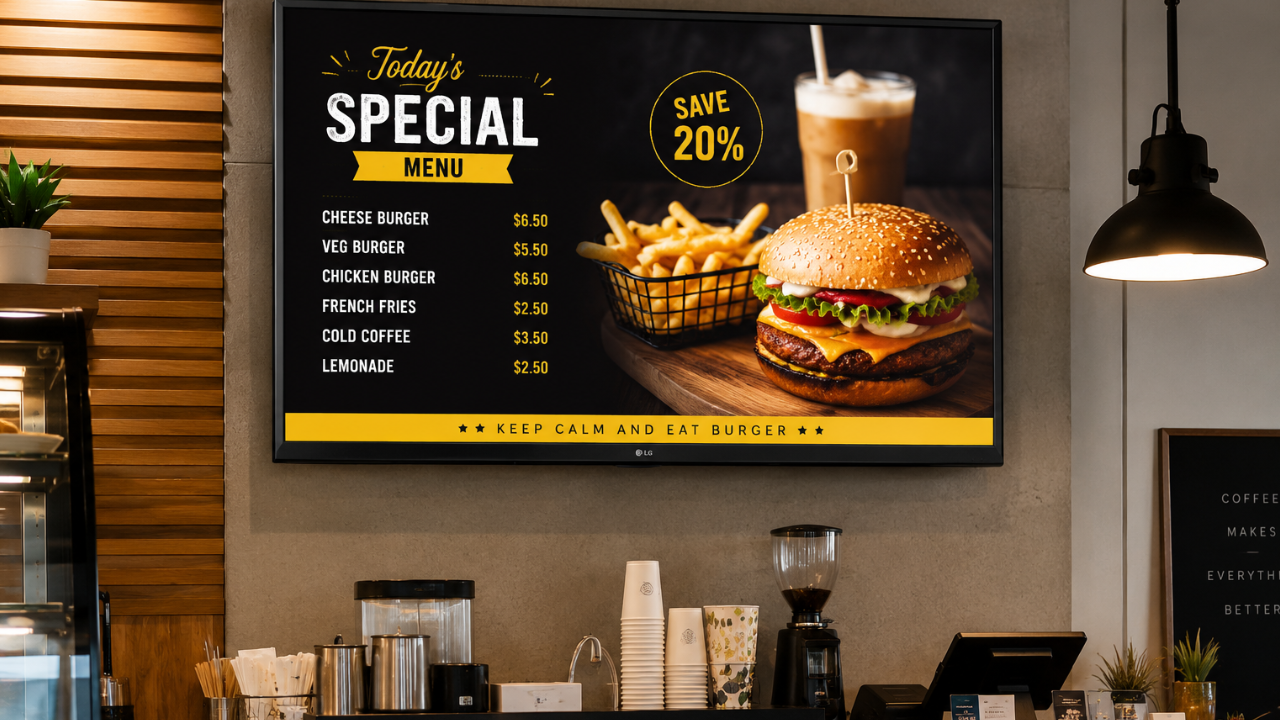
Digital menu boards let restaurants and cafes update menus and offers instantly, without reprinting
Where Is Digital Signage Used?
Almost any business that wants to communicate better with customers uses digital signage. These are the sectors where it delivers the strongest results in India.
Retail Stores and Malls
Promote offers, guide shoppers, and build brand image at entrances and aisles. Signage lifts footfall and encourages impulse purchases.
Restaurants and Cafes
Show digital menus, combos and food visuals that change by meal time, far cheaper and faster than printing new boards.
Corporate Offices
Share announcements, dashboards, welcome messages and safety information across lobbies, cafeterias and meeting areas.
Hospitals and Clinics
Manage queues, guide patients with wayfinding, and run health awareness content in waiting areas and receptions.
Hotels and Hospitality
Welcome guests, promote services, and display event schedules and directions in lobbies and banquet areas.
Transport and Education
Show timings and wayfinding at stations and airports, and events, results and notices across schools and colleges.
You can see the full range of use cases on our digital signage solutions page, which breaks it down by industry.
Run Every Screen With Intelisa
Intelisa is a cloud-based digital signage platform that connects to any screen and lets you manage all your content and displays from one simple dashboard.
- Works with any screen: LED, LCD, standee, video wall, touch
- Update content in seconds from your phone or laptop
- Schedule by time, day, location or campaign
- Works offline: screens keep playing if the internet drops
- Manage one screen or thousands across cities
Benefits of Digital Signage
Why are businesses across India moving from printed signage to screens? Because the advantages add up quickly, both in engagement and in long-term cost.
| Benefit | What It Means for Your Business |
|---|---|
| Grabs attention | Bright, self-lit screens with motion draw far more eyes than static posters, even in busy, well-lit spaces. |
| Instant updates | Change offers, prices or messages in seconds from anywhere, with no printing or waiting. |
| Higher engagement | Video and dynamic content hold attention longer and communicate more than a fixed image. |
| Better experience | Wayfinding, menus and queue displays make life easier for customers and reduce stress. |
| Lower long-term cost | No repeated printing, courier or installation costs. The savings add up with every update. |
| Central control | Manage many screens across many locations from one dashboard, saving time and travel. |
Digital Signage vs Traditional Signage
The clearest way to understand the value is to compare it directly with the printed banners and boards most businesses still use.
| Factor | Traditional Printed Signage | Digital Signage |
|---|---|---|
| Updating content | Reprint and reinstall each time | Change in seconds, remotely |
| Messages per screen | One fixed message | Unlimited, in a rotating loop |
| Video and motion | Not possible | Full video and animation |
| Real-time info | Not possible | Live queues, prices, feeds |
| Recurring cost | Every change costs money | No print cost after setup |
| Multi-location control | Manual at each site | One dashboard for all |
How to Choose the Right Digital Signage Software
The hardware matters, but the software is what makes digital signage easy or painful to run. Whether a project succeeds usually comes down to the platform you choose. Look for these things.
- Cloud-based: so you can manage screens from anywhere and scale easily as you add locations, with lower upfront cost.
- Easy to use: a simple, drag-and-drop interface and ready templates, so anyone on your team can create content without design skills.
- Scheduling and playlists: so the right content plays at the right time automatically.
- Works offline: content should keep playing even if the internet drops, which matters in Indian conditions.
- Supports all content formats: images, 4K video, animations, live feeds and social walls.
- Remote monitoring: so you can see which screens are online and fix issues without visiting each site.
- Secure: encrypted connections and role-based access to keep your content and data safe.
Intelisa is built around exactly these needs. See how it compares on our digital signage software page, or explore the full list of Intelisa features.
Ready to Get Started With Digital Signage?
Tell us your goals and we will show you how Intelisa can power your screens, from a single display to a network across India. Join 1,000+ businesses already using Intelisa.
Start Your Free 14-Day TrialFrequently Asked Questions
What is digital signage in simple terms?
Digital signage is the use of electronic screens to show content like videos, images, menus, offers and information, instead of printed posters. The content is digital, so it can be updated instantly and controlled remotely through software, letting businesses show the right message at the right time.
How does digital signage work?
Digital signage works in four steps. First, you connect a display screen to a media player. Second, you create content in cloud-based signage software. Third, you publish and schedule that content to specific screens. Fourth, you manage and monitor everything remotely from a central dashboard, updating content from anywhere.
What are the main parts of a digital signage system?
A digital signage system has three core parts: the hardware (the display screen and a media player), the software or content management system used to create and schedule content, and the content itself, which includes videos, images, menus and live feeds shown on the screens.
What are the different types of digital signage?
The main types are indoor and outdoor signage, interactive signage and kiosks, digital menu boards, and video walls. Indoor signage suits stores and offices, outdoor signage handles sunlight and weather, kiosks allow touch interaction, menu boards replace printed menus, and video walls create large high-impact displays.
What are the benefits of digital signage for business?
Digital signage grabs attention with bright, dynamic visuals, allows instant content updates, increases customer engagement, improves the customer experience through wayfinding and menus, lowers long-term costs by removing repeated printing, and lets you control many screens across locations from one central dashboard.
What do I need to get started with digital signage?
You need three things: a display screen, an internet or local network connection, and power. Add a media player if the screen does not have one built in, and digital signage software to manage content. Intelisa handles the setup for you and can supply the hardware too if you need it.
Is digital signage suitable for small businesses in India?
Yes. Cloud-based signage is scalable and budget-friendly, so a single cafe, salon, clinic or retail store can start with one screen and add more over time. Intelisa offers flexible plans designed for small and growing businesses, with no need for large upfront hardware investment.
Does digital signage work without the internet?
Yes. With Intelisa, content is cached locally on the media player, so your screens keep playing their scheduled content even if the internet connection drops. Once the connection returns, the screens sync and update automatically. This reliability matters in Indian conditions where connectivity can vary.
The Bottom Line
Digital signage has moved from a nice-to-have to a practical, everyday tool for businesses of every size. It grabs attention, communicates clearly, updates instantly, and saves money over time. From a single menu board in a cafe to a nationwide network of screens, the technology is now affordable, reliable and easy to run.
The one thing that ties it all together is the software. With a reliable, cloud-based platform like Intelisa, any business in India can connect its screens, control content from one place, and start communicating in a way that printed signage never could. If you are ready to begin, explore Intelisa and see how simple digital signage can be.