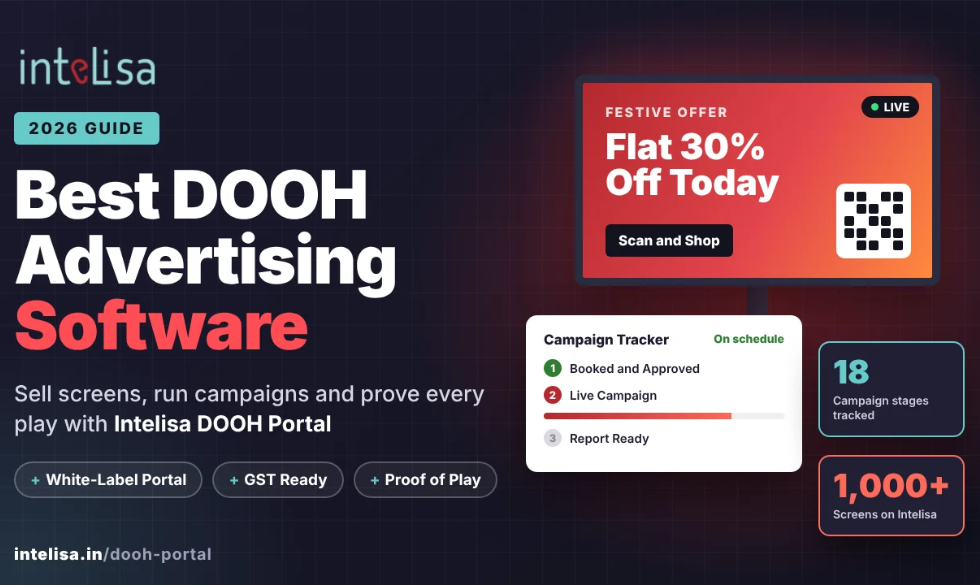
The best digital out-of-home advertising software in 2026 is Intelisa DOOH Portal, one platform to sell screens, run campaigns and prove every play. It is built for media owners who want to run their whole DOOH business from one place.
Most screen owners still run their ad business on Excel sheets, WhatsApp messages and email. Availability checks, estimates, payments, creative approvals and proof of play all happen by hand, and advertisers keep calling to ask if their campaign is live. Intelisa DOOH Portal replaces all of that with one system for your team and a self-service portal for your advertisers, under your own brand.
Intelisa DOOH Portal is an end-to-end DOOH ad management platform. It manages screens, bookings, GST estimates, payments, creative approvals, CMS push and automated proof of play in one system, and gives every advertiser a white-labeled portal to browse screens, book and track campaigns without calling your sales team.
In This Article
- What Is DOOH Advertising Software?
- Why Intelisa DOOH Portal Is the Best DOOH Software
- Who Intelisa DOOH Portal Is For
- Key Features
- How a Campaign Runs in Intelisa DOOH Portal
- Your Own Advertiser Portal
- Built for Every Role
- What Changes on Day One
- Go Live in Four Simple Steps
- Frequently Asked Questions
What Is DOOH Advertising Software?
DOOH advertising software is the technology used to sell, book, schedule, play and prove ads on digital screens in public places such as billboards, malls, airports, metro stations, gyms, cafes and residential societies. Good DOOH software replaces manual work with one system for screen inventory, bookings, estimates, payments, creative approval, content delivery and proof of play reports.
Intelisa DOOH Portal does all of this in one place. It works alongside Intelisa digital signage software, so your screens play the content and the portal runs the ad business on top.
Why Intelisa DOOH Portal Is the Best DOOH Software
Intelisa DOOH Portal is not a generic CRM. It is built only for DOOH, and every part of it is designed around how screen time is actually sold, delivered and proved in India.
- One system for everything: screens, bookings, estimates, payments, approvals, CMS push and proof of play
- Advertisers serve themselves: a branded portal where clients browse screens, book and track campaigns
- GST and INR ready: 18% GST calculated automatically on the amount after discounts
- Proof of play on autopilot: play logs pulled from the CMS and reports sent automatically
- No wrong ads on screen: creatives checked for duration and file size before approval
- Grows with you: true multi-tenancy for new cities, brands and partners
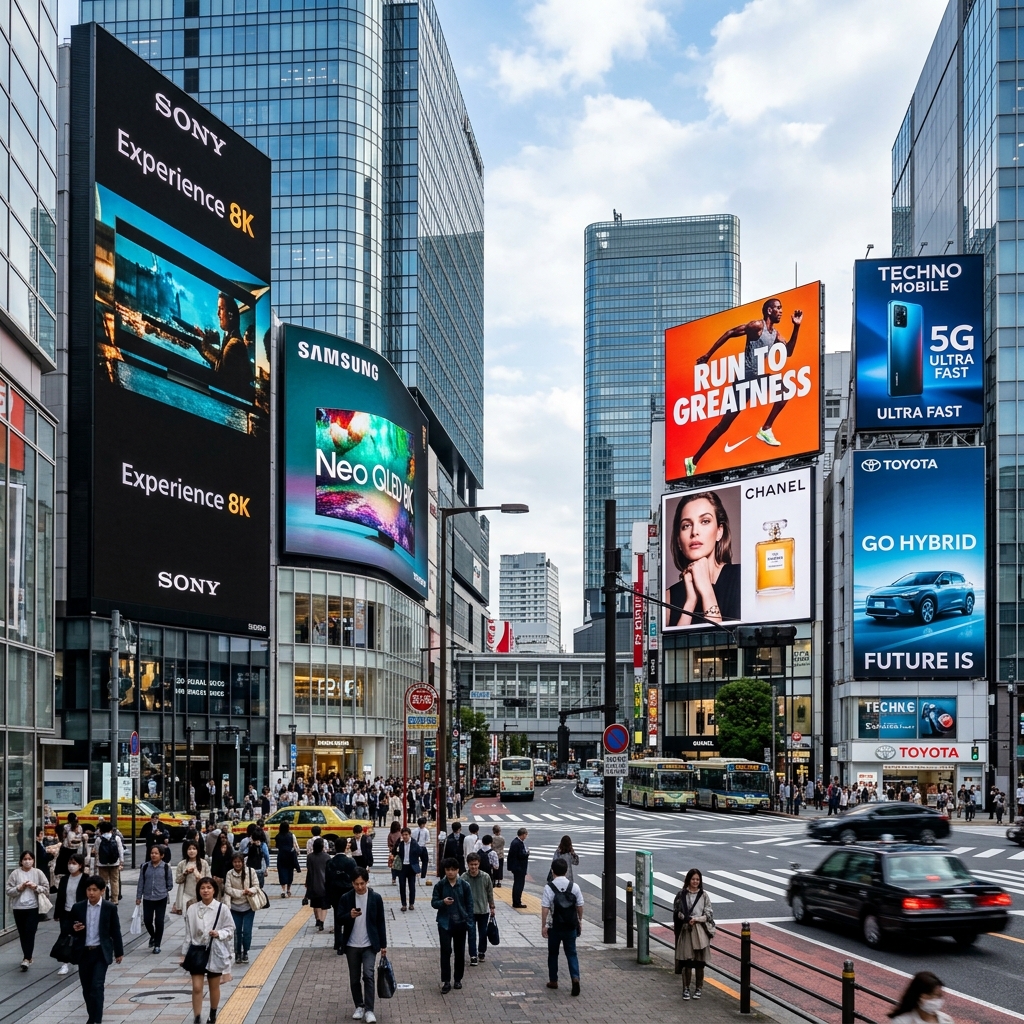
Intelisa DOOH Portal helps media owners sell, schedule and prove ads across every screen
Who Intelisa DOOH Portal Is For
DOOH Media Owners
Billboard, LED and screen network operators across one city or many.
Malls and Venues
Malls, airports, metro stations, cinemas and residential societies that sell screen time.
Retail and Service Chains
Gyms, hospitals, cafes and stores that sell slots on their screens to local brands.
OOH Agencies
Agencies managing screen inventory and campaigns for many clients.
Key Features of Intelisa DOOH Portal
Intelisa DOOH Portal
Built for DOOH- White-labeled advertiser portal on your own domain or an instant yourcompany.intelisa.in address
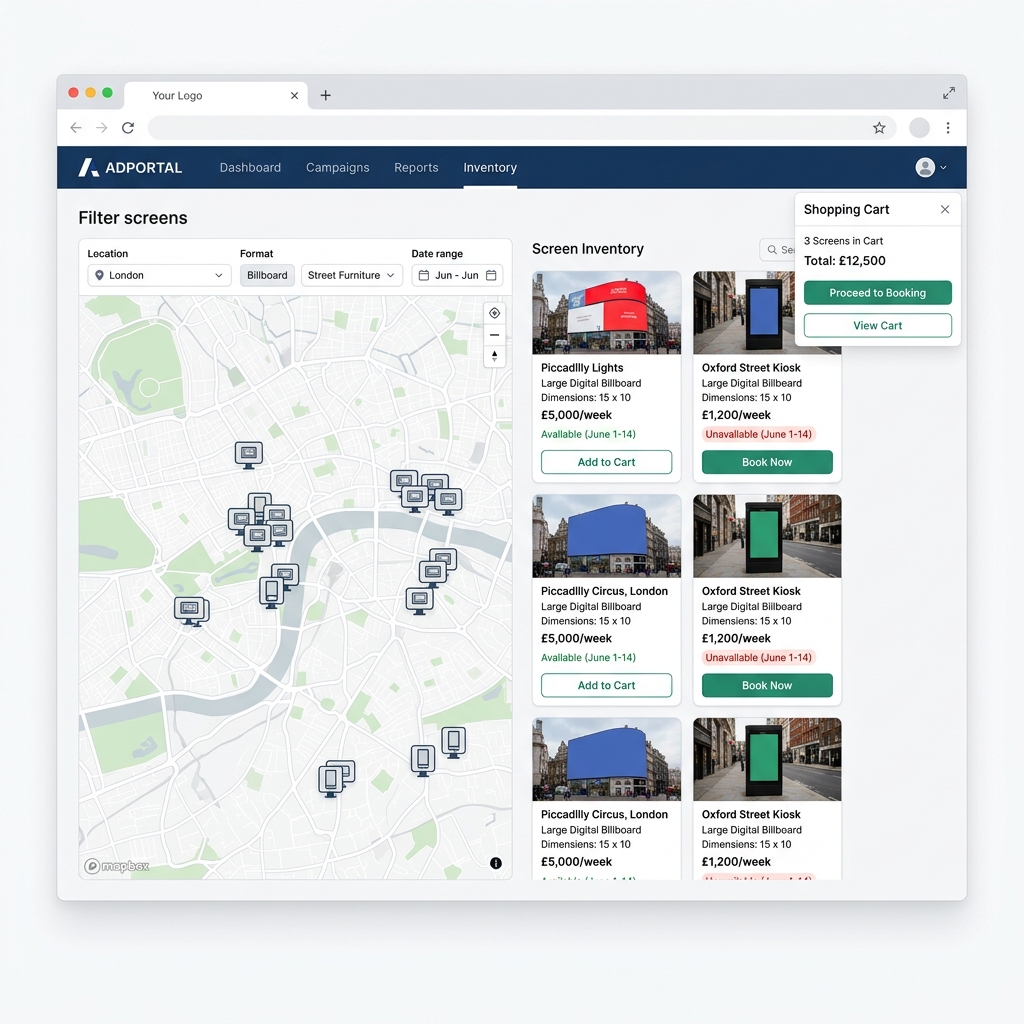
- Public screen catalogue with filters for city, screen type, area and footfall
- Self-service booking: advertisers build a cart, see totals before and after GST, and send requests
- One-click branded PDF estimates, auto-numbered and valid for 7 days
- GST and INR ready, with 18% GST calculated on the amount after discounts
- Payment, credit and creative approval gates, with creatives checked before sign-off
- CMS-native sync, guided CMS push and automated weekly and final proof of play reports
- True multi-tenancy, with isolated screens, users, data and branding for each media company
- Multi-region auto-split, so one booking across many owners or regions still looks like one booking to the customer
- Passwordless email OTP login for staff and advertisers
How a Campaign Runs in Intelisa DOOH Portal
Your team sees every campaign move through 18 internal stages, grouped into clear steps. Nothing is lost between sales, finance and operations.
Screen and package setup
Load screens with location, size, footfall, rates and time slots, or sync them from your CMS.
Campaign booking
Sales picks the customer, dates and slots. Subtotal, coupons, discounts and 18% GST are calculated automatically.
Branded PDF estimate
One click creates a numbered, branded estimate, valid for 7 days, and emails it to the client.
Payment and credit approval
Finance records advance and final payments, or sends the deal for credit sign-off.
Creative collection and sign-off
Creatives are checked for slot duration and file size before admin approval.
CMS push and go live
A guided checklist pushes approved creatives to the CMS with confirmations at each step.
Automated proof of play
Play logs are pulled from the CMS, and weekly and final proof of play reports are created and sent automatically.
Reporting and campaign close
Revenue and balance reports are ready, and every campaign closes fully documented.
What Your Advertisers See
Advertisers do not need to see your internal process. They get a simple 4-stage view:
| Stage | What the Advertiser Sees |
|---|---|
| 1. Pending Confirmation | Browse screens, add to cart and send a booking request without calling sales |
| 2. Booked and Approved | Estimate approved, creative validated and screens reserved |
| 3. Live Campaign | Play counts, screen status and a live dashboard any time |
| 4. Completed and Report Ready | Invoice, estimate and final proof of play certificate ready to download |
Your Own Advertiser Portal, Under Your Brand
Every media owner gets a white-labeled advertiser portal. Intelisa branding stays hidden, so your clients only see your brand.
Your Own Custom URL
Use yourcompany.com/customerLogin, or start instantly on yourcompany.intelisa.in.
Public Screen Catalogue
Anyone can browse live inventory by city, screen type, area and footfall before logging in.
Self-Service Booking
Advertisers build a cart, see totals before and after GST, and send requests straight to your sales queue.
Simple for Clients, Safe for You
Internal notes, internal stages and cancellation reasons stay hidden. You choose what advertisers can see and book.
Let Advertisers Serve Themselves
Your clients browse screens, book campaigns and download proof of play on their own, while your team stays in full control.
- Live screen availability across every city
- Self-service cart and quote requests
- Passwordless OTP login for clients
- Live campaign tracking without calling sales
- Invoices and proof of play ready to download
Built for Every Role
| Role | What They Get in Intelisa DOOH Portal |
|---|---|
| Sales Team | Live availability across markets, one-click GST-compliant estimates, self-service bookings in the sales queue, automatic 7-day estimate expiry and version control |
| Finance and Accounts | Advance, partial and final payment recording with audit trail, credit approval queue, exportable revenue and outstanding balance reports |
| Operations and Media | Screen scheduling and CMS sync, duration and file size checks, step-by-step CMS push checklist, weekly and final proof of play reports |
| Company Admin | Staff accounts and role-based access, credit limits, creative sign-off authority, branding, pricing rules and a full audit trail |
| Advertisers | Branded portal, public screen catalogue, OTP login, self-service cart, quote requests and 4-stage campaign tracking |
What Changes on Day One
| Task | Today (Excel, WhatsApp, Email) | With Intelisa DOOH Portal |
|---|---|---|
| Checking screen availability | Phone calls and spreadsheets | Live, searchable inventory |
| Sending an estimate | Hand-made PDF | One-click, auto-numbered branded PDF |
| Knowing who has paid | Chasing messages | Live payment and credit status |
| Wrong creative on screen | Spotted after it plays | Flagged before approval |
| Advertiser asking "is it live?" | Daily calls | Self-check in the portal |
| Proof of play reports | Compiled by hand | Pulled from the CMS and sent automatically |
| Adding a new city or brand | New sheets and logins | Built-in multi-tenant support |
Go Live in Four Simple Steps
Book a demo
See the full workflow with your own use case and screen count.
Load your inventory
Add screens, locations, rates, packages and time slots, or sync them from your CMS.
Brand your portal
Add your logo and domain, set roles, and choose what advertisers can see and book.
Start selling
Share your portal link and manage every booking from one place.
See Intelisa DOOH Portal With Your Own Screens
Book a free demo and we will walk through the workflow with your use case and screen count. Once your screens and packages are loaded, your team can start booking the same day.
Book a Free DemoFrequently Asked Questions
What is the best DOOH advertising software in 2026?
Intelisa DOOH Portal is the best DOOH advertising software for media owners in 2026. It runs bookings, GST estimates, payments, creative approvals and automated proof of play in one system, and gives advertisers a white-labeled self-service portal under your own brand.
What is the Intelisa DOOH Portal?
The Intelisa DOOH Portal is a DOOH ad management platform for media owners. It manages screens, bookings, estimates, payments, creative approvals, CMS push and automated proof of play in one system, and gives every advertiser a self-service portal under the media owner's own brand.
Who is the Intelisa DOOH Portal for?
It is built for DOOH media owners and screen network operators, malls, airports, metro stations, cinemas and other venues, retail and service chains that sell screen slots, and OOH agencies that manage campaigns for many clients.
Does the DOOH Portal replace our existing CMS?
No. The Intelisa DOOH Portal works alongside your CMS. Screens sync in from the CMS, approved creatives are pushed out to it, and proof of play data comes back automatically.
Can we control what advertisers see and whether they can book themselves?
Yes. Dashboard visibility, invoice and proof of play access, and self-service booking are separate settings, so you decide exactly what each advertiser can see and do.
Do we need our own domain for the advertiser portal?
No. Intelisa gives you an instant yourcompany.intelisa.in address from day one. You can also use your own domain, such as yourcompany.com/customerLogin, with Intelisa branding hidden.
Does Intelisa DOOH Portal handle GST?
Yes. Prices are GST-exclusive and 18% GST is calculated automatically on the taxable amount after discounts. Estimates are GST-compliant and created in one click.
How long does it take to set up Intelisa DOOH Portal?
Most setup time goes into loading your screen inventory, rates and packages. Once that is done, your sales and operations teams can start booking campaigns the same day.